Load Balancer: Types, Benefits, and Best Practices for Your Business
What Is a Load Balancer?
A load balancer is a device or software application that distributes incoming network traffic across multiple servers, preventing any single server from becoming overwhelmed. It acts as a traffic controller for your application infrastructure — evaluating server health, current load, and configuration rules to route each request to the server best equipped to handle it.
Picture this: your marketing team launches a flash sale, social media picks it up, and traffic to your website spikes tenfold in under an hour. Without load balancing, that traffic hammers a single server until it buckles. Pages stop loading. Carts time out. Customers leave. Revenue disappears. Load balancers exist to prevent exactly this scenario — and they do a lot more than just handle traffic spikes. From improving response times to strengthening security, load balancing is one of the most practical investments an IT team can make. Here's everything you need to know about how load balancers work, the types available, and how to implement them correctly.
How a Load Balancer Works
When a user sends a request to your application — whether it's loading a web page, submitting a form, or starting a video stream — the request doesn't go directly to a server. Instead, it arrives at the load balancer first.
The load balancer then:
Evaluates available servers: It checks which servers in the pool are healthy and how much load each one is currently handling.
Selects the best server: Based on a configured algorithm (round-robin, least connections, etc.), it picks the server most capable of handling the request.
Forwards the request: The selected server processes the request and sends the response back through the load balancer to the user.
This process happens in milliseconds. The user never knows which server handled their request — they just experience a fast, responsive application.
The load balancer continuously monitors server health through health checks. If a server goes down or starts responding slowly, the load balancer stops sending traffic to it and redirects requests to healthy servers. When the server recovers, it's automatically added back to the pool.
Key Benefits of Load Balancing
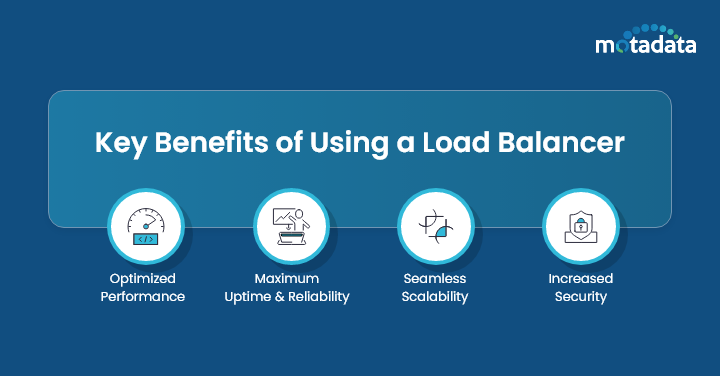
Optimized Application Performance
During traffic spikes — product launches, flash sales, viral campaigns — load balancers distribute requests evenly across backend servers. No single server bears the full weight. This translates to faster response times, lower latency, and a consistently smooth user experience even under heavy demand.
Maximum Uptime and Reliability
Load balancers continuously monitor each server's health. If a server fails or becomes unresponsive, traffic is automatically rerouted to healthy servers. This failover happens without user disruption, keeping your application available 24/7.
For business-critical applications — e-commerce platforms, SaaS products, financial services — this automatic failover is the difference between a minor blip and a major outage.
Scalability Without Downtime
As your business grows, so does your traffic. Load balancers make scaling straightforward: add new servers to the pool, and the load balancer immediately starts distributing traffic to them. There's no need to take the application offline to scale.
This applies to both scaling up (handling more traffic) and scaling down (removing servers during low-traffic periods to save costs).
Stronger Security
Load balancers serve as a layer of defense between users and your backend servers. They provide:
SSL/TLS termination: Offloading encryption and decryption from backend servers, reducing their CPU burden
Request filtering: Blocking malicious requests before they reach your servers
DDoS protection: Absorbing and distributing attack traffic across the infrastructure
PCI compliance support: Helping meet security standards for applications that process credit card transactions
When Your Business Needs a Load Balancer
Not every application needs a load balancer from day one, but there are clear signals that it's time to invest:
Your Website Slows Down During Peak Hours
If your application becomes sluggish during business hours, sales events, or marketing campaigns, it means your servers are hitting their limits. A load balancer distributes that demand across multiple servers, keeping performance consistent even during peak periods.
You're Expecting a Traffic Spike
Planned events — product launches, seasonal sales, webinars, or marketing pushes — can drive sudden surges in traffic. If you know a spike is coming, a load balancer lets you add temporary server capacity and distribute that traffic automatically.
You Run Multiple Servers
If your application already runs on multiple servers but you're not using a load balancer, some of those servers are likely overworked while others sit idle. Load balancing ensures even distribution, maximizing the value of every server you're paying for.
Reliability Is a Business Requirement
For any application where downtime directly impacts revenue or customer trust, load balancing provides the automatic failover needed to maintain availability. If a server fails, users don't notice — the load balancer handles the transition.
Types of Load Balancers
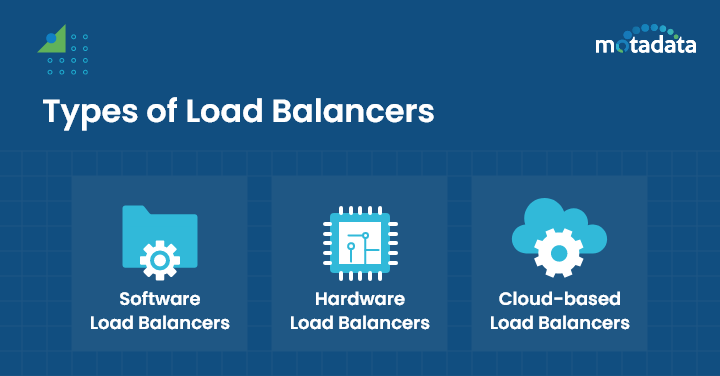
Software Load Balancers
Software load balancers run on standard servers or virtual machines. You install them as applications that intercept incoming traffic and distribute it using configured algorithms.
Strengths:
Cost-effective and easy to deploy
Flexible — can be updated and reconfigured quickly
Include features like SSL termination, health monitoring, and connection pooling
Well-suited for cloud and hybrid environments
Common examples: NGINX, HAProxy, Envoy, Traefik
Hardware Load Balancers
Hardware load balancers are dedicated physical appliances designed specifically for traffic distribution. They sit in your data center and handle load balancing at the hardware level.
Strengths:
High throughput and low latency for heavy traffic volumes
Isolated from other server processes, so performance is predictable
Advanced features like Layer 7 content switching and SSL acceleration
Preferred in enterprise environments that prioritize availability
Trade-offs: Higher cost, require physical data center space, and demand ongoing maintenance.
Cloud-Based Load Balancers
Cloud load balancers are managed services offered by cloud providers. They handle traffic distribution across servers running in cloud environments.
Strengths:
No hardware to purchase or maintain
Auto-scaling capabilities that match infrastructure to traffic demand
Pay-as-you-go pricing
Native integration with other cloud services
Common examples: AWS Elastic Load Balancing, Azure Load Balancer, Google Cloud Load Balancing
Comparison at a Glance
Feature | Software | Hardware | Cloud-Based |
|---|---|---|---|
Cost | Low to moderate | High upfront | Pay-as-you-go |
Deployment | Minutes to hours | Days to weeks | Minutes |
Scalability | Good (manual or scripted) | Limited (add appliances) | Excellent (auto-scaling) |
Maintenance | Software updates | Hardware + software | Managed by provider |
Best For | Hybrid, on-prem, dev/test | High-traffic enterprise | Cloud-native applications |
Load Balancing Algorithms Explained
The algorithm you choose determines how the load balancer routes requests to servers:
Round-Robin: Distributes requests sequentially across all servers. Simple and effective when servers have similar capacity.
Least Connections: Routes each request to the server with the fewest active connections. Works well when request processing times vary.
IP Hash: Uses the client's IP address to determine which server handles the request. Ensures the same client always reaches the same server (session persistence).
Weighted Round-Robin: Like round-robin, but assigns more traffic to servers with higher capacity.
Least Response Time: Routes traffic to the server with the fastest current response time.
The right algorithm depends on your application's behavior, your server configurations, and whether session persistence is required.
Best Practices for Implementation
Consult with Infrastructure Experts
Before selecting a load balancer, work with your infrastructure team (or an outside consultant) to assess your application's traffic patterns, performance requirements, and growth projections. The right load balancer type and configuration depend on your specific environment.
Choose the Right Algorithm
Don't default to round-robin. Analyze how your application handles requests — do some requests take significantly longer than others? Do users need session persistence? Match the algorithm to your application's actual behavior.
Monitor Load Balancer Performance
Your load balancer is a component in your infrastructure, and it needs monitoring too. Track throughput, response times, error rates, connection counts, and backend server health. If the load balancer itself becomes a bottleneck, your entire application suffers.
Plan for Redundancy
A single load balancer is a single point of failure. Deploy load balancers in an active-passive or active-active configuration so that if one fails, the other takes over without service interruption.
Test Under Load
Before going live, stress-test your load balancing setup with realistic traffic volumes. Verify that failover works correctly, algorithms distribute traffic as expected, and performance holds under peak conditions.
Monitor and Optimize Load Balancing with Motadata
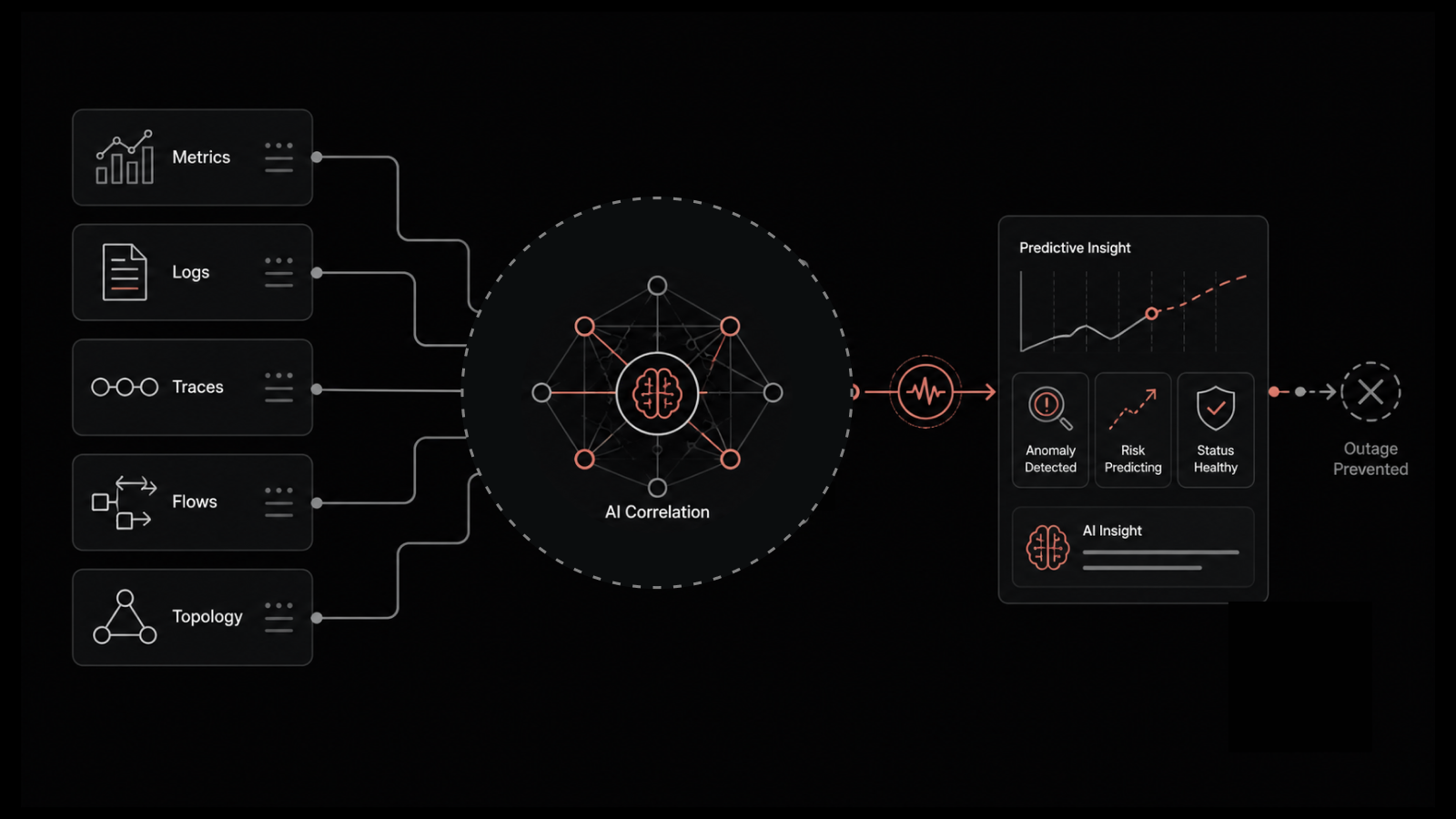
Motadata's Application Performance Monitoring platform gives you end-to-end visibility into your load balancing infrastructure alongside your servers, networks, and applications. Track server health, response times, connection counts, and traffic distribution patterns from a unified dashboard. With AIOps-driven anomaly detection, Motadata alerts you when traffic patterns shift unexpectedly, a server falls behind, or your load balancer approaches capacity limits — so you can act before users are affected. Whether you're running software, hardware, or cloud-based load balancers, Motadata provides the monitoring layer that keeps everything performing at its best. Start your free trial to see your infrastructure in a new light.
FAQs
What is the difference between Layer 4 and Layer 7 load balancing?
Layer 4 (transport layer) load balancing makes routing decisions based on IP addresses and TCP/UDP ports. It's fast and efficient but doesn't inspect the content of requests. Layer 7 (application layer) load balancing examines the actual content of requests — URLs, headers, cookies — to make more intelligent routing decisions. Layer 7 is more flexible but requires more processing power.
Can a load balancer improve application security?
Yes. Load balancers can terminate SSL/TLS connections, filter malicious requests, mitigate DDoS attacks by distributing attack traffic, and hide the IP addresses of backend servers from external clients. They serve as a protective layer between the internet and your application infrastructure.
What happens if the load balancer itself fails?
If you've deployed load balancers with redundancy (active-passive or active-active), the backup load balancer takes over automatically. Without redundancy, a load balancer failure becomes a single point of failure that takes down the entire application. This is why redundant deployment is a best practice.
How do load balancers handle SSL/TLS encryption?
Load balancers perform SSL/TLS termination — they decrypt incoming encrypted traffic, inspect and route it, then forward it to backend servers. This offloads the CPU-intensive encryption work from application servers, improving their performance and simplifying certificate management.
Author
Motadata Team
Content Team
Articles produced collaboratively by our engineering and editorial teams bear the collective authorship of Motadata Team.