Help Desk Metrics and KPIs to Measure Performance in 2026
Help desk metrics are quantifiable measures that track the efficiency, speed, and quality of your IT support operations. Help desk KPIs (Key Performance Indicators) tie those measures directly to business objectives like customer satisfaction, cost control, and agent productivity.
Here's a number that should get your attention: organizations that actively track help desk KPIs see up to 25% faster ticket resolution and 20% higher customer satisfaction compared to teams that fly blind. Yet many IT support teams still operate without a clear measurement framework, leaving performance gaps undetected and money on the table.
If your help desk tool feels like a black box, you're not alone. But the fix isn't complicated. It starts with knowing exactly which metrics matter, why they matter, and how to act on them. This guide breaks down the most important help desk performance metrics and gives you a practical framework for choosing the right KPIs for your organization.
What Is a Help Desk?
A help desk is the central point of contact between your organization and the people who use your products, services, or internal IT systems. It handles incoming requests through email, phone, chat, and self-service portals, with the goal of resolving issues quickly so users can get back to productive work.
Modern help desks go far beyond basic ticket logging. With AI-driven automation, intelligent routing, and integrated knowledge bases, today's help desk solutions act as the front line of IT service delivery. They don't just react to problems; they prevent them.
For any organization serious about support quality, measuring help desk performance isn't optional. It's the only way to spot bottlenecks, justify investments, and prove that your team is delivering real value.
What Are Help Desk Metrics and KPIs?
Before you start measuring, it helps to understand the difference between metrics and KPIs, as they're related but not identical.
KPIs are quantifiable targets tied to business objectives. They answer the question: "Are we hitting our goals?" Examples include first contact resolution rate, average handle time, and customer satisfaction scores.
Metrics are broader data points that reveal trends and patterns. They answer: "What's happening in our operations?" Examples include ticket volume by category, ticket age distribution, and channel utilization rates.
The best help desk teams track both. KPIs tell you whether you're winning or losing. Metrics tell you why and where to focus your improvement efforts.
Top 7 Help Desk Performance Metrics and KPIs
1. First Contact Resolution Rate (FCR)
FCR measures the percentage of tickets resolved during the user's first interaction, without requiring follow-up contacts or escalation. It's widely considered the single most important help desk metric.
Why it matters: A high FCR (industry benchmark: 70-75%) means users get answers fast, agents work efficiently, and your knowledge base is doing its job. A low FCR often signals training gaps, inadequate documentation, or poor ticket routing.
How to improve: Build a comprehensive knowledge base, use AI-powered ticket classification to route requests to the right agent on the first try, and invest in agent training for common issue categories.
2. Average Handle Time (AHT)
AHT tracks the total time an agent spends on a ticket from open to close, including research, communication, and resolution steps.
Why it matters: While faster isn't always better (rushing can hurt quality), consistently high AHT usually indicates process inefficiencies. The industry average for IT help desks sits around 8-12 minutes per ticket.
How to improve: Automate repetitive tasks like password resets, provide agents with quick-access troubleshooting guides, and use canned responses for common queries.
3. Customer Satisfaction Score (CSAT)
CSAT captures how satisfied users are with the support they received, typically through a post-resolution survey using a 1-5 or 1-10 scale.
Why it matters: CSAT is the ultimate reality check. You can hit every operational metric and still fail if users aren't happy with the experience. Strong CSAT scores (above 85%) correlate with higher user retention and fewer repeat tickets.
How to improve: Follow up on every negative rating, reduce wait times, personalize responses, and close the feedback loop by telling users what changed based on their input.
4. Net Promoter Score (NPS)
NPS measures how likely users are to recommend your help desk to others, scored on a 0-10 scale. Respondents fall into Promoters (9-10), Passives (7-8), and Detractors (0-6).
Why it matters: NPS goes beyond single-interaction satisfaction to measure overall loyalty and perception. A positive NPS means your help desk is building trust, not just closing tickets.
How to improve: Identify themes in detractor feedback, track NPS trends over time rather than fixating on individual scores, and celebrate improvements publicly within your team.
5. Ticket Volume and Trend Analysis
This metric tracks the total number of incoming tickets over specific time periods, broken down by channel, category, priority, and team.
Why it matters: Volume trends reveal staffing needs, seasonal patterns, and the impact of changes (like a software rollout that spikes tickets). A steady increase in ticket volume without proportional staff growth is a red flag.
How to improve: Deflect common requests through self-service portals, deploy chatbots for routine queries, and use volume data to forecast staffing needs during peak periods.
6. Average Resolution Time
This measures the elapsed time from when a ticket is created to when it's marked resolved, including any wait time, escalation time, and active work time.
Why it matters: Resolution time directly impacts user productivity. Every hour a ticket stays open is an hour a user may be blocked from doing their job. Industry benchmarks vary by priority, but most organizations target under 24 hours for standard requests.
How to improve: Set clear SLA targets by priority level, use automated escalation rules to prevent tickets from aging, and maintain a well-organized knowledge base for faster agent reference.
7. Cost Per Ticket
Cost per ticket divides your total help desk operating costs (salaries, tools, overhead) by the number of tickets resolved in a given period.
Why it matters: This is the metric that connects help desk performance to the budget. Average cost per ticket across the industry ranges from $15 to $50, depending on complexity. Tracking it over time shows whether your automation and process improvements are paying off financially.
How to improve: Automate high-volume, low-complexity requests (password resets, access provisioning), expand self-service options, and optimize agent scheduling based on demand patterns.
Help Desk Best Practices That Drive Better Metrics
Build a Self-Service Portal
Self-service portals let users create tickets, check status, and find answers without contacting an agent. Organizations with mature self-service capabilities typically see 20-30% ticket deflection, directly reducing cost per ticket and freeing agents for complex issues.
Invest in Your Knowledge Base
A well-maintained knowledge base serves both users (through self-service) and agents (through quick-reference guides during live support). Document solutions for your top 50 most common ticket types and keep them updated. Stale articles are worse than no articles since they erode trust.
Integrate Your Help Desk with Business Tools
Your help desk shouldn't operate in isolation. Connect it with communication platforms (Slack, Microsoft Teams), monitoring tools, and your CMDB. These integrations give agents context they need without switching between applications, reducing handle time and improving resolution accuracy.
Automate Repetitive Workflows
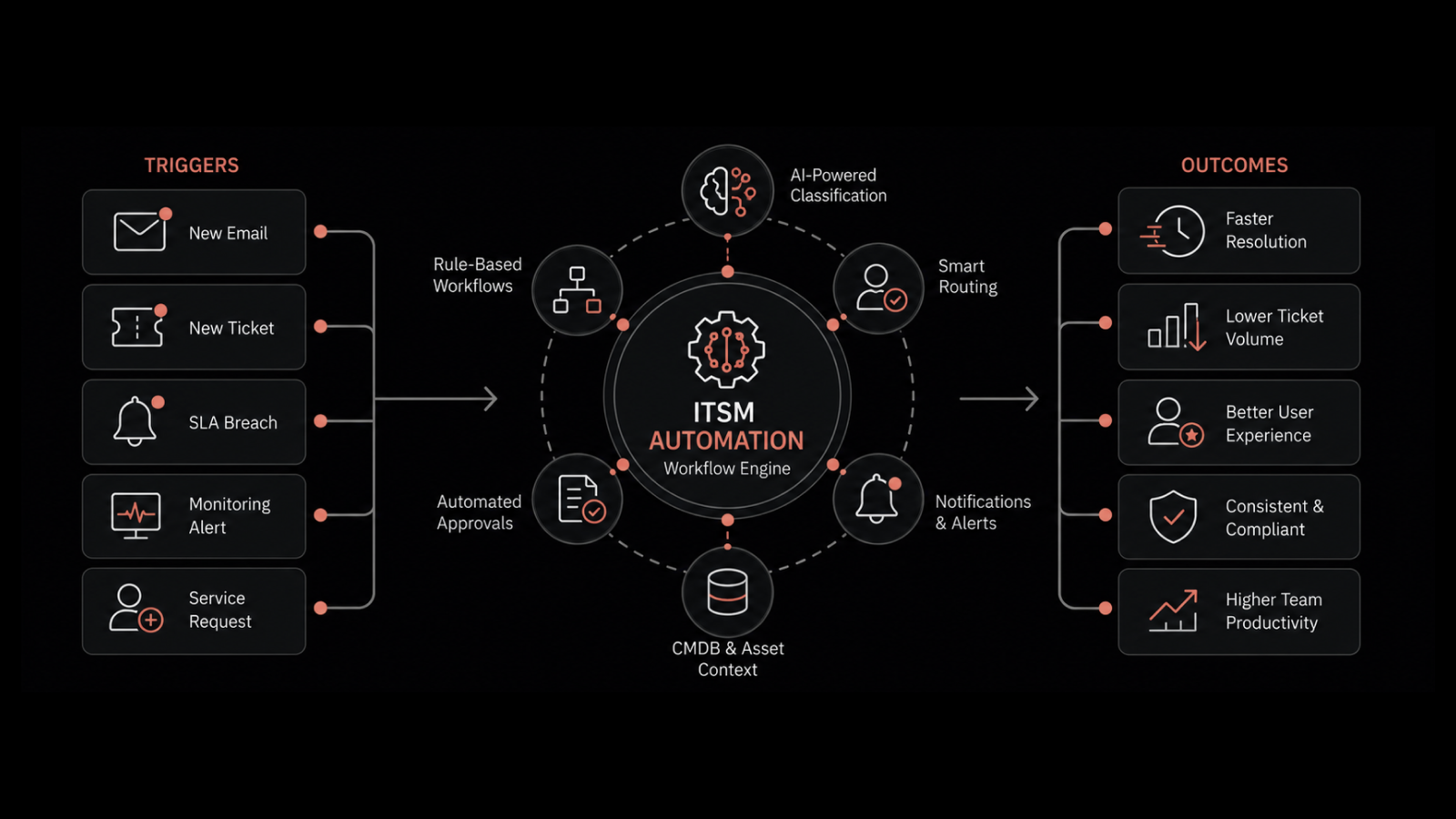
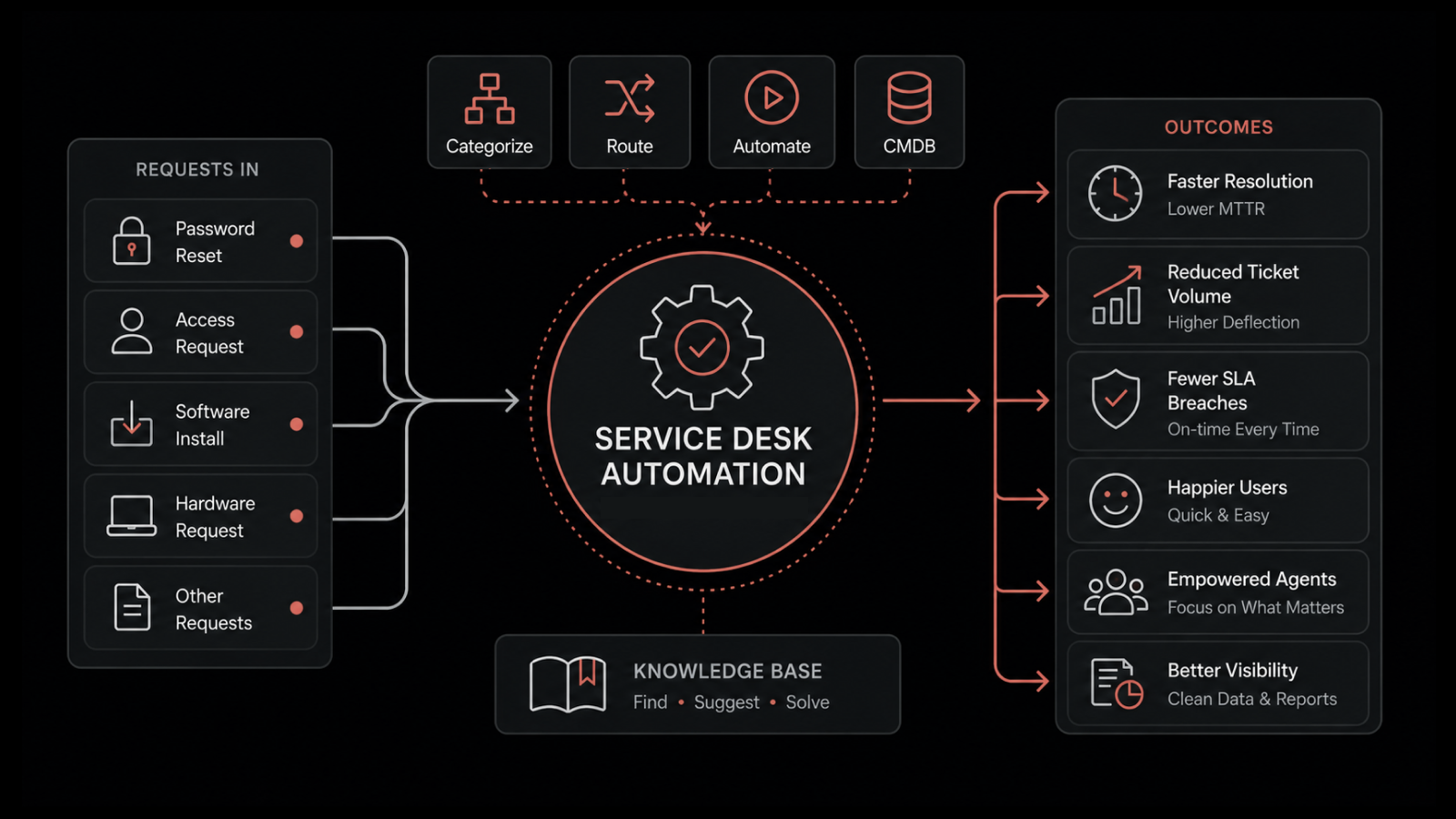
AI-driven automation handles ticket classification, routing, initial responses, and even resolution for straightforward requests. Motadata ServiceOps uses intelligent workflow automation to route tickets based on technician workload and expertise, cutting manual effort and improving first-contact resolution rates.
Track Metrics Continuously, Not Quarterly
Real-time dashboards beat quarterly reviews. When you can see metrics trending in the wrong direction this week (not last quarter), you can intervene before small issues become systemic problems.
Benefits of Measuring Help Desk Metrics
Improved customer satisfaction: When you know your CSAT is dropping, you can investigate root causes and fix them before they compound. Data-driven teams consistently outperform teams that rely on gut feel.
Increased operational efficiency: Metrics expose bottlenecks. If AHT spikes for a specific ticket category, you know exactly where to focus training or automation efforts.
Reduced costs: By tracking cost per ticket alongside automation adoption, you can quantify the ROI of every process improvement and technology investment.
Better resource allocation: Volume trends and resolution time data help you staff the right number of agents at the right times, avoiding both overstaffing and burnout.
Informed decision-making: Whether you're evaluating a new ITSM tool, justifying headcount, or redesigning your escalation process, metrics give you the evidence to back every recommendation.
Stronger reputation: Organizations known for fast, effective IT support attract and retain better talent. Your help desk performance is a direct reflection of your IT organization's maturity.
How to Select the Right Help Desk KPIs for Your Business
Not every metric matters for every organization. Here's a practical framework for choosing the right ones.
Step 1: Start with business objectives. If your priority is cost reduction, focus on cost per ticket and automation rates. If it's user experience, focus on CSAT and FCR.
Step 2: Limit your KPI set. Track 5-7 KPIs maximum. Spreading attention across 20 metrics means none of them get the focus they need.
Step 3: Make every KPI actionable. If you can't change the outcome by changing behavior, it's not a useful KPI. "Number of tickets created" is informational. "Percentage of tickets resolved at first contact" is actionable.
Step 4: Review and adjust quarterly. Your business goals shift. Your KPIs should shift with them. What mattered during a rapid growth phase may not matter during a consolidation phase.
Take Control of Your Help Desk Performance with Motadata
Tracking metrics manually is slow, error-prone, and unsustainable at scale. Motadata ServiceOps gives you a built-in reporting engine with pre-configured dashboards, real-time KPI tracking, and AI-powered analytics that surface the insights your team needs to improve continuously.
From automated ticket routing to intelligent workload balancing, ServiceOps doesn't just measure performance, it helps you improve it. Book a Demo now!
FAQs
What are the most important help desk metrics to track?
The most important help desk metrics are First Contact Resolution (FCR), Average Handle Time (AHT), Customer Satisfaction (CSAT), cost per ticket, and ticket volume trends. These five metrics cover efficiency, quality, cost, and demand, giving you a complete picture of help desk health.
How can AI improve help desk KPIs?
AI improves help desk KPIs by automating ticket classification and routing, powering chatbots for instant first-line support, suggesting knowledge base articles to agents in real-time, and predicting ticket volume patterns for better staffing. These capabilities directly boost FCR, reduce AHT, and lower cost per ticket.
What is a good CSAT score for IT help desks?
A good CSAT score for IT help desks is 85% or above. Scores between 75-85% indicate room for improvement, while scores below 75% suggest systemic issues with response times, resolution quality, or communication. Track CSAT trends over time rather than focusing on individual survey responses.
How does a knowledge base improve help desk metrics?
A knowledge base improves help desk metrics in two ways: it enables user self-service (reducing ticket volume by 20-30%) and gives agents quick access to documented solutions (reducing AHT and improving FCR). The key is keeping content current, accurate, and easy to search.
Author
Arpit Sharma
Senior Content Marketer
Arpit Sharma is a Senior Content Marketer at Motadata with over 8 years of experience in content writing. Specializing in telecom, fintech, AIOps, and ServiceOps, Arpit crafts insightful and engaging content that resonates with industry professionals. Beyond his professional expertise, he is an avid reader, enjoys running, and loves exploring new places.