Is Your ITSM Platform Scaling with Your Operations? Signs It's Time to Upgrade
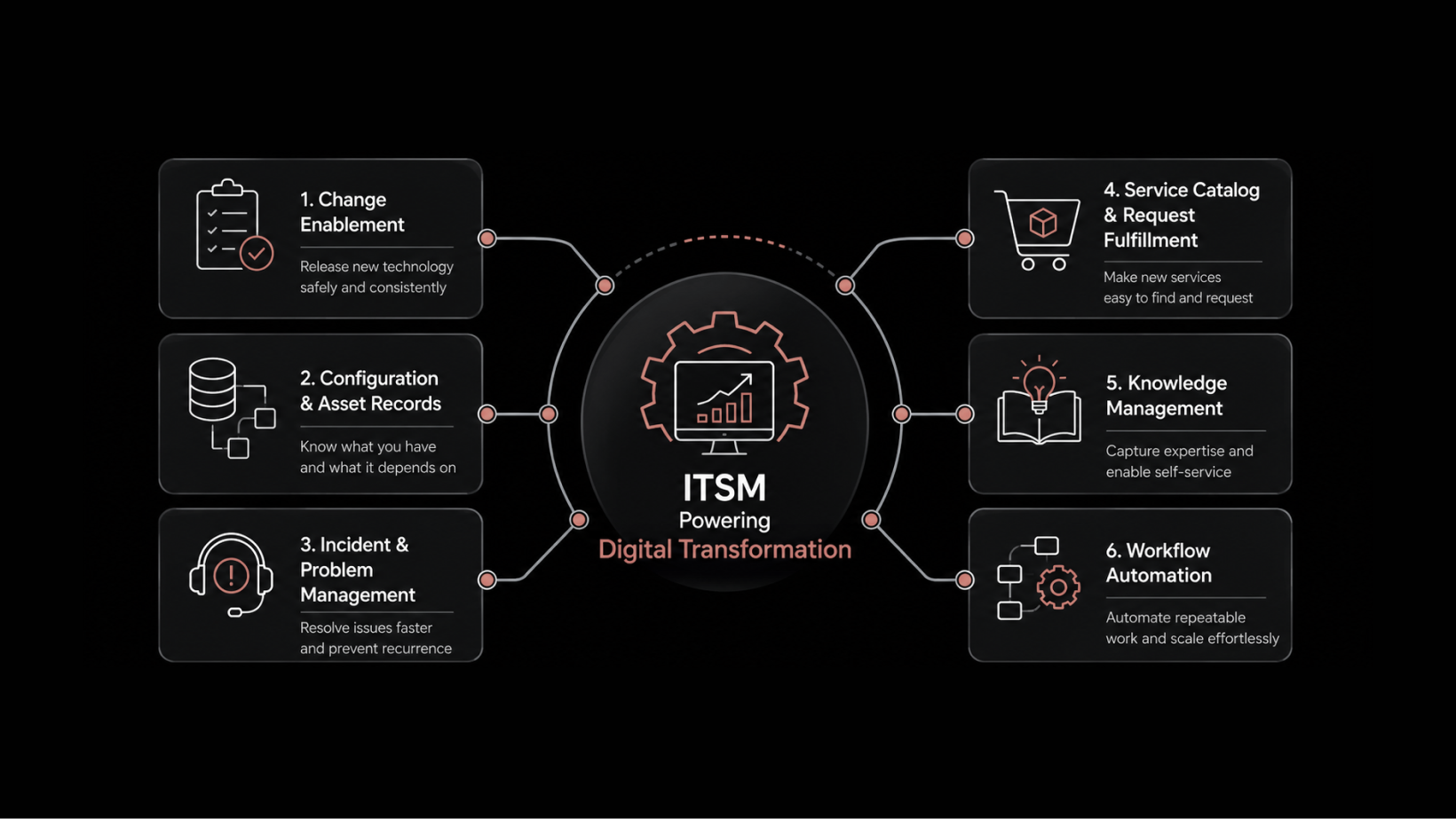
ITSM platform scaling refers to the ability of your IT service management system to handle increasing ticket volumes, growing numbers of users, expanding locations, and evolving service demands without degrading performance, visibility, or compliance. A scalable ITSM platform adapts to organizational growth — it doesn't become an obstacle to it.
Your IT team resolved 500 tickets a month two years ago. Now it's 4,000. You've added three new offices, two departments, and a remote workforce. But your ITSM platform is the same one you deployed when the company was half its current size.
If that sounds familiar, you're not alone. Growth exposes every weakness in your service management processes. Manual ticket routing that worked for 50 users breaks down at 3,000. SLA tracking that relied on spreadsheets can't handle multi-location complexity. And reporting that required someone to manually compile data takes so long that the insights are stale by the time leadership sees them.
The question isn't whether your operations will outgrow your ITSM platform. The question is whether they already have.
Warning Signs Your ITSM Platform Isn't Keeping Up
Before you can fix a scaling problem, you need to recognize one. Here are the most common indicators that your ITSM platform is holding your operations back:
Tickets are piling up without priority-based routing. If every request gets handled in the order it arrives rather than by urgency, your high-priority issues are waiting behind password resets. At scale, this isn't just inefficient — it's damaging.
SLA compliance is a mystery. If your team can't tell you the current SLA breach rate without spending hours pulling data, you don't have SLA management — you have SLA guessing.
Reporting takes days, not minutes. When generating a performance report requires manual data collection from multiple systems, the report is outdated before it's delivered.
Technicians lack context when resolving tickets. If your support team has to ask the requester basic questions about their device, location, and past issues, your platform isn't connecting the right data to the right tickets.
New locations and departments create chaos. Every time you add an office or team, your service delivery process needs manual reconfiguration instead of adapting automatically.
Users can't track their own requests. If employees have to email or call to check on their ticket status, you're generating unnecessary load on your support team.
If three or more of these apply to you, your ITSM platform isn't scaling with your operations.
What a Scalable ITSM Platform Actually Looks Like
A scalable IT service management platform doesn't just handle more volume — it handles more complexity. Here's what that means in practice:
Centralized, Automated Ticket Management
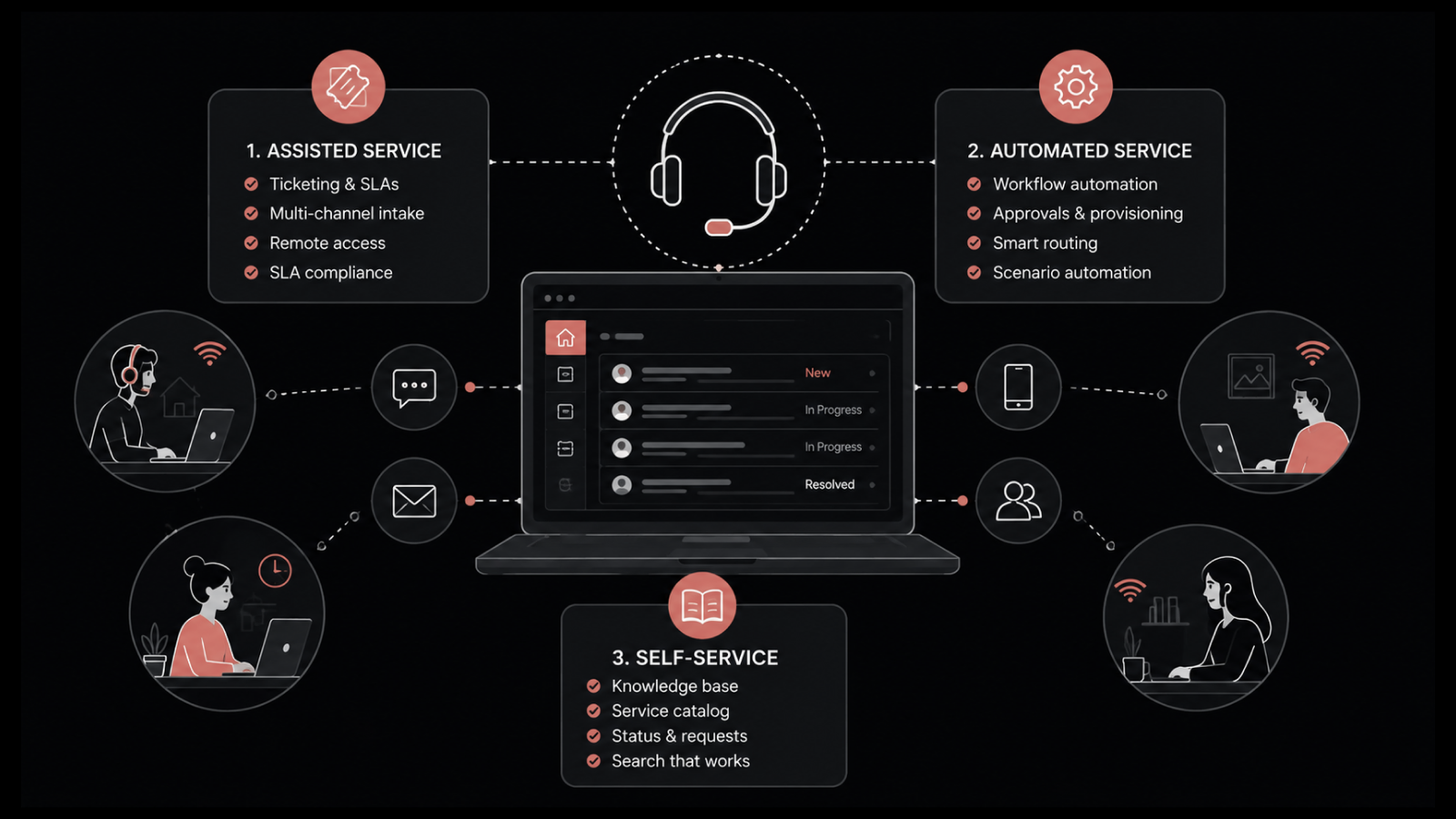
At the foundation, you need a system that captures requests from every channel — email, self-service portal, mobile app, and direct submission — and routes them automatically based on rules you define.
Automated assignment considers technician availability, skill match, and current workload. Priority classification happens at submission, not after a human reviews the ticket. And every ticket carries the requester's full context: their location, department, devices, and history.
This is the difference between a support team that's drowning in volume and one that's working efficiently at scale.
Multi-Channel Request Support
Your users don't all prefer the same channel. Some submit tickets through a self-service portal. Others send emails. Field workers need a mobile app. A scalable ITSM platform supports all of these simultaneously, funneling every request into the same centralized system.
Multi-channel support also means multi-channel communication. Technicians and requesters can exchange updates through the platform regardless of how the ticket was originally submitted.
Intelligent SLA Tracking and Compliance
Service-level agreements are only useful if they're tracked automatically. A scalable platform assigns SLAs to tickets based on priority, category, and requester type — then monitors compliance in real time.
Technicians see their SLA status on every ticket. Managers see breach rates and trends across teams and locations. Nobody has to manually check whether a ticket is approaching its deadline — the system alerts them.
This is how you go from reactive SLA management (finding out about breaches after the fact) to proactive compliance (preventing breaches before they happen).
How a Large EPC Company Solved Its Scaling Challenge
To see what this looks like in practice, consider the experience of one of India's largest engineering, procurement, and construction (EPC) companies.
The Challenge
This organization operates across 14 states, running civil construction, highway development, and manufacturing operations. It had over 3,000 users working from distributed locations.
The company was running its IT service delivery on a legacy system of calls, emails, and physical processes. Every issue was handled manually, in the order it arrived, without priority-based routing. Performance reporting required manual coordination. SLA tracking didn't exist in any meaningful form.
As operations expanded, the system was breaking down. More branches meant more tickets, but the manual process couldn't scale. High-priority issues waited alongside routine requests. Reports took so long to produce that they were useless for strategic planning.
The Solution: ITIL-Compliant ITSM Deployment
Motadata deployed its ServiceOps ITSM platform in a phased, module-by-module approach.
Phase 1 — Incident Management: The incident management module centralized all ticket handling. Requests from every channel — email, self-service portal, mobile — fed into a single system with automated assignment based on technician skills and availability.
Phase 2 — Self-Service Portal: A requester portal gave employees full visibility into their ticket lifecycle. They could submit, track, and update requests without calling or emailing the IT team.
Phase 3 — Problem Management: Technicians used the problem management module to investigate root causes of recurring incidents. They could collaborate with other technicians within the platform and resolve systemic issues rather than repeatedly fixing symptoms.
Phase 4 — SLA Tracking and Reporting: Automated SLA tracking replaced the manual process entirely. Technicians saw real-time compliance status on every ticket. The reporting module let managers generate performance reports with sorting and filtering — no manual data collection needed.
Phase 5 — Location Scoping and LDAP Integration: Data segregation by location ensured that each office accessed only its relevant data, with role-based access controls. LDAP integration automated user management across all workspaces.
The Results
The impact was measurable and immediate:
4% increase in first-contact resolution — more issues solved on the first interaction, with less back-and-forth
4,000+ tickets resolved per month — up from a disorganized manual process
600+ high-priority tickets resolved per week — with proper priority-based routing
Automated reporting — management-level reports generated in clicks, not hours
Full SLA visibility — compliance tracked in real time across all locations
Extending Scalability: Mobile Service Management
After the platform was running, the company extended it to mobile.
The ServiceOps mobile app gave technicians the ability to resolve tickets that were created, assigned, and tracked from their phones. Team leaders supervised the entire process through an audit trail. Requesters and technicians communicated within the app, cutting down the long email chains that used to slow down resolution.
The app also brought the knowledge base to mobile. Users could search for solutions to common issues and resolve them without submitting a ticket. This self-service capability reduced ticket volume for routine requests and freed up technician time for complex issues.
Approval workflows moved to mobile too. Team members could find and respond to approval requests through the app, eliminating the delays caused by waiting for someone to log into a desktop system.
Five Questions to Evaluate Your ITSM Scalability
Use these to assess whether your current platform will support your next phase of growth:
Can your platform handle 3x your current ticket volume without degrading response times or requiring additional manual processes?
Does your reporting generate automatically, or does someone have to compile data from multiple sources?
Can you add a new location or department without weeks of configuration work?
Do your technicians have full requester context — device, location, history — when they open a ticket?
Can users submit and track requests from mobile without calling or emailing your support team?
If you answered "no" to two or more, you're approaching the point where your ITSM platform becomes a constraint on growth rather than a support for it.
Scale Your Service Management with Motadata ServiceOps
Motadata ServiceOps is an AI-native, ITIL-compliant ITSM platform built for organizations that are growing faster than their service management can keep up. With automated ticket routing, real-time SLA tracking, multi-location data scoping, and a mobile app that extends full service capabilities to remote teams, ServiceOps adapts to your scale — not the other way around. Whether you're handling 500 tickets a month or 50,000, the platform delivers consistent performance, accurate reporting, and the visibility your leadership needs to make informed decisions. See how ServiceOps works or talk to our team about your scaling challenges.
FAQs
How long does it take to deploy an ITSM platform for a multi-location organization?
A phased deployment typically takes 4-8 weeks per module. For a full ITSM rollout covering incident management, problem management, SLA tracking, reporting, and location scoping, plan for 3-6 months. Phased deployment lets you validate each module before adding the next, reducing risk and allowing teams to adapt gradually.
Can an ITSM platform integrate with existing directory services like LDAP?
Yes. ITSM platforms like Motadata ServiceOps integrate with LDAP and Active Directory to automate user provisioning, authentication, and role assignment. This means you don't have to manually create and manage user accounts — the ITSM platform pulls user data from your existing directory and keeps it synchronized.
What ticket volume can a scalable ITSM platform handle?
Enterprise-grade ITSM platforms handle tens of thousands of tickets per month without performance degradation. The key isn't just raw volume — it's maintaining fast routing, real-time SLA tracking, and accurate reporting at that volume. Motadata ServiceOps supports organizations managing 4,000+ tickets monthly across multiple locations.
How does ITSM improve first-contact resolution rates?
By giving technicians full context at the moment they open a ticket — the requester's device, location, department, past issues, and related knowledge base articles. Automated categorization and priority assignment ensure tickets reach the right technician immediately. And self-service portals deflect routine requests, so technicians focus on issues that actually require their expertise.
Is mobile ITSM access secure enough for enterprise use?
Yes. Enterprise ITSM mobile apps use encrypted connections, role-based access controls, and session management to protect data. Technicians access only the tickets and data they're authorized to see. Audit trails log every action taken through the app, providing full accountability for mobile service delivery.