What Is Shadow IT? Meaning, Risks, and How It Shows Up in Your Asset Inventory
Most shadow IT starts with a marketing team that needed a file-sharing tool on Tuesday. The next procurement cycle was six weeks away.
That gap keeps widening. According to Gartner, 75 percent of employees will acquire, modify or create technology outside IT's visibility by 2027, up from 41 percent in 2022. Shadow IT is the name for that tech. IT asset discovery is where it first shows up.
In this blog, you will:
Define shadow IT: And see where the line sits between shadow and rogue.
Recognize the seven common forms: From expensed SaaS to shadow AI.
Weigh the risks: Data exposure, unpatched software and offboarding gaps.
Find it in your inventory: Using discovery, classification and usage data.
Run a management loop: Eight steps that keep it bounded.
By the end, you can turn shadow IT into a weekly review queue.
What Does Shadow IT Mean?
Shadow IT means any hardware, software or cloud service used inside a company without the knowledge or approval of the IT department.
The word shadow refers to visibility, not intent. The technology does real work for real employees. It just sits outside the inventory, the security review and the renewal calendar.
A department expensing a SaaS subscription on a corporate card counts. So does a developer spinning up a cloud instance in a personal account. So does a team pasting customer data into an AI assistant nobody has reviewed.
The problem comes down to what IT cannot do with something it cannot see. It cannot patch it, back it up, secure it or license it. It cannot decommission it when the person who set it up leaves.
What Are Examples of Shadow IT?
Shadow IT is easier to recognize in the specific than in the abstract. These seven forms account for nearly everything we find on discovery runs, and we see the first two at every site.
Unsanctioned SaaS: File sharing, project management, design, e-signature and note-taking tools bought on expense cards. This is the largest category in most companies by a wide margin.
Personal devices and accounts: Work documents in a personal cloud drive, or a personal phone syncing corporate mail. A private email address used to move a file the approved channel rejected belongs here too.
Unapproved cloud resources: Instances, storage buckets and databases created in accounts that never appear in central billing.
Rogue hardware: Consumer routers and switches added to solve a port shortage. Test equipment left connected after a project ended. Personal hotspots used to bypass a slow corporate link.
Browser extensions and plugins: Installed in seconds, often granted broad access to page content, and almost never inventoried.
Shadow AI: The fastest-growing category. Employees use AI assistants and coding tools on no approved list, frequently with company data in the prompt.
Local scripts and automations: A spreadsheet macro or scheduled script that quietly became load-bearing for a business process. One person maintains it, and nobody documented it.
Why Does Shadow IT Happen?
Shadow IT almost never happens for malicious reasons. We have watched teams assume otherwise, and the response made the problem worse.
Speed drives most of it. An approved procurement path that takes six weeks loses to a free trial that takes four minutes, especially for someone measured on delivering a project this quarter.
Capability gaps come second. The sanctioned tool does not do the thing the team needs, and nobody in IT has been told. Familiarity comes third. New hires bring the tools they used at a previous employer and keep using them by default.
The spending data shows how far this has gone. According to Zylo's 2026 SaaS Management Index, business units now control 81 percent of SaaS spend while IT directly manages 15 percent.
Expense-based SaaS spend rose 267 percent in a year, with ChatGPT the most expensed application.
Remote and hybrid work compounds every driver. Getting a tool approved is harder for someone who cannot walk to the IT desk.
Read that way, shadow IT works as a signal as much as a risk. A department that bought three project management tools on its own is telling you something about the one you provide.
What Are the Risks of Shadow IT?
The risks are real, and they compound because nobody can see them. Here are the seven we raise with every customer.
1. Data exposure
Corporate data sits in a service with no security review and no agreed retention policy. Often it has no multi-factor authentication either. If that service gets breached, you may never learn your data was involved.
2. Unpatched vulnerabilities
Software outside the inventory sits outside the patch cycle. It never appears in vulnerability scans, so it stays exposed for good.
3. Compliance exposure
GDPR, HIPAA and PCI DSS all require you to know where regulated data lives. An auditor asks which systems process personal data, and you cannot answer when you do not know how many systems exist. This is why asset management underpins compliance work.
4. License and contract risk
Unlicensed or over-deployed software surfaces during vendor audits, usually with penalties and unbudgeted true-up costs attached.
5. Offboarding gaps
The risk most teams miss. When an employee leaves, IT revokes access to the systems it knows about. Accounts in unknown services stay live, sometimes for years, still holding company data.
6. Wasted spend
Duplicate subscriptions across departments, seats nobody uses, and renewals that auto-charge because no central owner watches them.
7. Fragile operations
When an undocumented tool breaks, nobody on the service desk knows it exists. The ticket stays open until someone finds the person who set it up.
Is Shadow IT Ever a Good Thing?
Shadow IT is not a good thing as a permanent state. However, the impulse behind it usually is. Teams adopt outside tools because they want to work more effectively. Useful technology often enters a company this way before anyone formally adopts it.
That argues for a particular response, because the two obvious reactions pull in opposite directions.
Treat every instance as a violation: The behavior goes further underground, and you lose the visibility you were trying to gain.
Make discovery routine and non-punitive: You see everything, then sort it. Useful tools come into the sanctioned estate with proper review, and redundant or unsafe ones get removed.
You want an accurate inventory, and only the second reaction gets you one.
Shadow IT vs Rogue IT
The two overlap, and intent separates them. The table below shows where they differ and why the response has to differ too.
Shadow IT | Rogue IT | |
Intent | Get work done; usually no idea a policy is being bypassed | Bypass controls on purpose, sometimes to avoid oversight |
Kind of problem | Process and visibility | Governance and security |
Fix | Better discovery and easier approved paths | Policy enforcement |
How you find it | Discovery | Discovery |
The last row is the point. You find both the same way, which is why discovery comes before judgment.
How Does Shadow IT Show Up in Your Asset Inventory?
Shadow IT is rarely reported. You discover it. The asset inventory is usually where it first becomes visible, provided you built the inventory to reveal it.
The mechanism is simple. Automated discovery scans endpoints and the network and returns what is actually installed and connected, instead of what should be. Anything in the discovered data but missing from the approved list is a shadow IT candidate.
Three views of that data each catch a different slice of it.
Software: The Unidentified Queue
In Motadata ServiceOps, software asset management sorts every discovered title into one of six types.
Type | What it means |
Managed | Licensed software under compliance tracking |
Freeware | Free to use, still tracked for security and support |
Shareware | Trial or limited-use software, tracked until a licensing decision is made |
Prohibited | Banned by policy for security, legal or contractual reasons |
Excluded | Kept out of compliance tracking on purpose |
Unidentified | Newly discovered, never reviewed |
Unidentified is the shadow IT queue. Anything that lands there is running in your estate and has never been reviewed. Work that queue down by deciding, for each item, whether it becomes managed, freeware or prohibited.
Two supporting capabilities keep the queue trustworthy:
Software normalization: Consolidates inconsistent titles into a single record, so Adobe Reader 11.0, Acrobat Reader XI and Adobe Reader v11.1 resolve to one entry instead of three.
Suite management: Groups individual applications into their parent suites, so Word, Excel and PowerPoint appear as one Microsoft Office record instead of three unexplained installs.
Without both, the review list fills with duplicates and nobody works it.
Hardware: Devices With No Owner
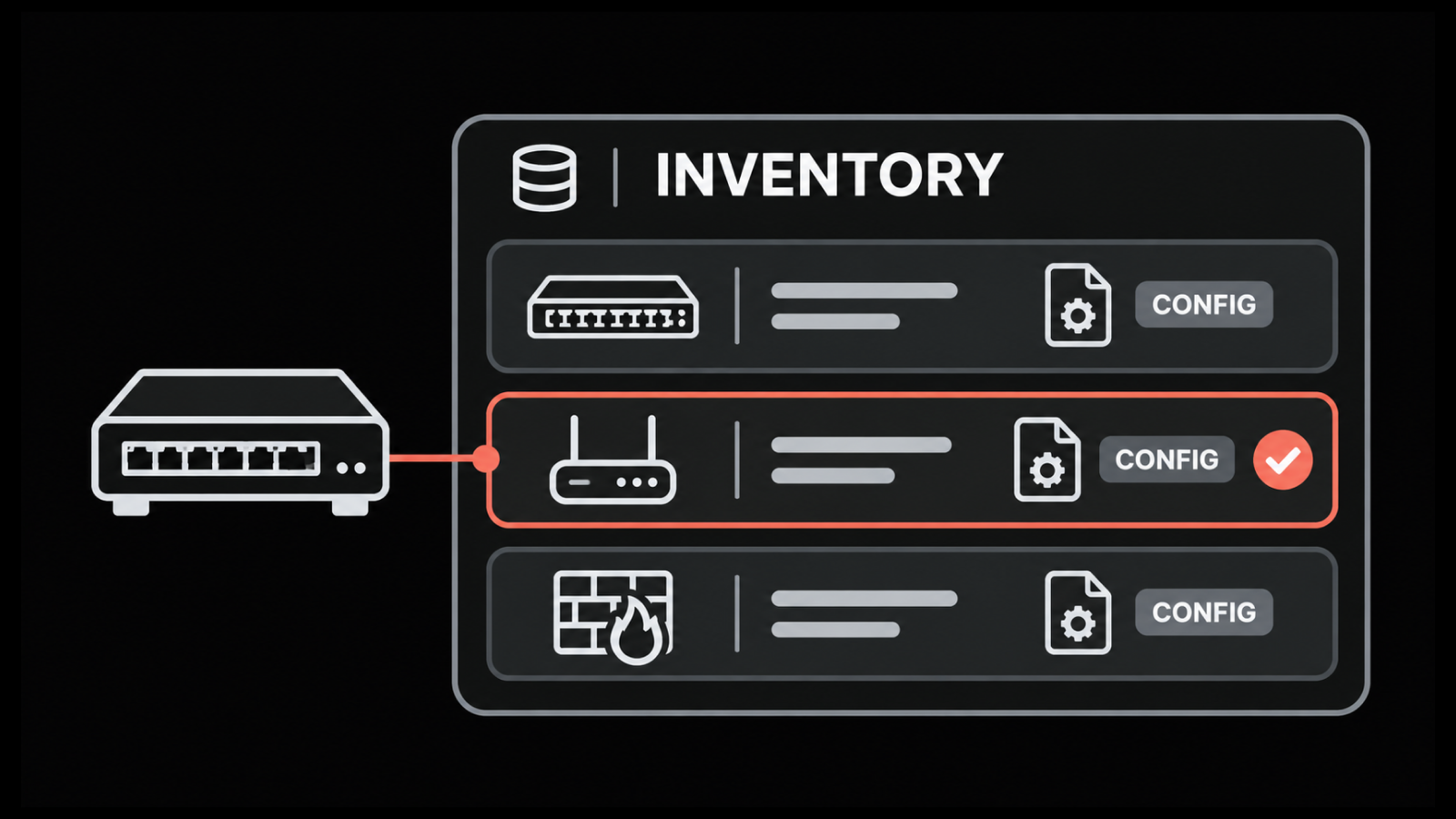
Hardware follows the same logic. Discovery lists every device it finds on the network, and a device with no owner and no record is usually the consumer switch under someone's desk.
On a unified observability and ITSM platform, that device shows up on the network map and in the asset register at the same time. You reconcile the two views instead of arguing about them, which is where we see most rogue-device hunts stall.
Usage: Does Anyone Depend on It?
Usage data closes the loop. Software metering tracks which applications are actually used, by whom and for how long.
That answers the question that follows every finding. A tool with three users is a different decision from one with three hundred.
How Do You Find and Manage Shadow IT?
A workable program runs as a loop, not a project. These eight steps hold up from a few hundred endpoints to tens of thousands.
1. Discover Continuously
Run agent-based or agentless discovery on a schedule to keep a current baseline of installed software and connected hardware. A quarterly scan finds shadow IT a quarter late.
2. Normalize and Classify
Let normalization consolidate the raw data, then work the Unidentified queue so every app ends up in a chosen type. Nothing should sit in Unidentified longer than one review cycle.
3. Define What Is Prohibited and Enforce It Automatically
ServiceOps supports prohibited software rules built from conditions. Newly discovered software that matches a rule gets flagged without anyone reviewing it by hand.
Torrent clients are the standard example. The same mechanism covers unlicensed utilities and superseded software.
4. Notify the Right People
When prohibited software turns up, ServiceOps alerts both the admins and the user listed in the Used by field for that asset.
Telling the person who installed it matters, because it opens the conversation about what they needed.
5. Automate Removal Where It Is Justified
An Auto Uninstallation Policy can remove flagged software using a silent uninstall command or an uploaded script. You target it per operating system across Windows, Linux and macOS.
If no command is supplied or the command fails, ServiceOps falls back to the uninstall command registered on the endpoint itself.
6. Allow for Legitimate Exceptions
Some machines need software that is prohibited everywhere else. Computer Exclusion exempts named hardware assets from a prohibited software rule.
A developer's build machine then stops generating a violation every scan. Configured exceptions stay visible. Informal exceptions do not.
7. Reconcile With Licensing and Spend
Compare deployed copies against purchased licenses and set over- and under-use thresholds. Use metering data to reclaim unused seats at renewal. Zylo's index puts average license waste at 36 percent, which is the size of the prize. Software license management best practices cover the reconciliation routine in detail.
8. Fix the Cause
Every recurring finding points at a gap in what IT provides or how fast it provides it. Closing that gap prevents the next instance more reliably than removing the current one.
How to Start Finding Shadow IT?
You do not need a full software asset management program to begin. Run one discovery pass across a single department and look at what lands in Unidentified. Count how many of those titles have a paid sanctioned equivalent. That number is your business case.
Then set one prohibited rule for the category that worries security most, turn on notifications, and watch what the first week surfaces. We have seen that first week change a team's estimate of its shadow IT footprint by an order of magnitude.
Turn Shadow IT Into a Review Queue
Shadow IT is a visibility problem before it becomes a security or spending problem. Visibility comes from discovery that runs continuously instead of at audit time. Every other step in the loop, from sorting to automated removal, depends on that first pass producing a current picture.
The trade-off is real. A team that enforces bans hard and ignores the reasons behind the findings pushes adoption further out of sight. The next discovery run then finds less because more is hidden.
Done well, the loop pays back in two currencies. Renewals stop arriving as surprises. The IT asset management record becomes something an auditor, a security analyst and a finance lead can all trust on the same day.
FAQs
What does the term shadow IT mean?
Shadow IT is any tech, including hardware, software, cloud services and AI tools, used within a company without the IT department's knowledge or approval. The term describes a visibility gap, not a type of tech. Asset discovery is the usual way it comes to light.
Is shadow IT always malicious?
No. Most shadow IT comes from employees trying to do their jobs faster. The approved route is slow, or the sanctioned tool does not meet the need. Bypassing controls on purpose is usually called rogue IT and handled through policy enforcement.
What is the most common example of shadow IT?
Unsanctioned SaaS apps, usually file sharing, project management and collaboration tools adopted by a team and paid for on an expense card. Shadow AI tools are the fastest-growing category, and expensed AI subscriptions now lead the expense-report data.
How do you detect shadow IT?
Through automated discovery of endpoints and the network, compared against your approved inventory. Anything discovered but not approved is a candidate. In ServiceOps, newly discovered software lands in the Unidentified type. Reviewing that queue on a regular cadence is the core routine.
What is the difference between shadow IT and shadow AI?
Shadow AI is a subset of shadow IT covering unapproved AI tools and assistants. It gets treated separately because the primary risk differs. The worry is data leaving the organization inside prompts, not an unpatched application sitting on an endpoint.
Author
Ramya Shah
Technical Writer
Ramya Shah is a technical content writer with a computer engineering background and roots in automotive journalism. He covers IT Service Management, observability, IT operations, and AI-driven automation. An early adopter of AI-assisted writing workflows, he turns complex IT processes into clear, engaging content optimized for search and answer engines (AEO), lifting content output and organic visibility.