Site24x7 Pricing in 2026: Plans, Costs, and Alternatives
Site24x7 starts with a very affordable plan, which makes it an easy option to consider when you are comparing monitoring tools.
But the starting price is only part of the story.
Site24x7 uses a base plan with add-ons, so your costs can go up as you add more monitors, log volume, synthetic checks, RUM pageviews, or network components.
So, it is worth looking at the full pricing structure before deciding if Site24x7 fits your budget.
In this guide, we break down the three Site24x7 plans, cover the main add-ons, and explain how the cost can change as your monitoring needs grow.
So, how does Site24x7 pricing work in 2026? Let's break it down.
Site24x7 Pricing at a Glance
Short on time? Here is the structure before the detail.
Plan | Monthly price | Paid annually | Best for |
Lite | $10 / month | $9 / month | Very small setups |
Professional | $49 / month | $42 / month | Growing teams |
Enterprise | From $625 / month | From $625 / month | Large environments |
MSP | $59 / month | $54 / month | Managed service providers |
Note: paying annually is cheaper than monthly. Each plan includes a fixed amount of monitoring, and anything beyond that is billed as an add-on.
The most important thing to know is that Site24x7 prices a base plan plus add-ons. The plan gives you a set number of monitors, and you pay extra for more.
The plan you pick sets your starting point. Your final bill depends on how many add-ons you stack on top, so two teams on the same plan can pay very different amounts.
There is also a free forever plan. It covers uptime monitoring for up to 50 resources, which suits a small personal site but not a growing business.
If add-on pricing feels hard to plan, it may help to look at Motadata. It gives you one fixed price for your whole setup, so the number does not keep changing. You can book a demo and try it on your own setup first.
What Is Site24x7?
Site24x7 is a cloud monitoring tool from Zoho, sold under the ManageEngine brand. It watches websites, servers, networks, applications, and cloud services from one place.
It brings a lot of monitoring into one tool. You get website and uptime checks, server and infrastructure monitoring, network monitoring, application performance monitoring, log management, and real user monitoring, all in the same place.
The main draw is the low starting price and the wide coverage. A small team can start cheap and add more monitoring as it grows, which is why so many smaller businesses pick it.
The thing to keep in mind is how the pricing works. Because Site24x7 charges a base plan plus add-ons, your total cost depends on how much you monitor, not just the plan you start on.
How Site24x7 Pricing Works
Site24x7 pricing comes down to two things: the plan you pick, and the add-ons you buy on top.
The plan sets your base. Each one gives you a fixed number of monitors, websites, servers, and other limits, so you pick the one that fits your size.
The add-ons cover everything beyond that. Once you go past the plan limits, you buy more in blocks, like extra monitors, more log volume, or more RUM pageviews.
Then there is billing. You can pay monthly or annually, and paying annually is cheaper, so a yearly plan costs less per month.
The Add-On Model
The add-ons are what make Site24x7 hard to predict, so they are worth understanding early.
You can add basic monitors, host monitors, advanced monitors, network components, RUM pageviews, logs, and synthetic runs. Each one is sold in blocks, and the rate changes between the Lite, Professional, and Enterprise plans.
Logs are the add-on to watch most. The price rises with both the volume you send and how long you keep it indexed, so a large log setup can cost more than the plan itself.
Site24x7 Pricing by Plan
Each plan has its own price and its own set of limits. Here they are, one at a time. All figures are the annual rates unless noted.
Site24x7 Lite Pricing
Lite is the entry plan, at $9 per month paid annually. It suits a very small setup with basic needs.
What Lite includes | Amount |
Servers | 2 |
Websites | 5 |
RUM pageviews (add-on) | 500K for $25 |
Support |
Note: Lite comes with a fixed set of add-ons. For more monitoring, Site24x7 recommends moving up to Professional rather than stacking add-ons on Lite.
Lite works for a small personal site or a tiny business. Most growing teams pass its limits quickly and move up to the next plan.
Site24x7 Professional Pricing
Professional is the main plan for most teams, at $42 per month paid annually. It covers a much wider setup and unlocks the full add-on range.
What Professional includes | Amount |
Applications | 1 |
Servers | 5 |
Websites | 20 |
Log ingestion | 4 GB |
Network components | 10 |
RUM pageviews | 100K |
Note: Professional is where most add-on pricing is clearest, so it is the easiest plan to model as you grow. Extra monitors, logs, and synthetic runs are all billed on top.
This plan fits a growing team that monitors more than a homepage and a couple of servers. The base is affordable, but the add-ons decide your true monthly cost.
Site24x7 Enterprise Pricing
Enterprise starts at $625 per month paid annually. It is for large setups monitoring hundreds of sites, servers, and cloud services.
It includes everything in Professional, plus anomaly detection, event correlation, infrastructure events, and network configuration management with compliance. These are the features large teams need for scale.
Note: Enterprise add-ons are not always cheaper than Professional add-ons. So large buyers should ask for a quote rather than assume the public rates will match a negotiated deal.
Site24x7 Add-On Pricing
The add-ons are billed per month, in blocks, on top of your plan. The table below shows sample Professional-plan rates to give you a sense of scale.
Add-on | Sample Professional rate |
Basic monitors | 10 for $10, 500 for $450 |
Host monitors | 10 for $110, 500 for $1,100 |
Advanced monitors | 25 for $160, 100 for $600 |
Network components | 10 for $11, 500 for $468 |
RUM pageviews | 500K for $25, 10M for $300 |
Logs | 1 TB, 7-day index, for $195 |
Synthetic runs | 10,000 for $8, 1M for $680 |
Note: these are sample rates and change by plan. Logs are the biggest driver, since the price rises with both volume and the index period you choose.
What Site24x7 Costs in Practice
The plan price is only the start. A live setup adds monitors, logs, synthetic runs, and pageviews on top. Treat the figures below as rough guides, not quotes.
Setup | Assumption | Estimated monthly cost |
Small | Lite or Pro, light monitoring | ~$9 to $50 |
Growing | Pro, more monitors, ~5 TB logs, synthetic runs | ~$800 to $1,200 |
Mid-market | Enterprise, heavy logs and synthetic runs | ~$5,000+ |
The small-team number covers a basic Lite or Professional plan with light usage. The main driver is how many monitors and how much log volume you need.
The growing-team number adds more monitors, logs, and synthetic checks on top of Professional. Logs are usually the biggest single line here, since the cost rises with volume and index period.
The mid-market number covers Enterprise with heavy log and synthetic use. At this scale, indexed logs alone can run into thousands per month, so large buyers should model log volume before they commit.
What Increases Your Site24x7 Costs
Five things lift a Site24x7 bill above the plan price.
Log volume and index period: Logs are priced by how much you send and how long you keep them indexed, so a large or long-kept log setup can cost more than the plan itself.
Monitor count: More basic, host, and advanced monitors all add to the bill, since each block is a separate add-on.
Synthetic runs: Synthetic checks are billed by the number of runs, so frequent checks across many locations add up fast.
RUM pageviews: Real user monitoring is priced by pageviews, so a busy site uses more and lifts the total on its own.
Network components: Each network component you monitor is billed in blocks, so a large network raises the cost as you add devices.
In short, your Site24x7 cost depends on how many add-ons you stack on your plan. It works best for teams that watch their log volume and monitor count closely.
Site24x7 User Reviews: What Teams Actually Say
This section is based on our analysis of Site24x7 reviews across G2, Capterra, and similar platforms. Site24x7 reviews well on price and coverage, and less well on cost clarity as you grow.
The praise is consistent. Most reviewers point to the low price and wide coverage first, and like getting website, server, network, and cloud monitoring in one tool.
Easy setup comes up a lot too. Reviewers say it is quick to get going, with reliable alerts and clear dashboards once it is running.
People also like the flexible add-on model. Teams can start small and add only the monitoring they need.
The main complaints are about cost and complexity as you scale. Reviewers say the pricing gets confusing with many add-ons, and that the interface can feel cluttered.
The learning curve and billing come up too. Some reviewers say advanced setup takes time, and that the bill grows and gets harder to track as the setup expands.
These are common review patterns, not hard facts, so your own results will depend on your monitor count and log volume.
Top Site24x7 Alternatives to Consider
Site24x7 is cheap to start, but it does not suit everyone. The add-on model makes the cost hard to plan, and the price grows quickly as you scale. Here is how the main alternatives compare.
Our pick is Motadata. Where Site24x7 charges a plan plus a stack of add-ons, Motadata gives you one fixed price for your whole setup, with network and infrastructure monitoring and AI included.
The table below lays out five alternatives side by side, so you can match one to your need. For a deeper look, see our full roundup of Site24x7 alternatives.
Alternative | Best for | Key features | Rating | How it helps |
Motadata | Teams that want monitoring and network in one price | Metrics, logs, traces, network and infrastructure monitoring, included AI | 4.5 / 5 | One fixed quote for your setup, so the bill does not grow with every add-on |
Cloud-native teams wanting a full SaaS suite | APM, logs, infrastructure, RUM, 750+ integrations | 4.6 / 5 | Broad managed coverage, though per-host pricing runs high at scale | |
LogicMonitor | Teams wanting agentless SaaS monitoring | Automated discovery, hybrid monitoring, dashboards | 4.5 / 5 | Cloud-based with less upkeep, priced per device |
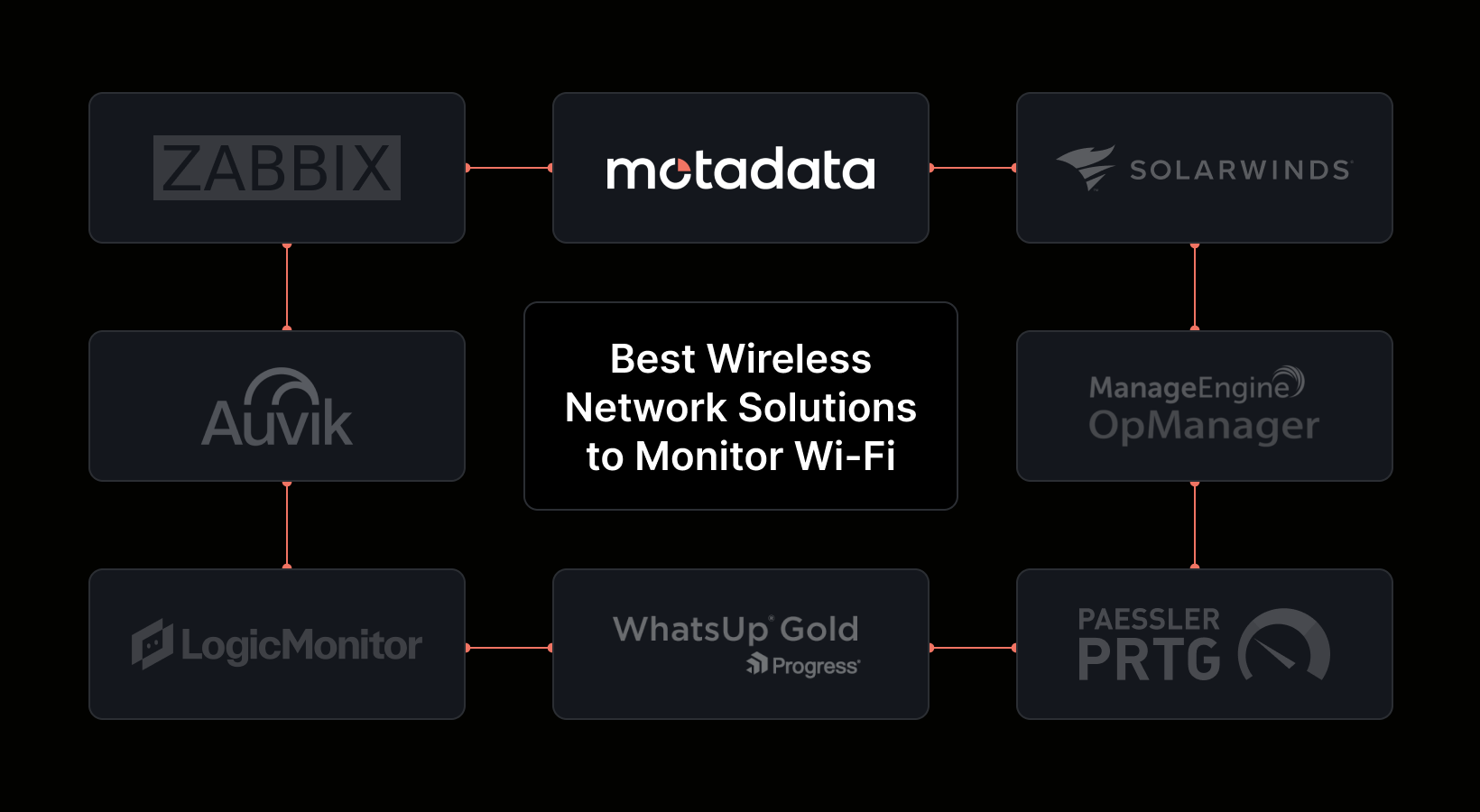
Zabbix | Cost-sensitive, self-hosting teams | Open-source network and infrastructure monitoring | 4.3 / 5 | No license fee, though you run and maintain it yourself |
Dynatrace | Enterprises wanting AI-driven APM | Automated instrumentation, Davis AI, topology mapping | 4.6 / 5 | Deep enterprise APM with AI, at a higher price point |
How Motadata Keeps Monitoring Costs Predictable
Site24x7 starts cheap, but the add-on model has two downsides for many teams: the bill is hard to predict, and it climbs fast as you scale. Motadata solves both.
On cost, Motadata is different. Instead of a plan plus a stack of add-ons, it gives you one fixed price for your setup. The number you agree to stays the same as you grow, and there are no add-on blocks to track.
On coverage, Motadata puts everything in one tool. It handles network monitoring, infrastructure, flows, and device health, along with logs, metrics, and traces, so you do not buy a separate add-on for each part.
On effort, Motadata does the heavy lifting for you. It runs in the cloud or on your own servers, and the day-to-day running is handled for you.
On smarts, the AI comes with the platform. It spots unusual patterns and links related alerts on its own, with no training needed. If you want to compare more options, our roundup of observability tools is a helpful next read.
Is Site24x7 the Right Choice?
Site24x7 is a strong fit for teams that want low-cost, broad monitoring and are happy to manage add-ons as they grow.
Site24x7 Works Best For
Site24x7 is a strong fit for:
Small teams that want a low starting price for monitoring
Businesses that want website, server, and cloud monitoring in one tool
Teams that like paying only for the monitoring they add
Managed service providers who need a multi-tenant plan
Teams that want fast setup without heavy configuration
Companies that monitor a mix of websites, servers, and networks
Buyers who want a free forever tier to test basic uptime monitoring
These are the teams Site24x7 fits best. Its low entry price and flexible add-ons work well for small and growing teams that can keep an eye on their usage.
Site24x7 May Not Be the Right Fit For
The limits of Site24x7 are mostly about cost clarity, not features. Because the price is a plan plus add-ons, a growing setup can get hard to predict and pricey.
Site24x7 may not be enough for:
Teams that want one fixed price they can plan in advance
Buyers sensitive to cost growth from logs, monitors, and synthetic runs
Teams with heavy log volume that would face high indexing costs
Organizations that want a simpler interface as the setup grows
Teams that want AI and correlation without moving to the Enterprise plan
Buyers who prefer one platform over a plan plus many add-on blocks
Teams that want network and infrastructure depth in one clear price
So it comes down to what you need. If a low starting price and flexible add-ons suit you, Site24x7 is a strong, affordable choice. If you want one fixed price, wider coverage, and AI included, take a look at Motadata.
Conclusion
The main point on Site24x7 pricing is that the starting price is low, but the final price is not fixed.
The plan rates are clear and cheap. You can see Lite, Professional, and Enterprise before you talk to sales, and the entry price is among the lowest around.
The catch is the add-on model. Your true cost depends on monitors, logs, synthetic runs, and pageviews, and logs in particular can grow well past the plan price.
This is not a reason to skip it. For a small or growing team that watches its usage, Site24x7 offers broad monitoring at a low starting cost.
It just means you should add up your monitors, logs, and other add-ons before you sign. The plan price alone will not show you the full total.
FAQs
How Much Does Site24x7 Cost?
Site24x7 has three main plans. Lite is $10 per month, or $9 paid annually. Professional is $49 per month, or $42 paid annually. Enterprise starts at $625 per month paid annually. There is also an MSP plan at $59 per month, or $54 paid annually, and a free forever plan for up to 50 resources.
What Does the Site24x7 Professional Plan Include?
The Professional plan includes 1 application, 5 servers, 20 websites, 4 GB of log ingestion, 10 network components, 100K RUM pageviews, third-party integrations, and support for multiple users. Extra usage is billed as add-ons.
How Much Do Site24x7 Logs Cost?
On the Professional add-on rates, 1 TB of logs costs $195 for 7-day indexing, $450 for 15-day, and $900 for 30-day. Logs are the biggest cost driver, since the price rises with both volume and index period.
How Does Site24x7 RUM Pricing Work?
Site24x7 real user monitoring is priced by pageviews. On the Professional plan, 500K pageviews cost $25 and 10M pageviews cost $300. You can buy more pageview blocks as add-ons.
Does Site24x7 Have a Free Plan?
Yes. Site24x7 has a free forever plan that covers uptime monitoring for up to 50 resources, with downtime email alerts. It suits a small personal site, but growing teams will need a paid plan.
What Are the Hidden Costs of Site24x7?
The main ones are log indexing costs, extra monitors, synthetic runs, RUM pageviews, and network components. All of these are add-ons billed on top of the plan, so the bill grows as your setup grows.
Is Site24x7 Priced per User or per Monitor?
Site24x7 is priced by plan and by add-on, not per user. The plan sets your base limits, and you buy add-on blocks for more monitors, logs, pageviews, and other usage.
How Does Motadata Compare to Site24x7?
Site24x7 charges a plan plus many add-ons. Motadata gives you one fixed price for your whole setup, covering network, infrastructure, and app monitoring together, with AI included, so it sits as a simpler, more predictable choice.
Author
Poonam Lalani
Content Strategist
Poonam Lalani is a B2B content strategist and writer with a background in computer engineering and experience across enterprise technology domains, including AI, cloud, DevOps, data engineering, and IT operations. She specializes in creating research-driven content that simplifies complex ideas and supports product education, thought leadership, and business growth.