ITSM for Healthcare: IT Service Management in Hospitals and Health Systems
How long does a nurse stand at a workstation waiting for a record to load before the ward gives up and reaches for paper? In most hospitals nobody measures that number, and the ticket that reaches IT describes a symptom instead of a cause.
Hospital IT support runs on a different clock from corporate IT. There is no quiet Sunday night and no safe window for maintenance. ITSM for healthcare applies structured incident, request, change and problem management to an environment where an unavailable system delays care.
IT service management gives every issue a defined priority, a named owner, an agreed response time and a written record, and in a regulated setting that record carries weight beyond the IT department. In this blog, you will see why hospital IT support behaves differently, the challenges that recur across health systems, how ITSM addresses them, the best practices worth adopting, and what to check when you evaluate a platform.
Why Does Healthcare Need a Different Approach to IT Service Management?
Healthcare IT service management differs from corporate IT because the service never pauses, the users are clinicians working under time pressure, and most of the systems involved fall under patient data regulation. Four conditions drive that difference:
Continuous operation: A hospital runs every hour of every day, so every change window affects someone
Non-technical users mid-task: A clinician reporting a fault is usually standing next to a patient and cannot troubleshoot while they wait
Regulated change: Modifications to systems holding patient data require documented approval and a retrievable record of who authorized what
Breadth of connected systems: Records platforms, pharmacy, laboratory, imaging, scheduling and bedside devices all generate support demand
The practical effect is that priority in a hospital cannot be inherited from a corporate model. A finance team that loses reporting access for two hours has a bad afternoon. A ward that loses medication ordering for two hours moves to a manual process, and every order written on paper has to be reconciled afterward.
Reconciliation is where the cost lands. Orders get re-entered, billing slips, and clinical staff absorb catch-up nobody budgeted for. The same pattern appears across other regulated industries, where the visible outage is shorter than the recovery work behind it.
Priority is where that difference becomes a decision. A workable healthcare service management priority matrix grades urgency against clinical exposure instead of headcount:
Impact | Urgency: Care in progress | Urgency: Care scheduled today | Urgency: Administrative |
Patient-facing system unavailable | P1, immediate page | P1, immediate page | P2 |
Patient-facing system degraded | P2 | P2 | P3 |
Single clinician blocked | P2 | P3 | P3 |
Back-office system affected | P3 | P3 | P4 |
The matrix only works if the intake form captures the two inputs. Ask the requester whether a patient is waiting and which system is involved, and the priority sets itself without an analyst having to interpret free text.
Consider a 400-bed hospital where the imaging system slows during a morning list. Under a headcount model that ticket reads as low impact, because two radiographers are affected. Under the matrix above it reads as care in progress on a degraded patient-facing system, which puts it at P2 and reaches the clinical systems team before the list backs up.
How Shift Patterns Change Ticket Handling
Corporate IT deals with one working day, while a hospital hands over its entire user population two or three times in twenty-four hours. A ticket raised at 06:50 by a night-shift nurse belongs to somebody who will be off site by the time an analyst picks it up.
Demand arrives in bursts because of it. Password resets, workstation logins and device checks concentrate into the short windows either side of handover, so staffing a hospital service desk against an average hourly volume leaves those peaks uncovered.
What IT Service Challenges Do Hospitals and Health Systems Face?
Hospitals and health systems face six recurring IT service challenges: clinical priority, shift handover, change control on clinical applications, access provisioning, audit documentation, and symptom-level reporting. What makes them harder than the corporate equivalent is consequence. The same ticket count a mid-size enterprise absorbs comfortably behaves differently when part of it touches patient care.
Priority that reflects patient impact: Standard priority models grade by number of users affected. A single blocked order in a critical care unit affects one user and one patient, and it outranks a printer fault affecting forty people in billing. Without a priority model built around clinical impact, an IT incident that delays treatment can sit behind routine work
Handover on open tickets: Clinical staff rotate through shifts, so the person who reported an issue is frequently unavailable when the analyst needs detail. Tickets stall waiting on a requester who left at seven that morning, and the ward assumes IT has stopped working on it
Change control on clinical applications: An untested change to an ordering system carries clinical risk, which raises the bar on testing, approval and rollback planning. Change records also need to survive an audit years later
Access provisioning for a rotating workforce: Locums, agency staff, rotating residents and contractors need access quickly and lose it just as quickly. HIPAA requires organizations to run termination procedures that revoke access when a workforce member leaves, so every deprovisioning delay becomes a documented gap
The ticket record as a compliance artifact: The HIPAA Security Rule requires covered entities to record and examine activity in systems holding electronic protected health information, or ePHI. Service desk records showing who requested a change, who approved it and when it went live form part of the evidence an investigator asks for
Symptom-level reporting: Clinical users describe what they see, so tickets arrive as "the system is slow" or "it will not let me sign." Translating those into an actionable category takes analyst time on every request unless the intake form does some of that work
Regulatory exposure sharpens all six. Documentation discipline in the service desk is part of what an organization relies on when it has to reconstruct events, alongside the system audit log itself.
What Are the Key Use Cases for ITSM in Healthcare?
The key use cases for ITSM in healthcare are clinical incident intake and routing, change control on clinical applications, request handling through a service catalog, self-service that clinical and administrative staff can both use, service delivery across multiple sites, ticket handling from the ward floor, and reporting that satisfies three separate audiences. A platform built for help desk management in a hospital treats round-the-clock operation and rotating staff as normal conditions. Everything else on a feature list is secondary to those seven.
1. Clinical Incident Intake and Routing
Clinical incident management differs from the corporate version at one point: intake. Incident management rules in a hospital have to separate patient-facing failures from everything else before a ticket reaches a queue. Three rule types carry that separation through:
Routing rules: Send anything touching a clinical system to a team with the access and context to act on it
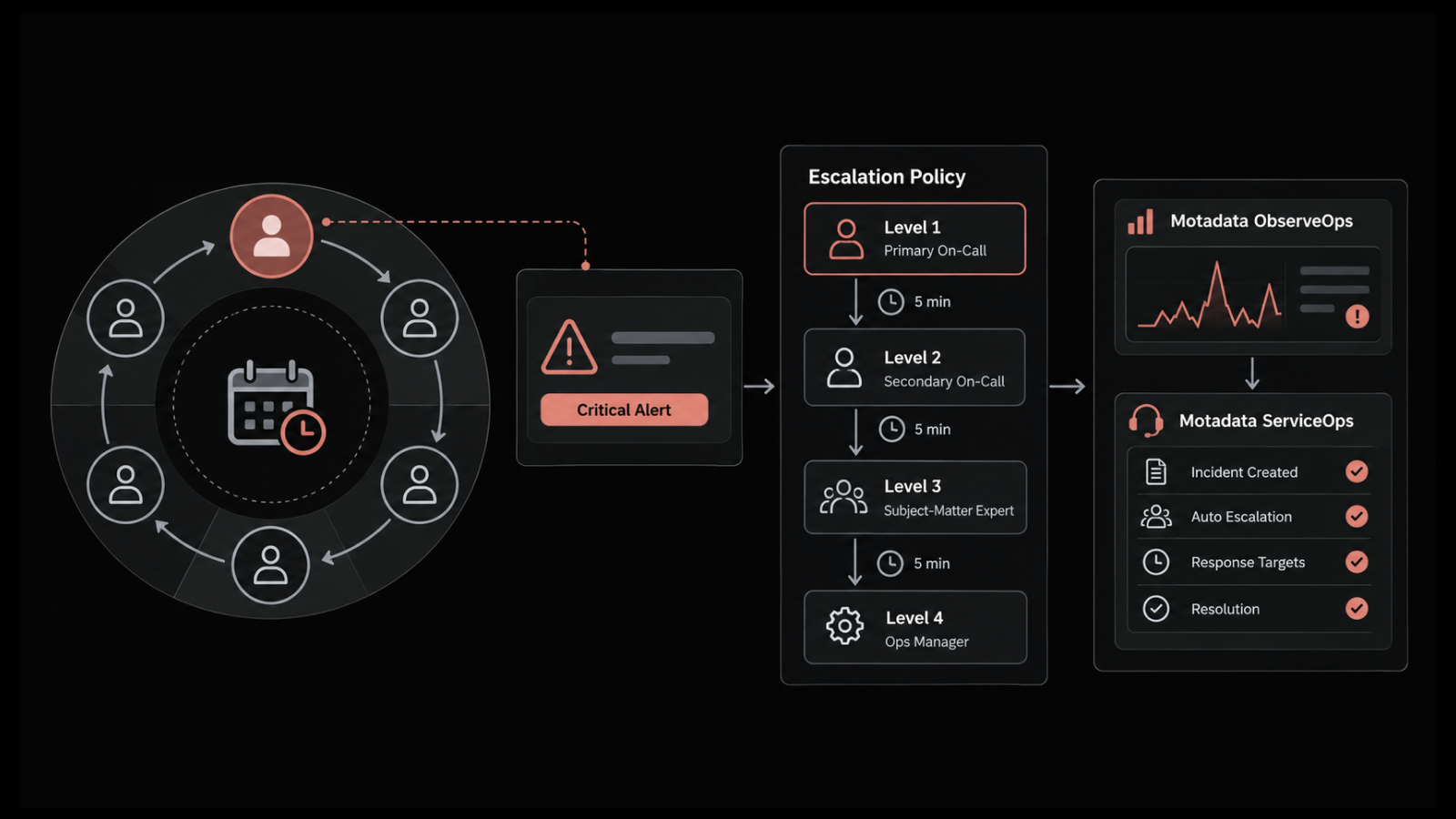
Escalation rules: Move the ticket on when nobody acknowledges it inside the agreed window
Priority inheritance: Carry the intake grading through to the queue, so a P1 does not get re-sorted by whoever opens it next
None of it works if the form asks for information the requester does not have. Motadata ServiceOps supports dynamic forms and field rules that show, hide, and auto-fill fields based on what has already been answered, so a nurse who knows a patient is waiting never has to supply the application name or the category the service desk files it under.
A clinical intake form should read four things before the ticket lands anywhere:
Patient impact: Whether care is in progress, scheduled today, or unaffected
System: Which application or device, chosen from a list written in clinical language
Location: Ward, unit, or clinic, so the request reaches whoever covers that floor
Contact: The ward or unit alongside the individual, so a shift change does not orphan the ticket
Those four answers should reach the queue by whichever route is nearest, whether that is email, the web portal, phone, the mobile app, or a virtual agent inside Microsoft Teams, Slack, WhatsApp, or Line. Time to acknowledge then matters as much as time to resolve, since a ward that hears back within four minutes will hold off on activating downtime procedures.
2. Change Control and Approvals for Clinical Applications
Change management gives clinical application updates a documented approval path with named approvers at each stage. For a records or ordering system, that path usually includes a clinical reviewer alongside the technical one, because the question of whether a change is safe to release is a clinical judgment as much as a technical one.
Every change record, standard or emergency, has to name four things:
Requester: Who asked for the change and which clinical system it touches
Approver: Who signed it off, and on what date
Test result: What was verified before the change reached production
Rollback plan: How the change gets reversed if a ward reports a problem
Emergency change needs its own defined route, agreed in advance and written down. A break-fix applied at three in the morning, ahead of any approval, still requires a record, with retrospective approval inside a fixed window capturing the same detail after the event. Years later, an auditor asking what was modified on a system holding patient data is asking the service desk, and that record answers the question without a search through email.
3. Service Catalog and Request Handling for Clinical Staff
An IT service catalog written in language clinical staff recognize removes the guesswork from raising a request. A catalog entry reading "New starter access, nursing" gets used, while one reading "Identity provisioning workflow, RBAC group assignment" does not.
Three things separate a catalog entry clinical staff use from one they ignore:
Plain naming: The entry describes the outcome the requester wants, in the words they would use with a colleague
Approval built into the request type: Multi-level sign-off and fulfillment routing run behind the form, so a ward manager requesting access for an agency nurse never needs to know which team owns which system
A reverse path for leavers: Deprovisioning runs as the mirror of the joiner workflow, closing access across every system in one action
That third point is what makes the HIPAA termination requirement manageable at scale.
Emergency access is the exception worth designing in advance. The HIPAA Security Rule requires an emergency access procedure, the break-glass route a clinician uses to reach patient data when normal authorization is unavailable. Every break-glass event should open a ticket automatically, so the review that follows has a record to work from.
4. Self-Service and Knowledge for Clinical Staff
Self-service reduces the queue only when the article matches the reader. A troubleshooting guide written for an analyst will not help a nurse mid-shift, and a two-line answer will frustrate a practice manager configuring a shared resource. Effective knowledge management in a hospital means maintaining parallel sets of articles for two audiences on the same underlying topics.
The two article sets differ in more than tone:
Clinical articles: Short steps, screenshots, plain wording, aimed at somebody standing at a shared workstation
Administrative articles: More context assumed, covering shared drives, printing, and access to departmental systems
Access: Open to read without a login, since anything behind a sign-in gets bypassed at a workstation nobody is authenticated on
Ownership: A named subject matter expert per system, or the library goes stale within a quarter
Motadata ServiceOps keeps knowledge articles readable by all users without a login and suggests matching articles while a ticket is being created, so the deflection happens at the point the request is raised. A self-service portal only absorbs work when people can reach it in the moment they are stuck.
Measure deflection honestly. Count views against tickets avoided on the same topic, review the articles with high views and no resolution, and retire the ones nobody opens.
5. Service Delivery Across Multiple Sites and Clinics
Health systems rarely run one hospital. A group with several sites, a mix of acute and community services, and a shared IT function needs each site to see its own queues, catalog, and reporting while the IT team works from one system.
Motadata ServiceOps runs multiple support portals from a single instance, which is what makes that separation workable:
Site-level separation: Each hospital or clinic sees its own requests without visibility into another site's tickets
Shared analyst pool: One team covers all sites, with assignment driven by technician skills, current workload, and availability
Consolidated reporting: Group IT sees performance across sites, and each site sees its own
The commercial question follows the technical one. Confirm how the licensing model behaves when a site joins or a seasonal cohort of agency staff arrives, because that is where multi-site deployments become expensive without warning.
6. Ticket Handling from the Ward Floor
Hospital IT work happens away from a desk. An analyst walking between wards cannot return to an office to update a ticket, and a ward manager chasing an access request is rarely near a computer they are already signed in to.
Motadata ServiceOps has iOS and Android apps for both technicians and end users, so a ticket can be picked up, updated, and closed from the room the fix happened in. A morning spent across three wards still produces a complete record by the afternoon.
Accuracy matters here more than convenience. Updating a ticket at the moment of the fix keeps the record matching what actually occurred, and in healthcare that record is the audit evidence.
7. Reporting for Compliance Officers, Clinical Leads and the Board
Healthcare IT reports to more audiences than corporate IT does, and each one wants a different figure:
Compliance officers: Evidence that approvals happened and records were not altered afterward
Clinical leads: Response and resolution times on patient-facing systems, measured against the agreed service level agreement
The board: Cost, ticket volume, and trend across sites
Motadata ServiceOps ships more than 20 out-of-the-box dashboards with scheduled report distribution, and reports can be built and scheduled without SQL. That matters in a hospital because the person who needs the figure is often a compliance officer with no query-writing background.
These are also the help desk metrics that carry weight in a budget meeting, and usually the first evidence an IT department gets that its own workload is larger than anyone assumed.
How Motadata ServiceOps Covers These Use Cases
Healthcare pressure | What Motadata ServiceOps does |
Approval steps depend on whoever is on shift | Workflow automation for approvals, status transitions, notifications, and SLA management |
A request needs departmental sign-off before IT acts | Service catalog templates carrying their own SLAs and multi-level approvals |
A ticket naming a patient location is visible to everyone | Role-based access control restricting what each technician group can see |
Nobody notices a breached response target | Automated reassignment and notification once an SLA threshold is passed |
The same fault recurs every few weeks | Problem management linked to the incidents that triggered it |
Data residency rules rule out public cloud | On-premises, private cloud, and SaaS operating models |
Identity has to stay in step with the HR joiner and leaver process | LDAP and Active Directory sync with SAML single sign-on across Okta, Azure AD, ADFS, and OneLogin |
A clinical system has no prebuilt connector | REST API surface for custom integration |
What Are IT Service Management Best Practices for Healthcare?
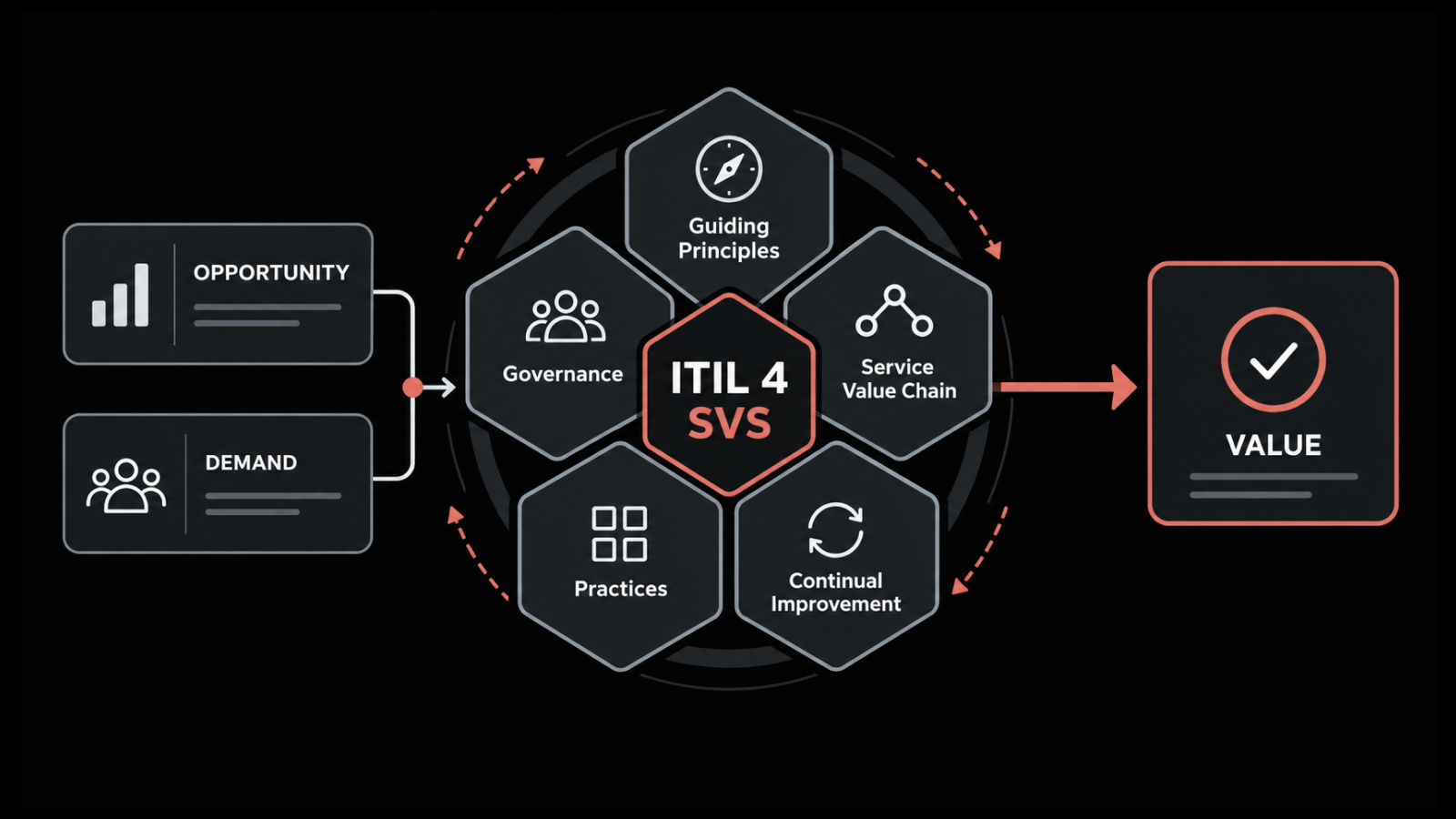
IT service management best practices for healthcare start by fitting a recognized framework to clinical reality instead of taking it on wholesale. ITIL provides the process definitions for incident, problem, change and request management, and healthcare organizations apply them with clinical impact substituted for commercial impact wherever priority or risk is being weighed.
Five practices consistently separate a mature healthcare service desk from a reactive one:
Build the priority matrix around patient impact: Grade urgency by whether care is in progress, scheduled, or unaffected, and publish the matrix so clinical leads know what to expect
Define emergency change before you need it: Agree the retrospective approval window and the level of detail required, and rehearse it
Write knowledge articles for the person raising the ticket: Screenshots and plain instructions aimed at a clinician, kept separate from the technical runbooks analysts use
Review recurring incidents monthly: Any fault appearing more than three times in a quarter becomes a problem record with a named owner
Reconcile the service desk against downtime procedures: The ticket that declares a system unavailable should be the same signal that tells a ward to move to paper
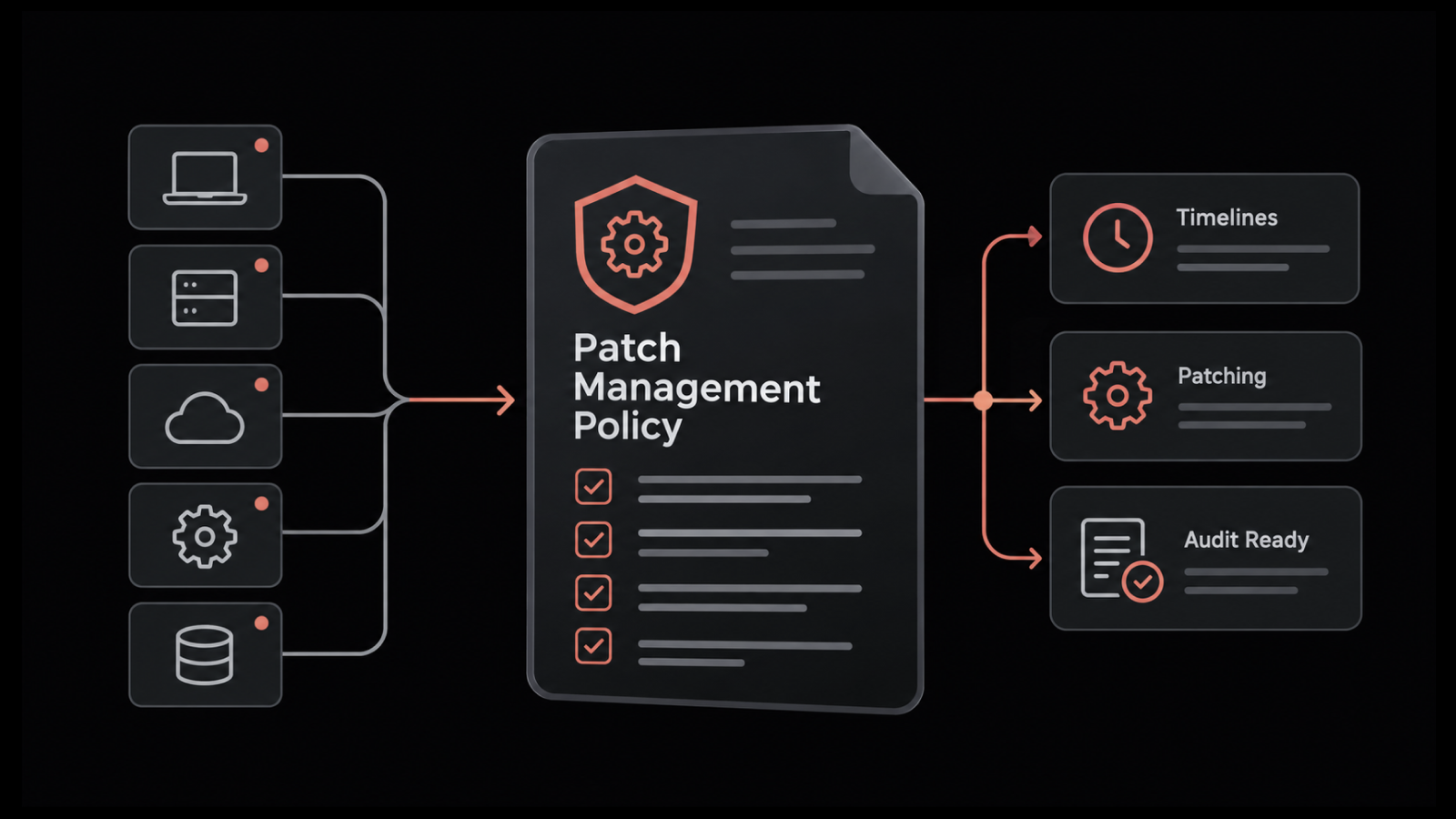
Documentation discipline underpins all five. HIPAA requires organizations to maintain mechanisms that record and examine activity in systems containing ePHI, and while the Security Rule speaks to system logs instead of tickets, service records are routinely part of what an organization produces during an investigation.
Where Healthcare ITSM Programs Usually Stall
Two habits account for most of the drift between a documented process and what happens on the floor:
Handover left informal: Tickets raised near a shift change should record the ward or unit as the point of contact in place of the individual, so an analyst calling back at nine in the morning reaches somebody who can answer
Adopting the whole framework at once: ITIL defines more practices than a hospital IT team can staff, and departments that attempt all of them usually end up sustaining none
Most ITSM healthcare rollouts that succeed start with incident, request and change, then add problem management once the first three run reliably. Once the practices are settled, the question becomes which platform can carry them.
What Should Healthcare Organizations Look For in a Service Desk Platform?
Healthcare help desk software should be judged on five points that matter more in a hospital than in a corporate environment. Deployment flexibility comes first, since data residency rules or internal security policy frequently rule out public cloud, and an on-premises or private cloud option is what keeps the platform viable.
Audit depth is the second. Ask what the platform records when a ticket is edited, when an approval is granted and when a record is closed, and confirm those entries cannot be altered afterward. A service desk software evaluation that skips this question tends to surface the gap during the first audit.
The remaining three points are quicker to test but easy to skip:
Access control granularity: Whether role-based access control can restrict ticket visibility by department, so a request naming a patient location is not visible to every analyst
Integration with identity and clinical systems: LDAP or Active Directory sync and SAML single sign-on, so joiner and leaver workflows run from one source of truth, with a REST API for the clinical systems that have no prebuilt connector
Usability for occasional users: A clinician raises maybe four tickets a year, so the portal has to work without training or they will call instead
Two Commercial Questions Budget Holders Should Ask
The five points above decide whether the platform works. These two decide what it costs you over three years:
Licensing at scale: How the model behaves when you add a site or a seasonal cohort of agency staff, since per-technician and per-endpoint pricing diverge sharply
Support hours: What the contract actually covers, because a hospital needing overnight cover buys something different from an organization running business hours
Run the evaluation with a clinical user in the room. IT teams judge a portal on capability, while the people who decide whether it gets adopted judge it on whether they can raise a request in under a minute between patients.
Make Clinical IT Support Predictable with Motadata ServiceOps
A hospital service desk earns its place by making two things predictable: how fast a patient-facing failure gets attention, and how completely the record of that response holds up later. Motadata ServiceOps handles both in one platform, with incident routing built around clinical priority, change records that keep the approval chain intact, and a service catalog clinical staff can use without training.
Worth saying plainly: no ITSM platform makes an organization compliant. HIPAA obligations rest with the covered entity, and software supports those obligations by producing consistent records and enforcing approval steps that would otherwise depend on somebody remembering. What a platform can do is remove the variability, so the answer to "who approved this change" does not depend on which analyst was on shift.
If your current setup leaves clinical tickets in the same queue as everything else, that is the place to start.
FAQs
What is ITSM in healthcare?
ITSM in healthcare manages IT services across hospitals and health systems through defined processes for incidents, requests, changes and problems. It differs from corporate ITSM because priority is graded by patient impact, and because most systems involved fall under patient data regulation.
How does ITIL apply to hospitals?
ITIL supplies the process definitions hospitals use for incident, request, change and problem management. Healthcare organizations adapt them by substituting clinical impact for commercial impact when grading priority. Most teams adopt incident, request and change first, then add problem management once those run reliably.
What is the difference between a help desk and a service desk in healthcare?
A help desk resolves reported faults, while a service desk also covers request fulfillment, change control and problem management. The distinction matters in healthcare because recurring clinical system faults need problem records and root cause work that a help desk model does not provide.
How do hospitals manage IT change control?
Hospitals route changes to clinical systems through documented approval that includes a clinical reviewer alongside the technical one, with testing and a rollback plan recorded before release. Emergency changes follow a separate route with retrospective approval inside a fixed window. Motadata ServiceOps supports both through configurable change workflows and multi-level approvals.
What should healthcare organizations look for in healthcare help desk software?
Check deployment options first, since data residency rules often require on-premises or private cloud, which Motadata ServiceOps supports. Then look at audit depth, whether role-based access control can restrict ticket visibility by department, and whether a clinician can raise a request without training.
Author
Poonam Lalani
Content Strategist
Poonam Lalani is a B2B content strategist and writer with a background in computer engineering and experience across enterprise technology domains, including AI, cloud, DevOps, data engineering, and IT operations. She specializes in creating research-driven content that simplifies complex ideas and supports product education, thought leadership, and business growth.