Problem Management Techniques: 7 Proven Methods to Eliminate Recurring IT Incidents
Problem management is the ITIL practice of identifying, analyzing, and resolving the root causes behind recurring IT incidents. Unlike incident management (which restores service quickly), problem management focuses on stopping the same issues from coming back.
Your team fixed the same printer connectivity issue 14 times last quarter. Each fix took 30 minutes. That's seven hours of engineering time burned on a problem someone could've solved permanently after the second occurrence. This is the gap that better problem management techniques are designed to close -- and most IT organizations have more of these gaps than they realize.
Why Problem Management Still Gets Overlooked
Out of all the ITSM processes, problem management has one of the lowest adoption rates. That's not because it lacks value. It's because the results aren't always immediate, and many organizations haven't connected their problem management efforts to measurable business outcomes.
The typical problem management process follows six steps:
Problem detection -- identifying that a pattern of incidents points to an underlying issue
Problem categorization -- classifying the problem by type, affected service, or infrastructure area
Problem prioritization -- ranking based on business impact and urgency
Problem analysis -- investigating root causes using techniques like the 5 Whys, Kepner-Tregoe, or fault tree analysis
Resolution -- applying either a temporary workaround or a permanent fix
Closure -- documenting the resolution and updating relevant knowledge bases
Most teams know these steps. Fewer teams execute them consistently. Here are seven problem management techniques that bridge that gap.
1. Know the Difference Between Incidents and Problems
People commonly confuse incident management with problem management because the terms get used interchangeably in daily operations.
Here's the practical distinction:
Incident management restores normal service as fast as possible. It's reactive by design.
Problem management investigates why the incident happened and prevents it from recurring.
If your stakeholders don't recognize this difference, your team will keep applying band-aid fixes while the same incidents pile up. That cycle wastes IT support time and blocks continual service improvement (CSI).
Consider a scenario: your monitoring tool flags a database connection timeout every Tuesday morning. Incident management restarts the service and clears the alert. Problem management digs into why it happens on Tuesdays specifically -- maybe it's a scheduled backup job consuming too many resources, or a cron job that conflicts with peak-hour queries.
For a deeper breakdown, see our comparison: When Incidents Are Not Investigated, Problems Await.
2. Integrate Problem Management With Other ITSM Processes
When multiple incidents with similar symptoms keep reappearing, you've got a problem. Investigating those incidents can reveal the root cause. After finding the root cause, you'll likely need to change something in your IT infrastructure to fix it permanently.
This chain -- incident triggers problem, problem triggers change -- shows why problem management delivers more value when it's connected to other ITSM capabilities:
Incident management feeds problem management with pattern data
Change management executes the infrastructure changes that resolve problems
Availability management helps prioritize which problems affect service uptime most
With the right ITSM tool, these connections happen naturally. Technicians don't need to manually cross-reference tickets across separate systems. They see the full picture -- incident history, related problems, pending changes -- from a single workspace.
3. Build and Maintain a Known Error Database (KEDB)
Your IT support teams and other affected departments should have access to a Known Error Database (KEDB). This is a central repository where technicians can quickly find workarounds and root causes for problems your team has already investigated.
A good KEDB does two things:
Speeds up incident resolution -- technicians don't start from scratch when a known issue resurfaces
Reduces escalations -- L1 support can apply documented workarounds without pushing tickets to L2 or L3
The key is making the KEDB usable. Similar to how ITIL's knowledge management module works, the purpose and structure of your KEDB should be clearly communicated to everyone who touches it. Articles should be searchable, current, and written in plain language -- not buried in ticket notes that nobody reads.
4. Document Scope, Roles, and Responsibilities
Create a problem management policy document that clearly defines:
The scope of your problem management process (what's in, what's out)
Who can raise a problem ticket, and under what conditions
Roles and responsibilities for each stage of the process
Escalation paths and decision-making authority
This clarity helps service desk technicians understand exactly where their responsibility starts and ends. It eliminates duplicate efforts -- no more three people investigating the same problem independently -- and reduces the volume of unnecessarily raised tickets.
Without this documentation, problem management becomes informal. Informal processes work in small teams but break down as organizations scale.
5. Define Both Reactive and Proactive Triggers
Support teams approach problem management in two ways:
Reactive problem management focuses on problems that have already caused incidents. Activities include:
Investigating related incidents to identify root causes
Performing root cause analysis (RCA)
Tracking change implementation progress to eliminate known errors
Documenting workarounds for recurring issues
Proactive problem management identifies and resolves problems before they cause incidents. Activities include:
Analyzing incident trends and patterns across services
Minimizing the impact of known issues on business processes
Implementing preventive changes based on monitoring data
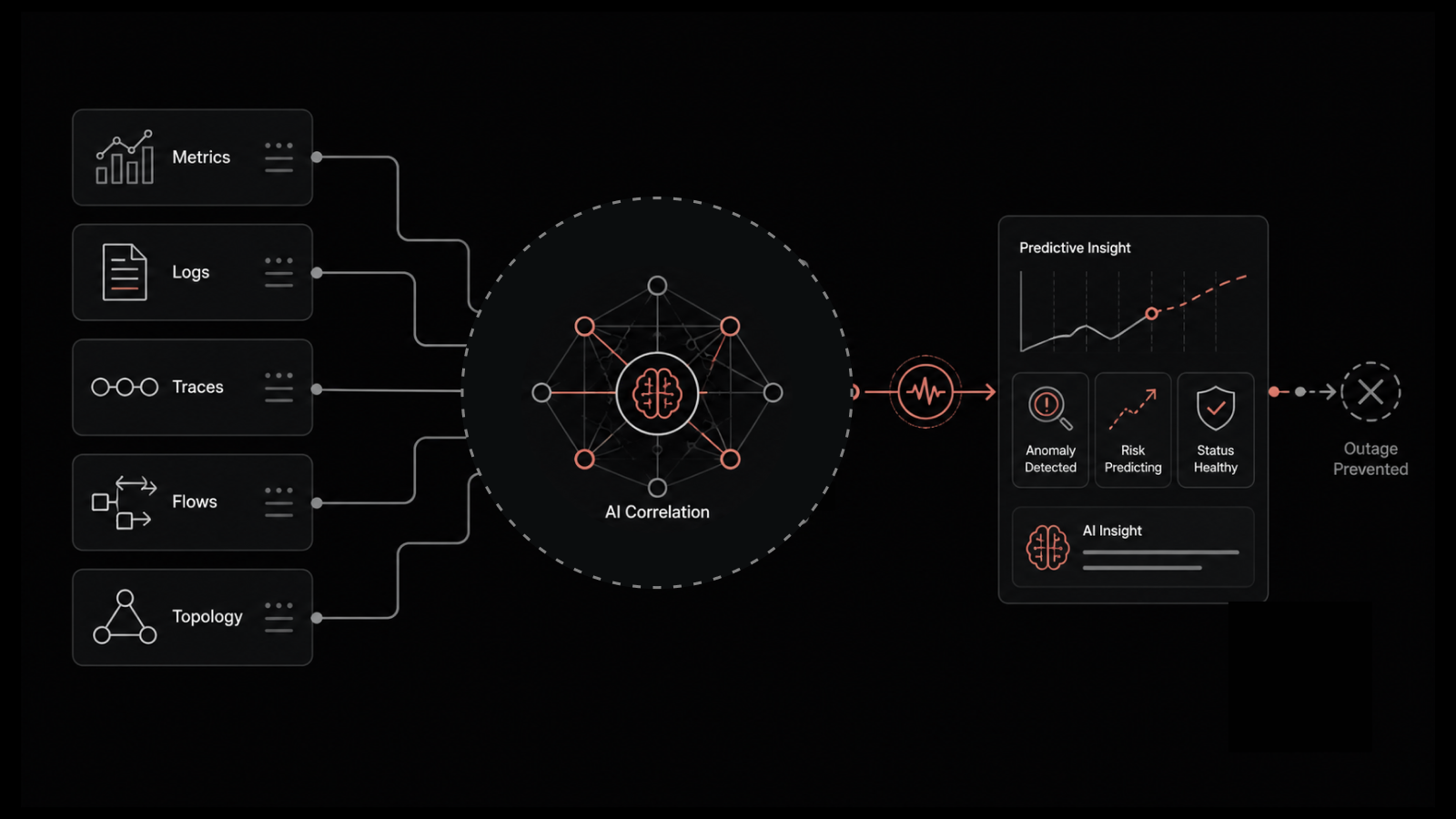
Using predictive analytics to flag infrastructure components at risk of failure
The mistake many teams make is running these as two separate processes with different owners and different tools. Instead, define both reactive and proactive triggers within a single problem management workflow. This keeps everything connected -- one process, one set of records, one view of the problem's lifecycle.
6. Capture Accurate, Detailed Data in Every Incident Ticket
Your problem management process is only as good as the data feeding it. If incident tickets contain vague descriptions and incomplete information, your problem manager can't identify patterns or generate meaningful trend analysis.
Every incident ticket should capture:
User details -- who reported it, what department, what location
Categorization and prioritization -- standardized fields, not free-text guesses
Service information -- which service, which configuration item
Date and time logged -- critical for trend analysis
Detailed incident description -- symptoms, error messages, affected functionality
Analysis and attempted solutions -- what was tried, what worked, what didn't
Many organizations find that technicians record insufficient details in incident work logs. When that happens, the problem manager has to trace back to the original customer request to gather symptom information -- a time-consuming process that delays root cause identification.
The fix is structural: build mandatory fields into your ITSM tool, create templates for common incident types, and make data quality part of technician performance reviews.
7. Recognize Problem Management's Boundaries
Problem management is a powerful ITSM process, but it's not a catch-all solution. It helps manage and reduce the impact of IT issues on business operations. It doesn't prevent all issues from occurring in the first place.
To prevent IT incidents and problems at the infrastructure level, you need:
Change management -- controlled modifications that don't introduce new failures
Proactive monitoring -- catching performance degradation before it becomes an outage
Infrastructure resilience -- redundancy, failover, and capacity planning
Automation -- removing human error from repetitive operational tasks
The most effective IT organizations use problem management as one piece of a broader operational strategy, not as the only strategy.
Measuring Problem Management Effectiveness
You can't improve what you don't measure. Track these KPIs to gauge how well your problem management techniques are performing:
KPI | What It Tells You | Target |
|---|---|---|
Number of recurring incidents | Whether root causes are actually being resolved | Trending down quarter over quarter |
Mean time to identify root cause | How quickly your team moves from symptom to cause | Under 4 hours for P1/P2 problems |
Problems resolved permanently vs. workaround | Ratio of real fixes to temporary patches | 70%+ permanent resolutions |
Problems identified proactively | Whether your team is finding issues before users report them | 20-30% of total problems |
Reduction in incident volume | The downstream effect of successful problem management | 10-15% reduction per quarter |
Related Questions Teams Ask About Problem Management
What's the most underused problem management technique?
Proactive problem management. Most teams are stuck in reactive mode -- they only investigate after incidents pile up. Teams that dedicate even 20% of their problem management time to proactive analysis (trend monitoring, predictive alerts, infrastructure health reviews) see a measurable drop in incident volume within one quarter.
How do you get leadership buy-in for problem management investment?
Translate operational metrics into business language. Instead of "we reduced P2 incidents by 30%," frame it as "we recovered 120 engineering hours per quarter that were being spent on repeat fixes." Attach a dollar figure. Decision-makers respond to cost avoidance and productivity gains, not ticket counts.
How Motadata Helps Teams Improve Problem Management
Motadata brings observability, service management, and automation into a single AI-powered platform. For teams working to improve their problem management techniques, that means:
Unified incident and problem tracking -- no more switching between tools to connect incidents to root causes
Built-in KEDB -- known errors and workarounds are accessible directly within the service desk workflow
AI-assisted trend analysis -- pattern detection across incidents happens automatically, surfacing problems before your team has to hunt for them
Integrated change management -- once a root cause is identified, initiate the fix without leaving the platform
Whether your priority is faster root cause identification, fewer recurring incidents, or better data quality across your ITSM process, Motadata ServiceOps is built to simplify the path from detection to permanent resolution.
Request a demo to see how ServiceOps supports problem management at scale, or start a free 30-day trial to test it with your own workflows.
FAQs
What are the main stages of the problem management process?
The six core stages are: problem detection, categorization, prioritization, analysis, resolution (workaround or permanent fix), and closure. Each stage should be documented and tracked within your ITSM platform to maintain a full audit trail and enable trend analysis.
How is problem management different from incident management?
Incident management focuses on restoring service as fast as possible. Problem management investigates the underlying cause of incidents and works to prevent them from recurring. Both are necessary -- incident management handles the immediate pain, while problem management addresses the root cause.
What is a Known Error Database (KEDB) and why does it matter?
A KEDB is a centralized repository that documents known problems, their root causes, and available workarounds. It matters because it gives support teams instant access to solutions for recurring issues, reducing resolution time and preventing unnecessary escalations.
Can you improve problem management without buying new tools?
In many cases, yes. Clearer process documentation, better data capture in incident tickets, defined roles and responsibilities, and a maintained KEDB can all improve outcomes with existing tooling. That said, if your tools create silos or lack automation, consolidating onto a unified platform like Motadata ServiceOps can accelerate those improvements significantly.
What KPIs should IT teams track for problem management?
The most useful KPIs include: recurring incident count, mean time to identify root cause, ratio of permanent fixes to workarounds, percentage of problems identified proactively, and overall reduction in incident volume. Track these monthly or quarterly to measure real progress.