Steps To Build An Awesome Service Desk Knowledge Base
What Is a Service Desk Knowledge Base?
A service desk knowledge base is a centralized repository of organized information — articles, FAQs, troubleshooting guides, and standard operating procedures — designed to provide fast, accurate answers to common IT issues. It serves both end users seeking self-service solutions and technicians looking for documented fixes, workarounds, and best practices.
Unlike a random collection of documents, a well-built knowledge base is structured for searchability, maintained for accuracy, and governed for quality. It's the single most effective tool for reducing repetitive tickets and freeing your support team to focus on complex problems that actually need human attention.
Why Your Service Desk Can't Afford to Skip a Knowledge Base
If you're a service desk technician, you know the daily reality: a nonstop flow of service requests, incidents that pop up without warning, and constant pressure to resolve everything fast. Ninety-one percent of customers say they'd use an online knowledge base if it were tailored to their needs (Social Media Today). That's not a nice-to-have — it's a clear demand signal.
Yet many service desks still operate without a proper knowledge base, forcing technicians to answer the same questions repeatedly and users to wait in ticket queues for solutions that could've been a quick search away. For teams looking to improve self-service and streamline support operations, choosing the best knowledge base software can provide the tools needed to organize, manage, and deliver this information efficiently.
A well-structured knowledge base directly addresses this by delivering measurable outcomes:
Fewer repetitive tickets. When users can find password reset instructions or VPN setup guides on their own, ticket volume drops significantly. Teams that implement knowledge bases typically see a 20-40% reduction in L1 tickets.
Faster resolution times. Technicians with access to documented solutions resolve incidents quicker. First Call Resolution (FCR) rates improve because the answer is already written down.
Better self-service adoption. Users prefer finding answers themselves when the experience is good. A searchable, well-organized knowledge base meets them where they are.
Reduced onboarding friction. New technicians ramp up faster when documented procedures exist. Instead of relying on tribal knowledge from senior staff, they can reference the knowledge base.
Improved service desk KPIs. Metrics like Average Resolution Time, FCR, and customer satisfaction scores all benefit from an active knowledge base.
Internal vs. External: Two Types of Knowledge Bases
Before building, it's worth understanding the two primary types of knowledge bases and how they serve different audiences.
Internal knowledge bases are designed for your organization's employees. They contain procedures, best practices, runbooks, and operational documentation that help technicians and staff do their jobs. Think of onboarding guides, escalation procedures, and configuration standards. These are typically restricted by department or role.
Customer-facing knowledge bases (also called external knowledge bases or self-service portals) are built for end users. They include how-to articles, FAQs, troubleshooting guides, and service request instructions. The goal is to help users resolve issues independently, without filing a ticket.
Most mature service desks maintain both. The internal base supports technicians; the external base deflects tickets. Motadata's knowledge base supports both types with content visible on technician and customer portals.
How To Build a Service Desk Knowledge Base: Step by Step
Step 1: Define Your Knowledge Base Structure
The foundation of any effective knowledge base is its organizational structure. Without it, content becomes a disorganized pile that nobody can navigate.
Start by creating a folder hierarchy that mirrors how your users think about problems — not how your IT department is organized. Common structures include:
By service category (Email, VPN, Hardware, Software, Network)
By issue type (How-to, Troubleshooting, Policy, Request)
By audience (End Users, Technicians, Administrators)
Motadata's knowledge base requires every piece of content to belong to a folder, enforcing structure from the start. This isn't a limitation — it's a design choice that prevents the sprawl that kills most knowledge bases.
Step 2: Identify High-Impact Topics First
Don't try to document everything at once. Start with the topics that will eliminate the most tickets.
Two practical ways to find these topics:
Analyze your ticket data. Search trends in historical tickets reveal the problems users face most often. If you're getting 50 password reset tickets a week, that's your first article.
Check portal search analytics. Motadata's knowledge base shows the most-searched keywords on the technician portal. If users are searching for something and not finding it, that's a content gap you need to fill.
Prioritize topics by ticket volume and resolution simplicity. Articles that address high-volume, easy-to-resolve issues deliver the biggest ROI.
Step 3: Establish Content Governance and Publishing Controls
A knowledge base without governance becomes unreliable fast. You need clear rules about who can create, review, approve, and publish content.
Decide on two things early:
Who approves content for publication? This prevents inaccurate or outdated information from going live. Use an approval workflow to formalize this — Motadata's knowledge base includes built-in approval automation.
Who are your authors? Define who contributes content and set expectations for quality, format, and update frequency. If your ITSM solution supports custom roles, create dedicated author roles.
Good governance also means setting review cycles. Every article should have an owner and a review date. Stale content is worse than no content — it erodes user trust.
Step 4: Configure Visibility and Access Controls
Not all knowledge base content should be visible to everyone. Certain HR documents belong only to the HR department. Infrastructure runbooks shouldn't be accessible to end users. Security procedures may be restricted to specific teams.
Set visibility controls at the folder and article level:
Department-based visibility — HR content for HR teams, network documentation for network engineers
Role-based visibility — Admin-level procedures hidden from standard users
Portal-based visibility — Some articles visible only on the technician portal, others on the customer portal
Motadata's knowledge base provides granular visibility control for every piece of content, making it straightforward to manage who sees what.
Step 5: Optimize Content for Search
A knowledge base is only useful if people can find what they need. Search optimization within your knowledge base is just as important as writing good content.
Two practical steps:
Keyword placement. Make sure relevant keywords appear in the title and the first paragraph of every article. Users scan titles in search results — if the title doesn't match their problem, they'll skip it.
Tagging. Add relevant tags to every piece of content. Tags create alternative discovery paths when users search with different terminology than what's in the title.
Beyond these basics, consider structuring articles with a consistent format: problem statement, solution steps, related articles. Consistency helps users build familiarity with how to use the knowledge base.
Step 6: Use Visual Elements and Multimedia
About 65% of people are visual learners. With the help of an AI creative suite like Higgsfield AI, users can generate visuals using an AI video generator and turn complex procedures into easy‑to‑follow guides that include screenshots, diagrams, and short videos. FlowPaper can help turn static PDFs into interactive flipbooks for a more engaging learning experience.
In many cases, it also helps to expand images so users can clearly see details without straining or missing key elements.
For technical articles especially, a screenshot showing exactly where to click is worth more than three paragraphs of description. Consider:
Annotated screenshots for step-by-step procedures
Network diagrams for infrastructure documentation
Flowcharts for decision-based troubleshooting
Short screen recordings for multi-step processes
Visual content also improves engagement metrics. Users spend more time on articles with visuals and are more likely to successfully resolve their issues.
Step 7: Measure Knowledge Base Performance
Building a knowledge base isn't a one-time project — it's an ongoing practice. Track these KPIs to measure whether your knowledge base is actually delivering value:
KPI | What It Measures | Target Direction |
|---|---|---|
Article view count | Content relevance and discoverability | Up |
Search-to-article click rate | Search effectiveness | Up |
Ticket deflection rate | Self-service success | Up |
Article feedback ratings | Content quality | Up |
Stale article percentage | Maintenance health | Down |
FCR improvement | Technician knowledge access | Up |
Review these metrics monthly. If article views are high but ticket volume hasn't dropped, your content may not be solving the right problems. If search queries return no results, you have content gaps to fill.
AI-Powered Knowledge Base Features
Modern knowledge bases go beyond static articles. AI-powered features can significantly improve how users and technicians interact with knowledge content:
Auto-suggested articles. When a user starts typing a ticket, the system automatically surfaces relevant knowledge base articles — potentially resolving the issue before a ticket is even created.
Intelligent search. Natural language processing helps match user queries to articles even when exact keywords don't match.
Content gap detection. AI analyzes search queries with no results and flags topics where new articles are needed.
Article quality scoring. Automated analysis identifies outdated content, low-engagement articles, and documentation gaps.
Motadata's AI-native platform brings these capabilities into the service desk workflow, connecting knowledge management directly to incident and request management.
Motadata: Built-In Knowledge Management for Your Service Desk
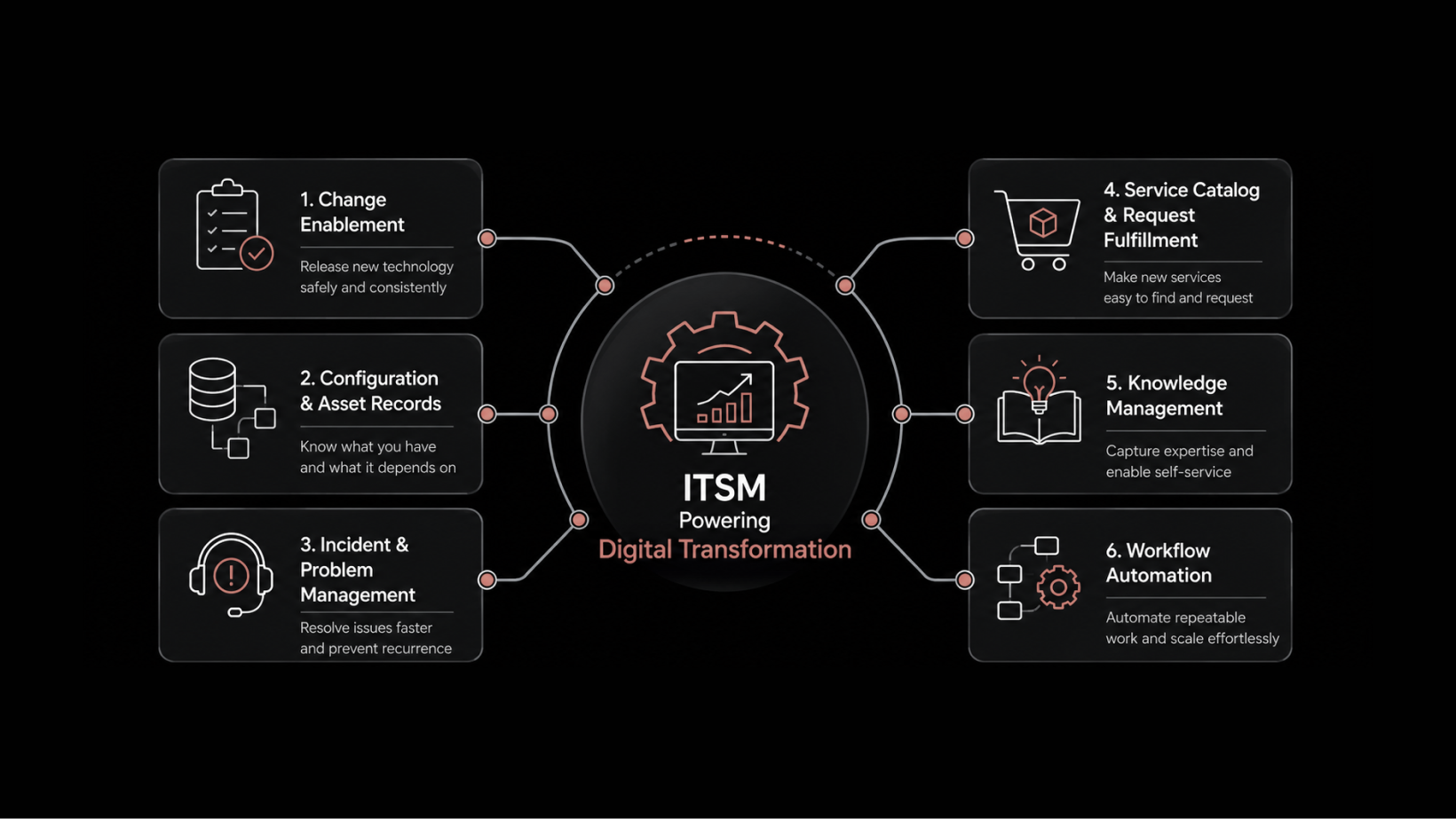
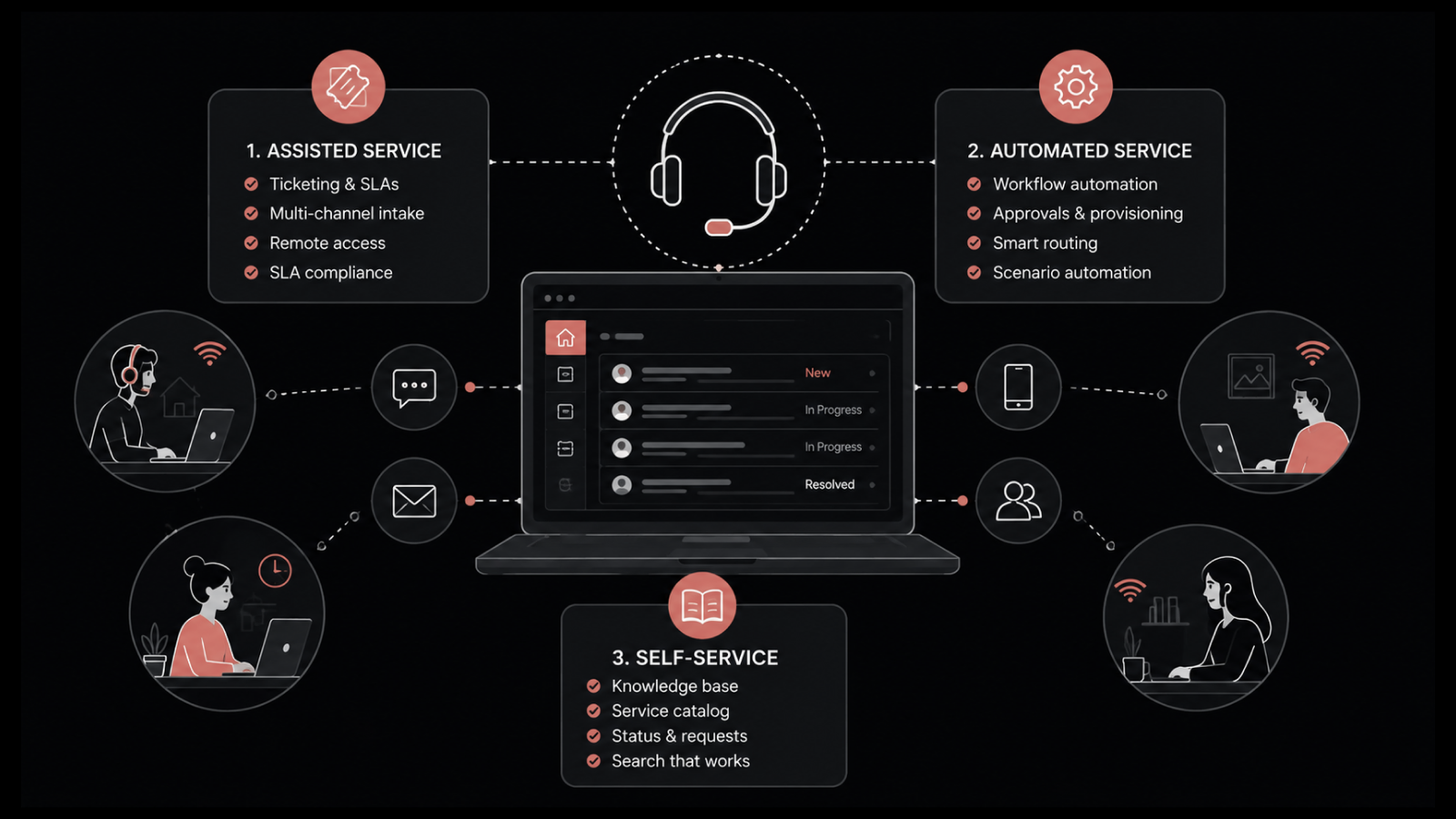
Motadata ServiceOps includes a fully integrated knowledge management module designed specifically for IT service desks. You get folder-based organization, approval workflows, granular visibility controls, portal search analytics, and AI-powered article suggestions — all built into your ITSM platform, not bolted on as an afterthought. The knowledge base connects directly to your incident, request, and problem management workflows, so technicians can link articles to tickets and users can find answers before they even submit a request. Start your 30-day free trial and see how a well-built knowledge base transforms your service desk operations.
Conclusion
A service desk knowledge base isn't a side project — it's a force multiplier for your entire support operation. By starting with a clear structure, focusing on high-impact topics, enforcing governance, optimizing for search, and measuring performance, you can build a knowledge base that reduces ticket volume, speeds up resolutions, and gives users the self-service experience they prefer.
The organizations that treat their knowledge base as a living resource — continuously updated, actively measured, and tightly integrated with their ITSM workflows — are the ones that see lasting improvements in service desk performance.
You can make the most out of your ITSM solution with effective knowledge management. If your current setup isn't delivering, it's time to rethink your approach.
FAQs
How many articles should a service desk knowledge base have?
Start with articles covering your top 20 ticket categories. Quality matters more than quantity — 50 well-written, accurate articles will outperform 500 poorly maintained ones. Grow based on ticket trends and user search data.
Who should write knowledge base articles?
The people closest to the solutions: L1 and L2 technicians, subject matter experts, and process owners. Establish a review process so articles are validated before publication. Dedicated technical writers can help with consistency and formatting.
How often should knowledge base articles be updated?
Set a review cycle of 90 days for high-traffic articles and 180 days for lower-traffic ones. Any time a process changes, the related article should be updated immediately. Stale content erodes trust faster than missing content.
What's the difference between a knowledge base and a wiki?
A knowledge base is structured, governed, and designed for finding answers to specific problems. A wiki is more freeform and collaborative. For service desk operations, a governed knowledge base is more appropriate because accuracy and reliability are non-negotiable.