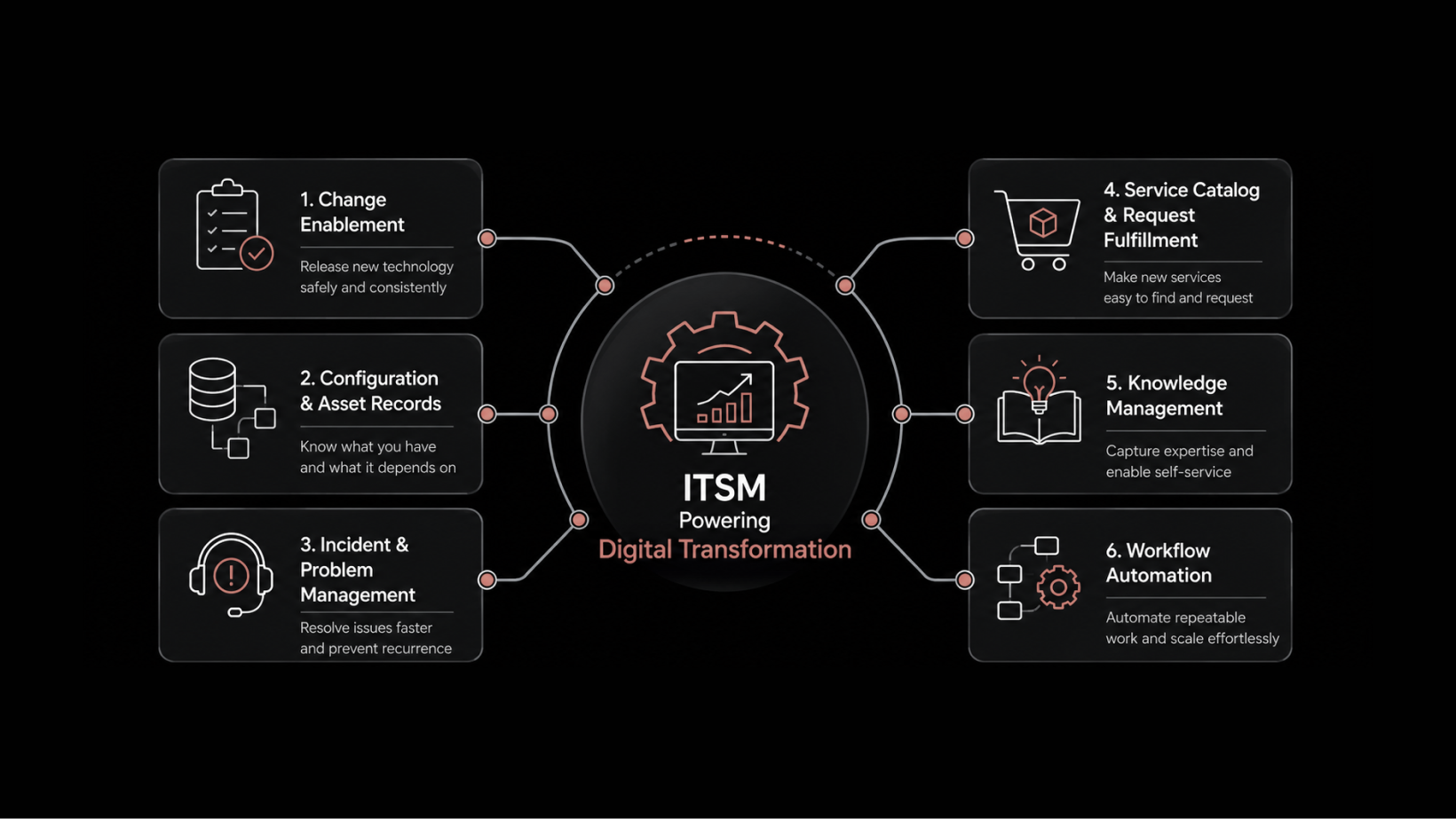
Top 6 Jira Service Management Alternatives to Consider in 2026
Jira Service Management is a popular choice for IT teams. It is considered one of the valuable platforms for structured service workflows and basic ITSM needs. However, as your operations grow, challenges start to appear.
You may start facing issues such as:
Increasing costs as your team and ticket volume increase
Complex configurations that require dedicated admin effort
Limited automation across end-to-end workflows
Dependence on add-ons for critical capabilities
Slower response and resolution times at scale
These challenges impact your service quality. They also increase operational overhead and reduce team efficiency.
At the same time, IT service management is evolving. Many modern platforms are moving beyond traditional ticket-based systems and focusing more on automation and AI-driven workflows. Teams now expect faster resolutions, less manual effort, and better visibility across operations.
That is why many teams are now exploring Jira Service Management alternatives. They want platforms that are easy to manage, affordable, and built with automation at the core. More importantly, they want tools that fit their team size, workflows, and long-term goals.
In this guide, you will learn what to evaluate before switching. You will also explore the best Jira Service Management alternatives in 2026, based on use cases and needs.
A Quick Comparison of the Top 3 Jira Service Management Alternatives
TL;DR: If you want a quick answer, here are the top 3 alternatives you should consider:
Motadata ServiceOps: Best if you want a unified platform with built-in AI across service, assets, and operations
Freshservice: Best if you want fast setup and AI-driven workflows with minimal admin effort
ServiceNow: Best if you need deep customization and enterprise-grade governance
Keep reading for the full breakdown, including how to choose the right fit for your team.
How We Selected the Top Jira Service Management Alternatives
We evaluated platforms based on what actually matters to IT teams making a switch.
Here is what we looked at:
ITSM core capabilities: Does it cover incidents, problems, change, and request management without heavy customization?
AI and automation: Is automation built into the core, or added as an extra?
Ease of adoption: Can your team get started without dedicated specialists or long training cycles?
Total cost of ownership: Is pricing predictable as your team grows, without hidden add-on costs?
Scalability: Does it handle growth in ticket volume, team size, and workflow complexity?
Integrations: Does it connect with your existing tools without custom development effort?
Real user ratings: What do actual users say on platforms like G2 about daily usability and support?
Only platforms that scored well across most of these criteria made it into this guide.
How Modern ITSM Platforms Are Changing Service Operations
IT service management is changing. Traditional systems focus on managing tickets, logging issues, assigning them, and resolving them manually.
Today, modern ITSM platforms are moving beyond this approach. They focus more on automation and AI-driven workflows that reduce manual effort and improve efficiency.
Instead of handling every request manually, these platforms can:
Automatically route and prioritize tickets
Suggest or trigger resolutions
Improve response and resolution times
Provide better visibility across systems
This shift is important when evaluating Jira Service Management alternatives. The goal is no longer just to manage tickets, but to simplify operations, reduce workload, and improve overall service performance.
A List of the 6 Best Jira Service Management Alternatives in 2026
To help find the right fit, here are the top Jira Service Management alternatives to consider in 2026.
1. Motadata ServiceOps
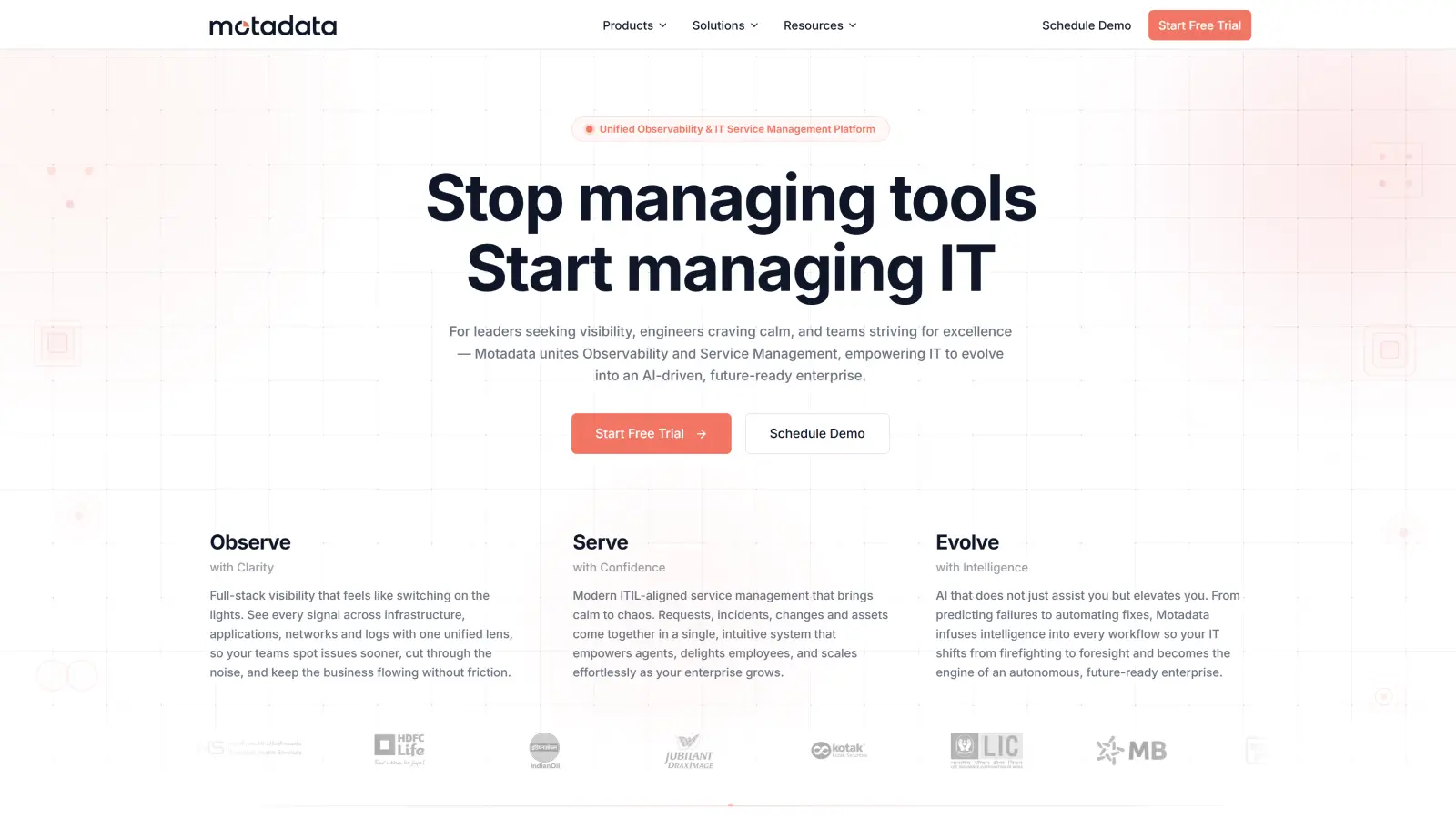
If you want one platform to run your entire IT service operation, Motadata ServiceOps is built for that.
It brings service management, asset management, CMDB, and patching into one unified system. You do not need multiple tools to manage operations.
AI is built into the core of the platform. It helps you with ticket classification, routing, and resolution workflows.
As a result, you can reduce manual effort and improve consistency across operations. Your team spends less time on repetitive work and more on critical tasks.
The platform is designed for enterprise environments. You can handle high ticket volumes, distributed teams, and complex workflows without performance issues. It supports both cloud and on-premises deployment, giving you flexibility based on your needs.
Motadata is trusted by over 5,000 organizations across 30+ countries. It supports industries like BFSI, government, manufacturing, and IT services. The platform is backed by 16 years of product innovation and real-world deployments.
You also get strong ecosystem support with 350+ global partners. The platform meets enterprise compliance standards, including SOC 1, SOC 2, SOC 3, GDPR, and POPIA.
It is also recognized by industry bodies like Gartner, IDC, and PeopleCert.
This combination of unified architecture, built-in AI, and proven scale makes it suitable for organizations that want control, visibility, and long-term operational efficiency.
G2 Rating: 4.6/5
Best For: Mid-market to enterprise teams that want a unified ITSM platform with built-in AI and automation
Key Features
Unified ITSM covering incident, problem, change, and request management
Built-in IT asset management and CMDB with full lifecycle visibility
Patch and deployment management across Windows, Linux, and macOS
AI-powered automation for ticket classification, routing, and resolution
Predictive analytics for SLA tracking and workload management
Visual workflow and AI orchestration across IT and business systems
MSP-ready with multi-tenancy and client-level SLAs
Enterprise security with RBAC, audit trails, and compliance controls
Limitations
Initial setup requires planning for best results
Less widely known compared to legacy enterprise vendors
2. ServiceNow
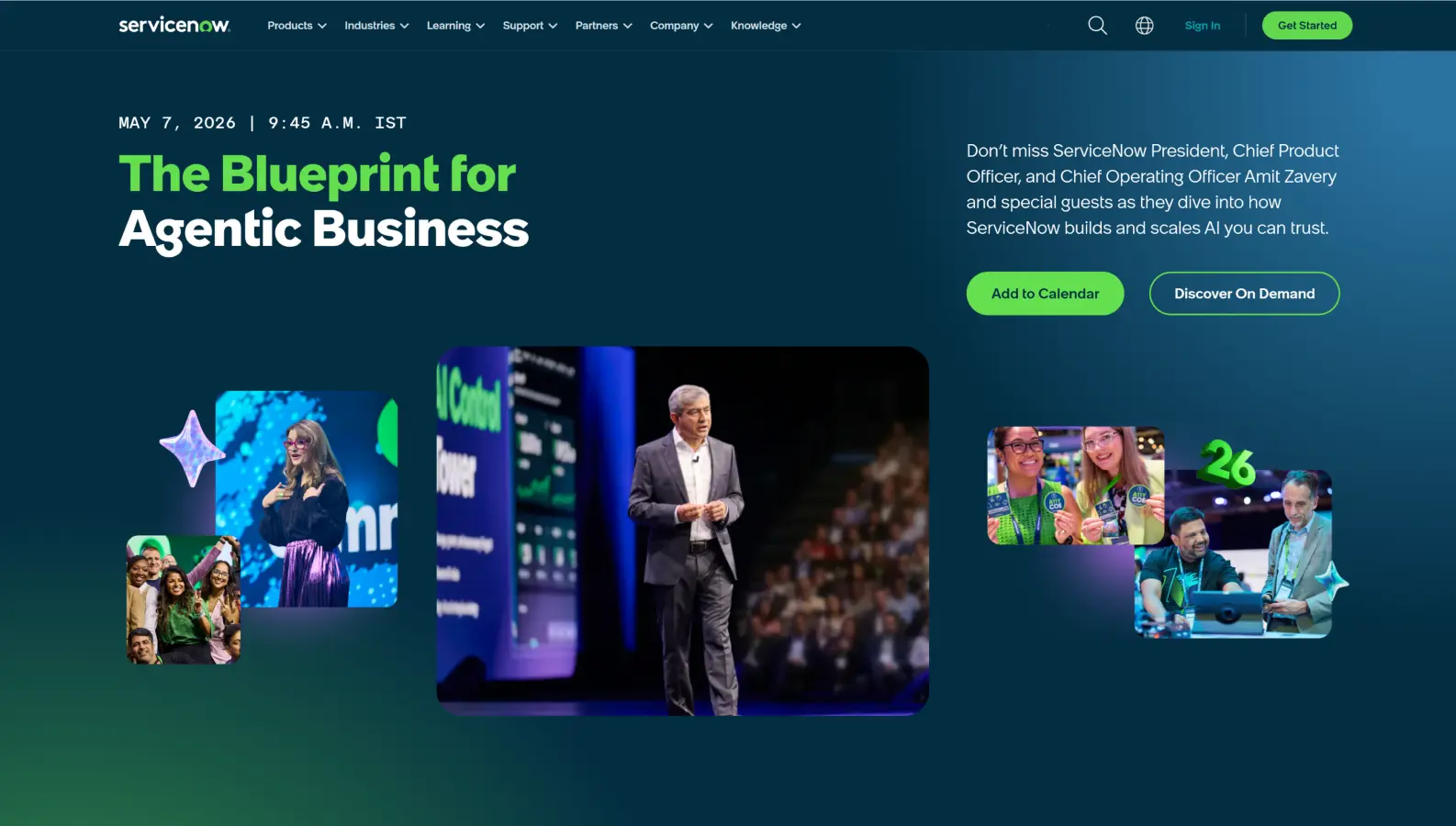
If you manage IT at an enterprise scale and need a platform that can handle serious complexity, ServiceNow stands in a league of its own.
You get one unified, intelligent platform that connects people, data, and workflows across your entire organization. It extends naturally beyond IT to support HR, finance, legal, facilities, and other departments.
Built on a strong single data model, it helps you standardize operations while maintaining the flexibility needed for complex enterprise processes.
Now Assist and AI Agents are deeply integrated into the platform. They help you automatically classify incidents, predict problems, automate resolutions, and boost overall agent productivity.
You also benefit from world-class governance, compliance capabilities, advanced CMDB, and powerful real-time analytics that give you full visibility and control.
G2 Rating: 4.4/5
Best For: Large enterprises that need scalable ITSM and enterprise-wide service management
Key Features
AI-powered automation with Now Assist and AI Agents
Strong ITIL 4 alignments across incident, problem, and change management
Advanced CMDB for managing assets and service relationships
Performance analytics for real-time insights and reporting
3,000+ integrations with enterprise tools and systems
Enterprise Service Management across multiple departments
Limitations
High total cost of ownership
Long implementation cycles, often 6–12 months
Requires dedicated admins or external partners
Customization can become complex at scale
3. Freshservice
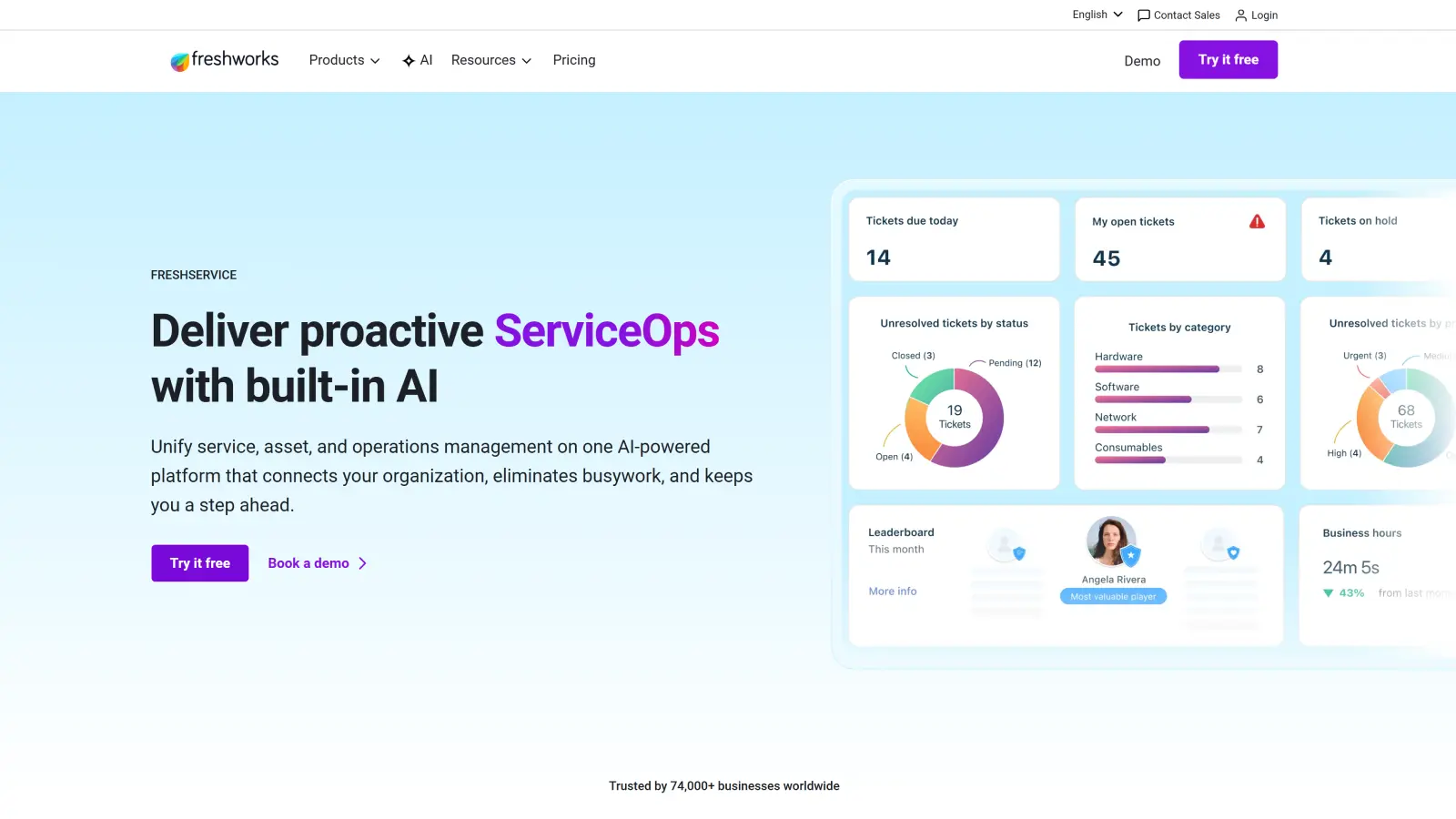
If you want a modern ITSM platform that is both powerful and easy to use, Freshservice is an outstanding choice for growing teams.
You get a clean, beautiful, and highly intuitive interface that your team will love right from the start. It brings together service management, asset management, and operations in one well-designed platform.
Freddy AI works intelligently every day, which helps in deflecting tickets through smart self-service. This way, it provides agent assistance, and helps resolve issues much faster.
You can deploy it quickly, often in just days, and start seeing real improvements in response times, resolution speed, and employee satisfaction almost immediately.
Freshservice strikes the perfect balance between simplicity and rich functionality, making it ideal for mid-market teams that want results without heavy admin work.
G2 Rating: 4.6/5
Best For: Mid-market teams that want quick deployment, ease of use, and AI-driven service management
Key Features
Full ITSM with incident, problem, change, and release management
Freddy AI for self-service, ticket deflection, and agent assistance
Built-in asset management with auto-updating CMDB
Omnichannel support across email, portal, Slack, and Microsoft Teams
Simple workflow automation with low setup effort
Strong integrations with modern SaaS tools
Limitations
Limited deep customization compared to enterprise platforms
Advanced reporting can feel restricted for very complex needs
Some features require higher-tier plans
4. ManageEngine ServiceDesk Plus
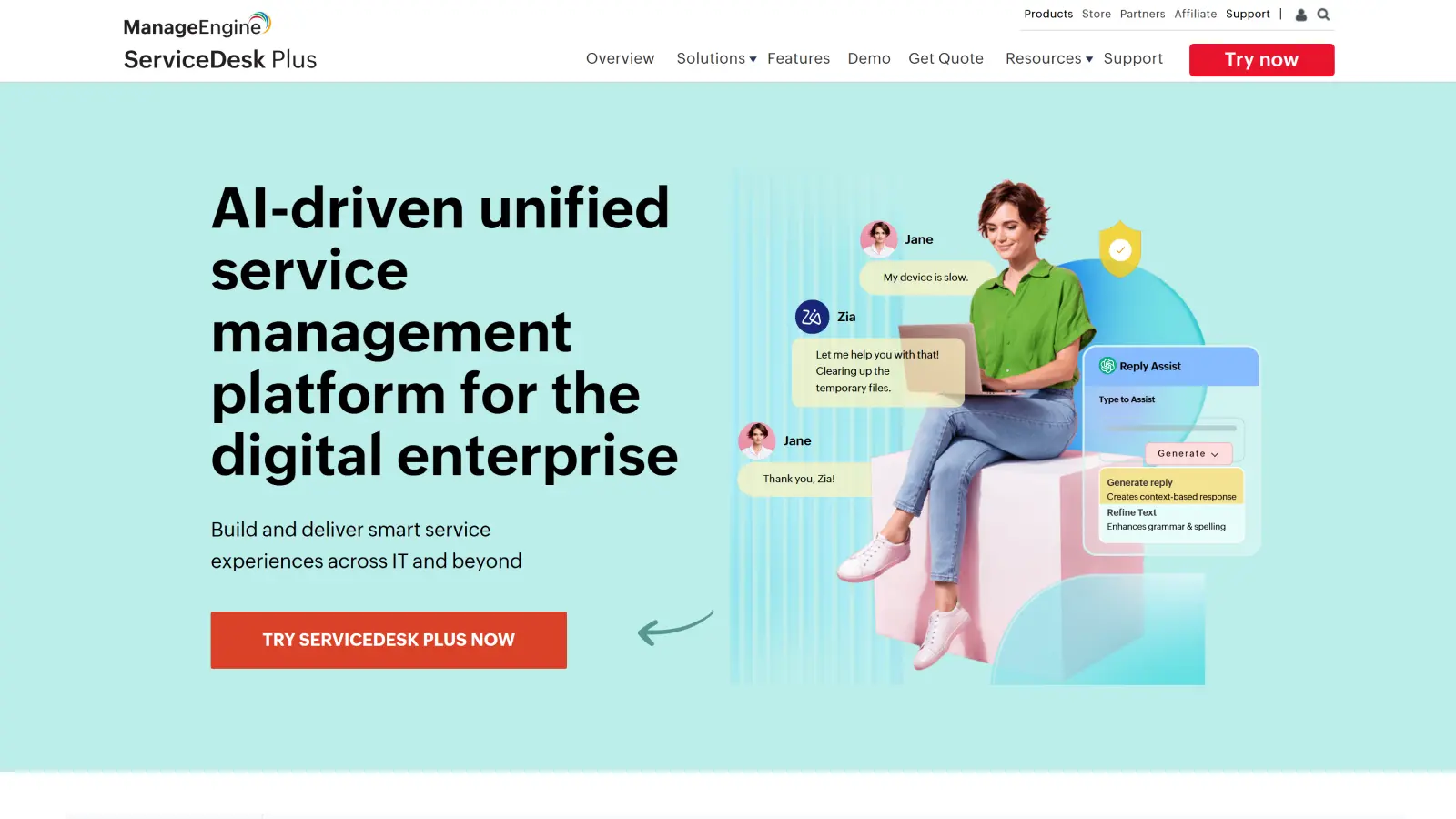
If you need robust ITSM features without paying premium enterprise prices, ManageEngine ServiceDesk Plus is the right solution.
You can manage incidents, problems, changes, assets, and service requests efficiently from one unified platform.
It offers great deployment flexibility. You have the option to choose cloud or on-premises depending on your security and compliance requirements.
Zia AI helps automate routine tasks, provides smart insights, and supports better decision-making across your service desk.
As part of the wider ManageEngine ecosystem, it connects easily with monitoring, security, and endpoint tools, giving you stronger visibility and more connected operations.
G2 Rating: 4.2/5
Best For: Teams that need full ITSM capability within a controlled budget
Key Features
ITIL-aligned incident, problem, change, and release management
Integrated IT asset management with CMDB
Workflow automation and customizable service processes
Self-service portal with knowledge base and live support
AI assistance with Zia for automation and insights
Strong integration with ManageEngine and Zoho ecosystem
Reporting and analytics for service performance tracking
Support for IT and non-IT service departments
Limitations
Interface feels less modern compared to newer tools
Initial setup can take time for new users
Advanced customization may require effort
Reporting can feel complex for first-time users
5. Solarwinds
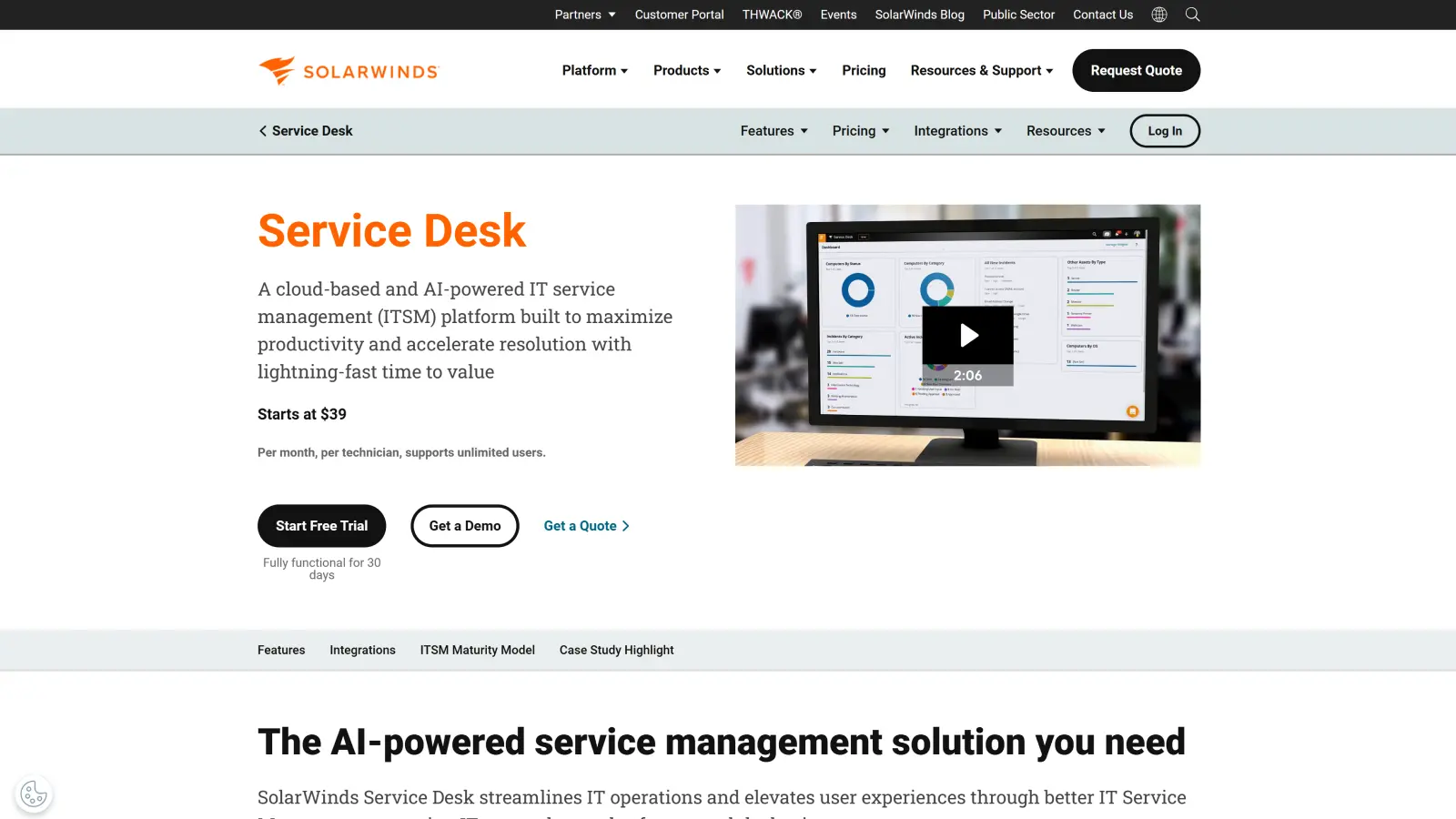
If you want an ITSM solution that emphasizes simplicity, speed, and ease of management, SolarWinds Service Desk is a strong and reliable option.
You can implement it quickly without complex setups or the need for full-time administrators.
It brings tickets, assets, users, and services together into one clear, centralized platform that improves visibility and control.
Built-in AI automation helps route tickets intelligently, handles repetitive tasks, and supports faster resolutions.
The platform integrates well with observability and monitoring tools, allowing you to detect issues early and fix them more efficiently.
G2 Rating: 4.3/5
Best For: Teams that want simple, easy-to-use ITSM with strong visibility and quick setup
Key Features
Incident, problem, and change management in one platform
Integrated IT asset management with CMDB
AI-powered automation for ticket handling and workflows
Service catalog for standardized request management
Centralized dashboard for tickets, assets, and users
Drag-and-drop configuration for faster setup
Integration with observability tools for faster issue detection
Enterprise service management for cross-team workflows
Limitations
Limited deep customization compared to enterprise platforms
Advanced features may require configuration
Reporting capabilities can feel basic for complex needs
Not as feature-rich as high-end enterprise ITSM tools
6. Zendesk
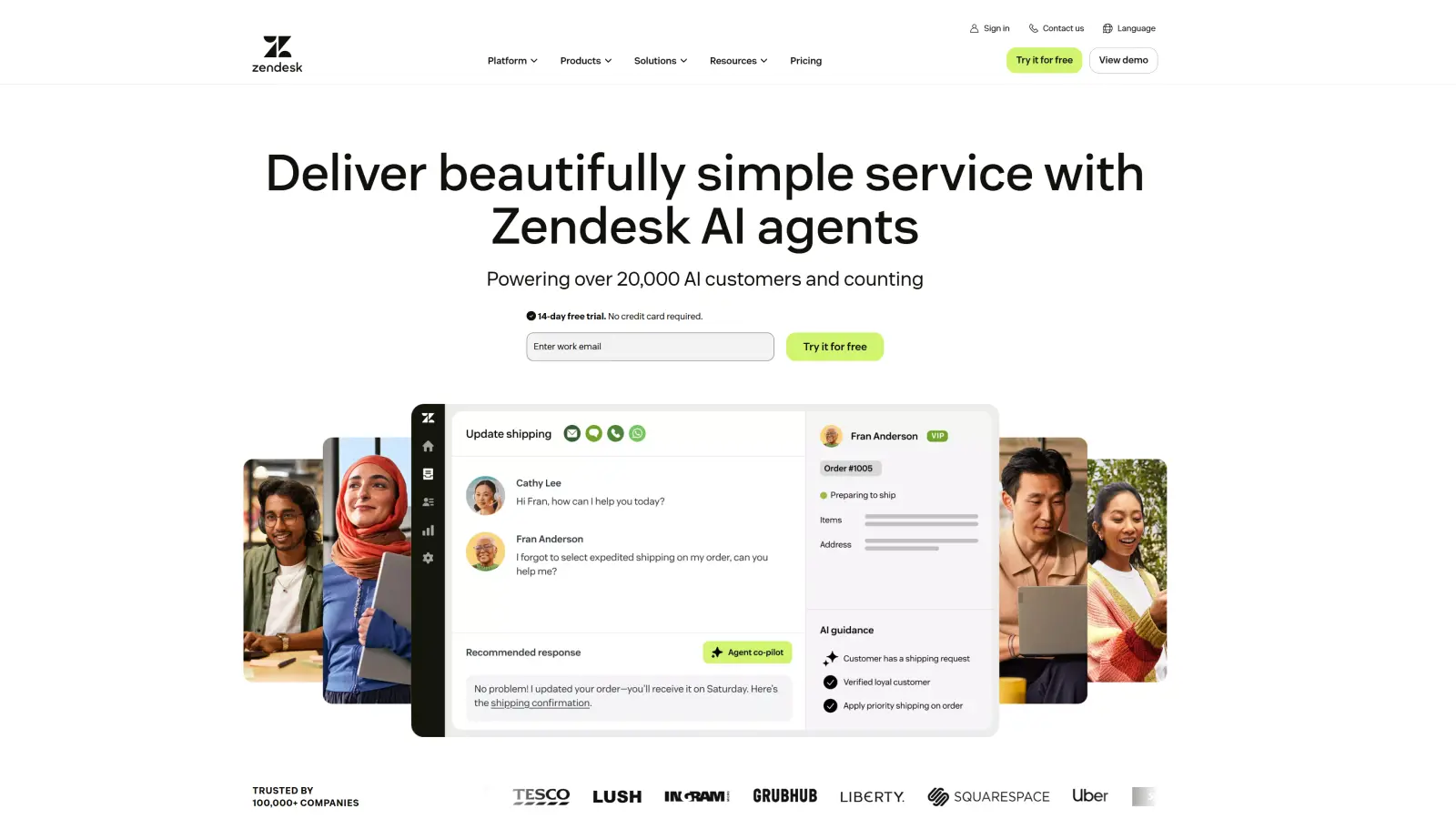
If you want a modern, user-friendly ITSM platform that is fast to adopt and delivers great experiences, Zendesk is an excellent choice.
You can manage tickets, incidents, and service requests smoothly without complicated configurations.
It provides a centralized workspace where tickets, knowledge, and assets work together, helping your team work faster and more effectively.
Powerful omnichannel support allows you to assist users seamlessly across email, chat, Slack, Microsoft Teams, and other channels.
Zendesk’s AI automation offers real-time guidance to agents and automates routine tasks, resulting in quicker and more consistent service delivery.
G2 Rating: 4.3/5
Best For: Teams that need simple, user-friendly ITSM with strong support experience and fast adoption
Key Features
Centralized ticketing for incidents, requests, and tasks
Omnichannel support across email, chat, Slack, and Teams
AI-powered automation for workflows and agent assistance
Integrated knowledge base for faster self-service
IT asset management with asset context inside tickets
Service catalog for structured request handling
Problem and change management with risk control
Reporting and analytics for service performance tracking
Limitations
Limited depth for advanced ITIL workflows compared to enterprise platforms
Asset management is less extensive than dedicated ITAM tools
Customization options may not meet complex enterprise needs
Advanced features and automation may require higher-tier plans
A Table of Jira Service Management Alternatives Comparison
Let’s check this table to understand the direct comparison between Jira and its alternatives.
Tool | Best For | Starting Price (Per Agent/Month, Billed Annually) | AI Capability | Ease of Use | Key Strength | Key Limitation |
Jira Service Management | Teams already using Atlassian | $20 (Standard) | Bolt-on | Moderate | Deep Jira & development integration | Steep learning curve |
Motadata ServiceOps | Unified ITSM + Asset Management | Custom (Contact for quote) | Strong Built-in AI | Excellent | All-in-one (ITSM + Assets + Patch) | Less widely known |
ServiceNow | Large Enterprises & ESM | $100+ (Custom) | Strong Native (Now Assist) | Complex | Best governance & scalability | High cost & long implementation |
Freshservice | Mid-market teams | $19 (Starter) | Native (Freddy AI) | Excellent | Fast setup & intuitive UX | Limited deep customization |
ManageEngine ServiceDesk Plus | Budget-conscious teams | $13 (Standard) | Good (Zia AI) | Moderate | Affordable + Cloud/On-prem options | Dated user interface |
SolarWinds Service Desk | Simple & fast ITSM | $39 (Essentials) | Good AI Automation | Good | Quick setup & simplicity | Limited advanced features |
Zendesk | Customer support + IT helpdesk | $19 (Support Team) | Native AI Agents | Very Good | Excellent omnichannel experience | Weaker for complex internal ITSM |
Now, let’s understand what to look for when you want to choose the right alternative for your requirements.
How to Choose the Right Jira Service Management Alternative
Choosing the right ITSM platform is not about comparing features. It is about selecting a system that fits how your team actually works today, and how it will scale tomorrow.
The right tool should reduce effort, improve response times, and bring clarity to your operations. The wrong one can increase complexity, slow your team down, and create long-term inefficiencies.
Here is how you should approach the decision.
1. Start with Your Operational Needs
Before evaluating any tool, you need to understand what problems you are trying to solve.
Every team operates differently. Some struggle with slow ticket resolution. Others lack visibility across assets and services. In many cases, teams spend too much time on manual and repetitive tasks.
If you are not clear about your core challenges, you may end up choosing a tool that looks powerful but does not solve your actual issues.
Ask yourself:
Are your workflows too complex or slow?
Do you lack visibility across tickets, assets, or services?
Is your team spending too much time on manual work?
Do you need better reporting and decision-making insights?
Clarity at this stage makes your evaluation more focused and effective.
2. Evaluate Ease of Use and Adoption
A platform should support your team, not slow it down.
If the interface is difficult to understand, adoption becomes a challenge. Teams rely more on experienced users, which creates bottlenecks and delays.
Many ITSM tools offer advanced features, but they also require training and ongoing support. Over time, this increases operational dependency and reduces efficiency.
A good platform should allow your team to manage requests, incidents, and workflows with clarity from day one. Simplicity improves consistency, reduces errors, and helps teams work faster.
3. Assess Automation and AI Capabilities
Modern ITSM platforms should reduce manual effort across operations.
Automation helps handle repetitive tasks such as ticket routing, prioritization, and approvals. AI automation in ITSM goes a step further by supporting decision-making, identifying patterns, and improving resolution speed.
You should evaluate whether automation is built into the platform or depending on add-ons. Tools with built-in automation are easier to scale and maintain.
A strong automation layer ensures your team spends less time on routine work and more time on critical issues.
To understand this point in more detail, you can read this blog on the role of AI and ML in ITSM tools.
4. Understand the Total Cost of Ownership
Pricing is not limited to the subscription cost.
You need to consider the total cost over time, including setup, customization, integration, and ongoing maintenance.
Some tools appear affordable initially but become expensive as your team grows or requires additional features. Add-ons, upgrades, and admin effort can significantly increase long-term costs.
Evaluate:
Pricing model (per agent, per user, or tier-based)
Cost of add-ons and integrations
Implementation and maintenance effort
A clear understanding of cost helps you avoid unexpected expenses later.
5. Check Scalability and Flexibility
Your ITSM platform should grow with your organization.
As your team expands, ticket volume increases and workflows become more complex. A tool that works today may not support your needs in the future.
Look for platforms that can handle higher volumes, support multiple teams, and adapt to changing workflows without requiring major reconfiguration.
A scalable system also allows you to extend service management beyond IT into other departments, which helps to ensure long-term consistency.
6. Evaluate Integration Capabilities
Your ITSM tool should not work in isolation.
It should connect easily with your existing systems such as monitoring tools, DevOps platforms, and communication channels.
Strong integrations create a connected environment where data flows seamlessly across systems. This reduces manual effort and improves coordination between teams.
Without proper integration, your team may end up managing multiple tools separately, which reduces efficiency.
7. Analyze Reporting and Visibility
You need clear insights to manage and improve service performance.
Without proper visibility, it becomes difficult to track issues, measure efficiency, or make informed decisions.
A good platform should provide real-time insights into tickets, SLAs, and service trends.
Look for:
Real-time tracking of tickets and performance
SLA monitoring with alerts
Custom reporting and trend analysis
Better visibility helps you identify gaps, improve workflows, and maintain accountability across teams.
Why IT Teams Are Moving Beyond Jira Service Management
Jira Service Management is a strong platform. But as your team grows, limitations become more visible.
You need faster workflows, lower effort, and better cost control. When the tool adds friction, teams start exploring alternatives.
Here are the key reasons for driving that shift.
1. Pricing Challenges at Scale
Jira Service Management follows a per-agent pricing model. Your cost increases every time your team grows.
Many essential features are locked behind higher plans. Teams either upgrade early or depend on add-ons. Both increase total cost.
Over time, pricing becomes difficult to predict. This affects long-term planning and budgeting.
According to Gartner, IT spending will grow by over 8% in 2026. Cost efficiency is now a critical decision factor.
What creates cost pressure:
Per-agent pricing increases with team size
Key features require higher-tier plans
Add-ons increase total spending
Long-term costs become unpredictable
2. Complexity That Slows You Down
JSM gives you deep customization. But that flexibility comes with a steep learning curve.
Setting up workflows, SLAs, and automation is not simple. You must understand Jira’s structure first.
New users often struggle with the interface. This slows adoption and increases reliance on admins.
When setup takes too long, your team loses time on actual work.
Where this becomes a challenge:
Initial setup takes significant time and effort
Requires technical knowledge to configure properly
Interface feels complex for non-technical users
Ongoing admin effort increases over time
3. Steep Learning Curve and Usability Gaps
Jira Service Management is powerful. But it is not plug-and-play for most teams.
You need time to learn how everything connects. Workflows, queues, permissions, and schemas require proper understanding before using them.
For new users, the interface can feel overwhelming. Too many options create confusion instead of clarity.
Non-technical stakeholders struggle the most. Even simple tasks like navigating queues or pulling reports take extra effort.
Frequent UI updates can also create friction. Teams must continuously adapt and update internal documentation.
When usability is not simple, adoption slows down. Your team spends more time learning than delivering value.
Where this becomes a challenge:
Steep learning curve for new users and admins
Interface feels overwhelming with too many options
Difficult for non-technical users to navigate
Reporting and dashboards require extra effort
Frequent UI changes create inconsistency
Higher dependency on trained or experienced users
Read this detailed article to understand why organizations replace ITSM tools.
How to Switch from Jira Service Management Without Disruption
Switching from Jira Service Management requires a structured approach. Proper planning helps you avoid data loss, workflow gaps, and disruption to daily operations.
1. Understand Your Current Setup
Review your workflows, SLAs, and integrations to understand what is actively used. Identify what adds value and what can be removed or improved.
2. Clean Up Before Migration
Remove unused fields, outdated projects, and unnecessary complexity. A clean setup ensures your new system stays simple and easier to manage.
3. Plan Data Migration
Define what data needs to be moved, including tickets, assets, and knowledge base content. Test the process with a small dataset to avoid issues later.
4. Rebuild Workflows with Purpose
Do not copy workflows as they are. Redesign them based on current needs to improve efficiency and reduce unnecessary steps.
5. Prepare Your Team
Train key users first and guide them on common tasks. Clear and simple onboarding helps teams adopt the new system faster.
6. Run Both Systems Temporarily
Use both platforms for a short transition period. This ensures continuity while your team gets comfortable with the new system.
7. Monitor and Optimize
Track performance, adoption, and workflow efficiency after the switch. Make quick adjustments to stabilize and improve operations.
Pick the Best Jira Service Management Alternative, Leave the Rest!
Choosing the right Jira Service Management alternative depends on what your team actually needs and how you work.
Motadata ServiceOps brings ITSM, asset management, CMDB, and patching into one platform, so you don’t have to manage multiple tools.
It uses automation to handle tickets, routing, and basic tasks, which reduces manual work and keeps things consistent.
It also works well for growing teams with high ticket volume and complex setups. Simplify your IT service operations with Motadata ServiceOps.
FAQs
Why do teams look for alternatives to Jira Service Management?
You may start with Jira Service Management for its flexibility and ecosystem. But as your team grows, challenges become more visible. These include rising costs, complex configuration, and higher admin effort.
When your team spends more time managing the tool than resolving issues, you start exploring other options. The goal is to reduce effort, improve clarity, and maintain control as operations scale.
What should you prioritize when choosing an ITSM tool?
You should focus on how well the tool fits your daily operations. Features alone should not drive your decision.
Start with usability, automation, and visibility. Then evaluate cost, scalability, and integrations. A balanced approach helps you choose a tool that supports both current needs and future growth.
Are Jira Service Management alternatives better for mid-sized teams?
In many cases, yes. Mid-sized teams often face resource constraints and cannot maintain complex systems.
Many alternatives offer simpler setup, lower admin effort, and more predictable pricing. This helps you manage operations without needing dedicated specialists or large budgets.
How important is automation in modern ITSM tools?
Automation plays a central role in modern IT operations. It reduces manual effort and improves consistency across workflows.
With the right automation, you can handle ticket routing, approvals, and repetitive tasks without constant human input. This helps your team focus on higher-value work and improves overall service quality.
Can you switch from Jira Service Management without disruption?
Yes, but it requires planning. You should start by mapping your current workflows, assets, and data.
Choose a platform that supports migration and integration. Many tools offer onboarding support and data import options. A structured transition helps you avoid downtime and ensures continuity.
Author
Jagdish Sajnani
Senior Content Strategist
Jagdish Sajnani is a B2B SaaS content strategist and writer. He has experience across different B2B verticals, including enterprise technology domains such as IT Service Management, AI-driven automation, observability, and IT operations. He specializes in translating complex technical systems into structured, engaging, and search-optimized content. His work improves product understanding, strengthens organic visibility, and supports B2B demand generation.