10 Best Endpoint Management Software Tools in 2026
What makes one endpoint management tool better than another? Not the feature list. Almost every tool claims patching, asset tracking, and automation. What matters is whether it holds up across a few hundred machines, and how much time it hands back to your team.
For most IT teams, a good tool needs to:
Patch every operating system on time, without you chasing machines
Push software and settings to the right devices in one go
Show you're compliant without a manual scramble
Do all of it without heavy admin work or costs that creep up
We looked at 10 of the best endpoint management software tools for 2026. We read through G2 and Gartner Peer Insights ratings, checked vendor pricing pages, and went through user reviews. Here's what each tool does well, and who it's for.
What Endpoint Management Software Does
Endpoint management software gives IT one place to find, secure, patch, and manage every device on the network. That means laptops, desktops, servers, and often phones and tablets.
The tools split into three types:
Unified Endpoint Management (UEM): handles computers and mobile devices together
Mobile Device Management (MDM): just phones and tablets
Client and Patch Management: mostly Windows, macOS, and Linux, focused on patch management and software deployment
Whatever the type, buyers want the same four things. Keep software current. Know what devices you have. Push updates at scale. Prove you're compliant. What sets tools apart is device coverage, how much they automate, and how deep they go.
Why Endpoint Management Matters in 2026
An unmanaged device is a risk. It sits on the network, unpatched, until someone notices. IBM's 2024 report put the average data breach at $4.88 million. It also takes 194 days to spot a breach and another 64 to shut it down.
Remote work made this harder. Laptops sit on home networks now. Servers run in a couple of clouds. One patch that never got applied is all an attacker needs.
Good endpoint management closes that gap. It patches everything at once instead of one machine at a time, and it cuts the time between a flaw showing up and a fix going out. That's why patching and vulnerability work sit at the heart of endpoint security.
How We Compared These Endpoint Management Tools
We judged each tool on what actually matters when you roll one out, not the feature count. Five things:
OS and device coverage across Windows, macOS, Linux, and mobile
Patch and software deployment, third-party apps included
How accurate the asset inventory is
Cloud or on-premises
Clear pricing and how much admin it takes
One honest note. We didn't test all ten in a lab side by side. Ratings come from G2 and Gartner Peer Insights, and pricing is what was public when we wrote this. Vendors change prices a lot, so check before you buy.
The 10 Best Endpoint Management Software in 2026
We compared each tool on coverage, patching, asset visibility, deployment, and price. Here's how each tool holds up.
1. Motadata ServiceOps
Rating: 4.6 on G2
Best for: IT teams that want patch management, software deployment, and asset management tied to the service desk and CMDB
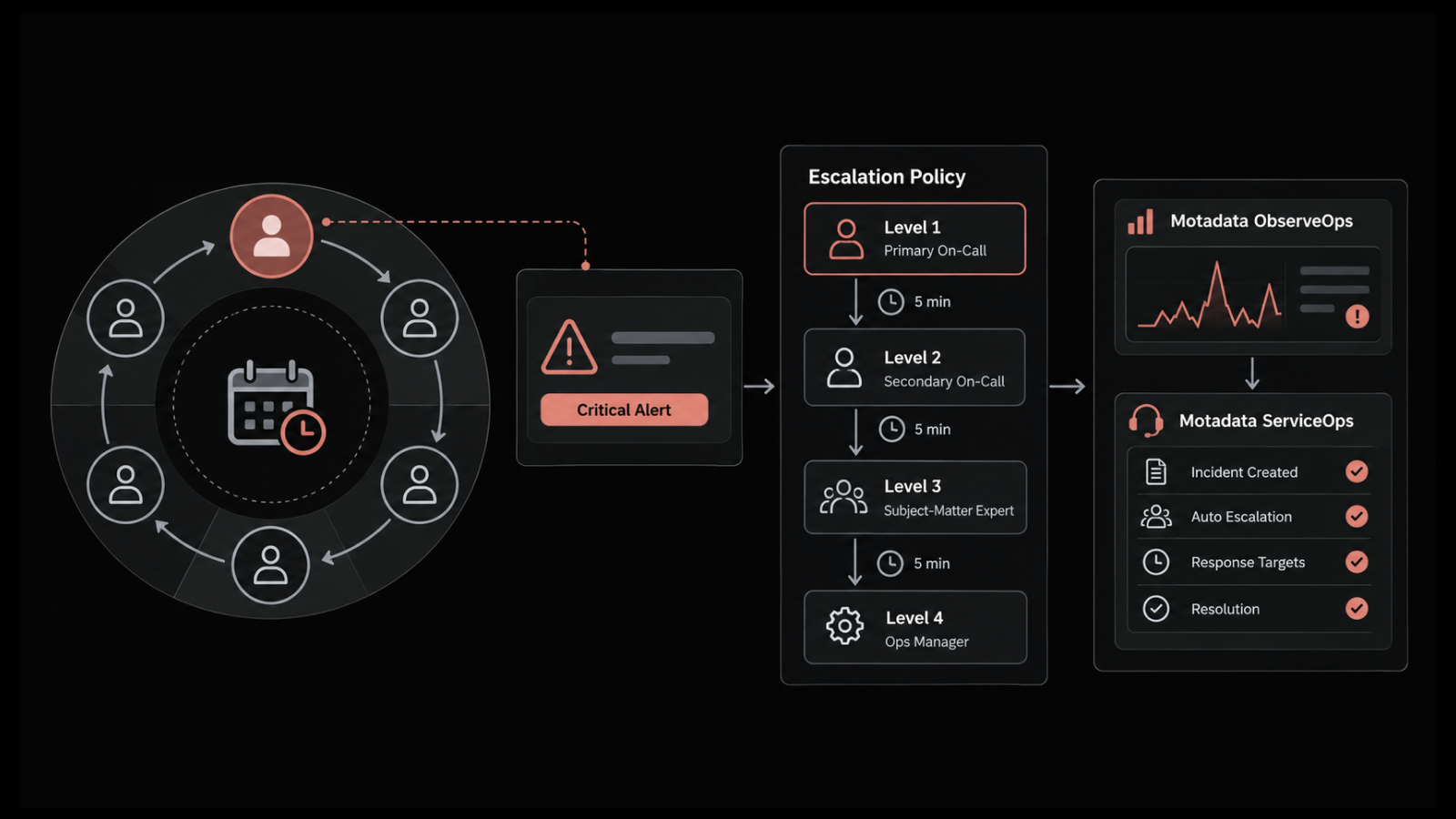
We built Motadata ServiceOps around the service desk. Patch management, package and registry deployment, and asset discovery all sit on the same platform as your tickets. So a missing patch becomes a ticket and an asset record on its own, with no second tool in the middle.
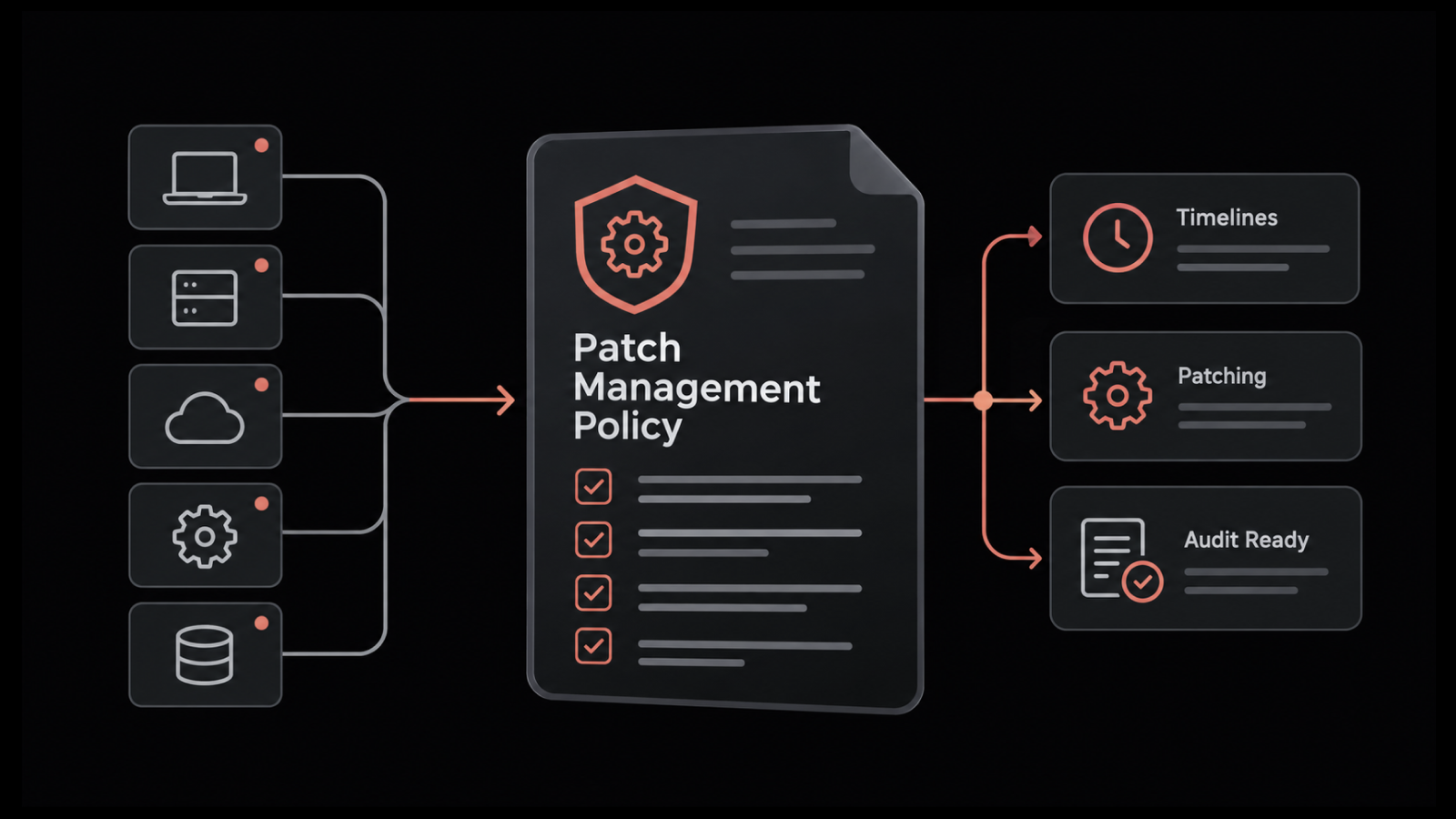
Patching covers Windows, macOS, and Linux. It finds missing OS and third-party updates for you. You can test on a small group first, hold changes for approval, then schedule the install for a maintenance window, with deferrals and forced reboots when you need them.
The asset side is what sets it apart from a plain patch tool. Both agent and agentless discovery feed one asset management database, track license use, and link each device to the service it supports. Compliance reports for PCI DSS, HIPAA, and SOX come built in.
Teams tell us the same thing we heard before building it. They were tired of running patching, assets, and ticketing as three separate tools. Customers like Nuvoco Vistas and Central Bank of India keep all of it on one platform, so the device record and its support history live together.
Pros
- Patch, software deployment, and asset management on one platform
- Runs on-premises, private cloud, or public cloud, useful for regulated industries
- Shared CMDB ties every device to a ticket and a business service
- Compliance reporting for PCI DSS, HIPAA, and SOX built in
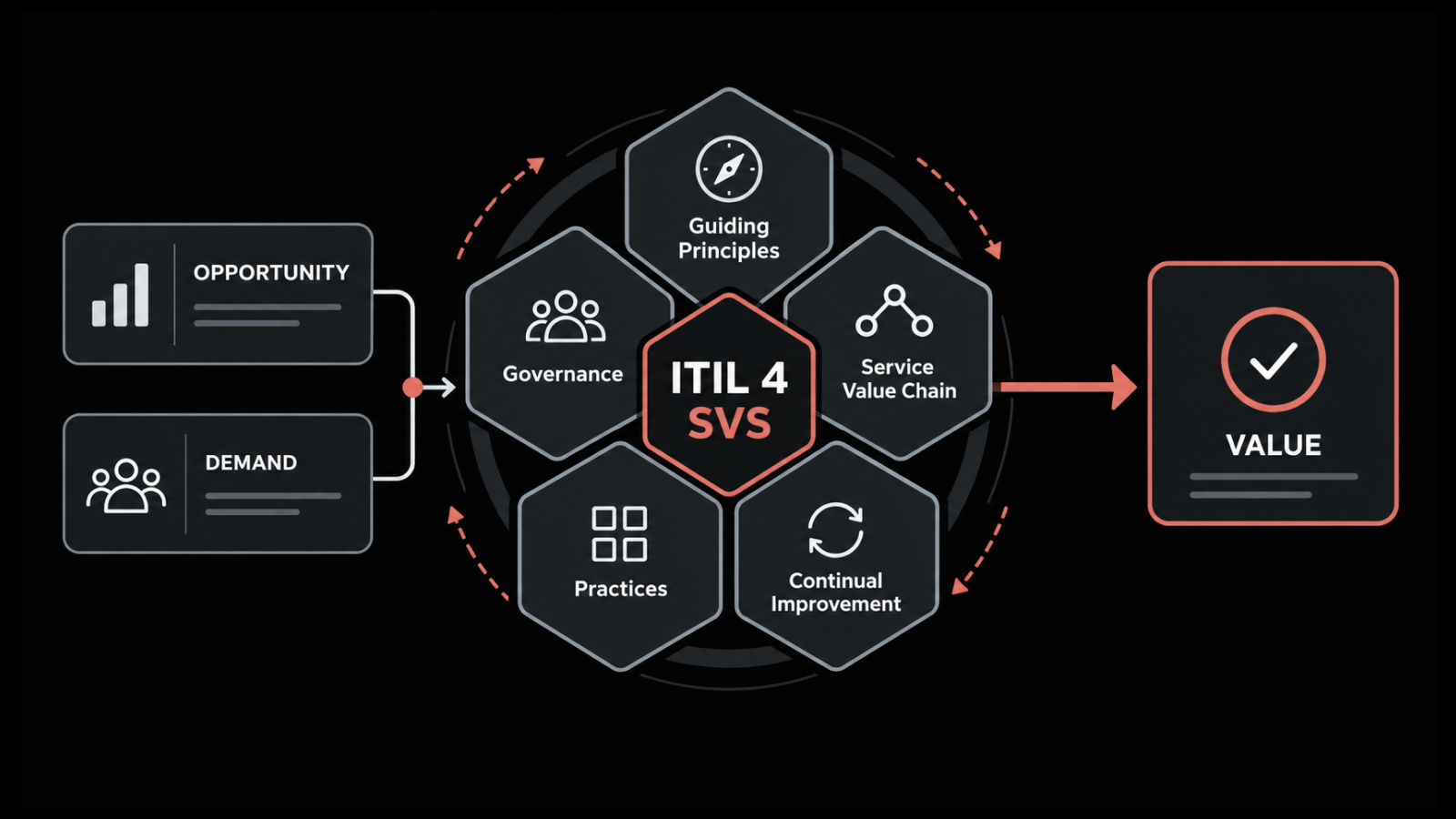
- ITIL 4 certified through PeopleCert ATV
Cons
- Focused on computers and servers, so teams whose main fleet is phones and tablets will want a dedicated MDM alongside it
- Built as a unified platform, so it rewards teams that use the service desk and CMDB together, not only standalone patching
- Like any capable platform, initial configuration takes a little setup to match your workflows
Pricing: Subscription based, licensed by module (service desk, asset management, and patch management) together or separately, billed monthly or annually, with a 30-day free trial. Custom pricing for enterprise deployments.
2. Microsoft Intune
Rating: 4.5 on G2
Best for: Organizations already on Microsoft 365 managing Windows and mobile from the cloud
If you pay for Microsoft 365, you might already own Intune. Plan 1 comes with E3, E5, and Business Premium. That makes it the easy choice for a Microsoft shop. It manages Windows, macOS, iOS, Android, and Linux from the cloud, with app management and security included.
The catch is the learning curve. Reviewers say the licensing gets confusing fast and the console takes time to learn. Intune also has no ticketing, so you'll still run a separate ITSM tool for support.
Pros
- Included in most Microsoft 365 enterprise licenses
- Cross-platform across Windows, macOS, Linux, iOS, and Android
- Deep integration with Entra ID and Defender
- Cloud-native, no on-premises servers to run
Cons
- Steep learning curve and confusing licensing tiers
- No built-in service desk or ticketing
- Advanced features sit behind the Intune Suite or higher M365 tiers
Pricing: Plan 1 lists at about $8 per user per month, or bundled free inside M365 E3, E5, and Business Premium. The Intune Suite adds around $10 per user per month. Annual commitment, free trial available. Confirm current rates, since Microsoft 365 pricing changes in mid-2026.
3. ManageEngine Endpoint Central
Rating: 4.5 on G2
Best for: Mid-to-large IT teams wanting broad UEM in one console
This one does a lot from a single console. Patching for the OS and third-party apps, software deployment, remote control, mobile device management, and endpoint security, all in one place. Teams swapping out four or five separate tools tend to land here.
It runs on-premises or as SaaS, and covers Windows, macOS, Linux, and mobile. The usual complaints are a busy interface and a setup that takes time. Security modules and extra servers cost more, so the starting price isn't where you'll end up.
Pros
- Very broad feature set, patch to MDM to security, in one console
- On-premises or cloud deployment
- Strong automated patching for OS and third-party apps
- Competitive value for mid-to-large fleets
Cons
- Setup and learning curve take time
- Interface can feel dense
- Security add-ons and servers are billed on top of base editions
Pricing: On-premises Professional edition starts around $795 per year for 50 endpoints; cloud starts around $1,045 per year for 50 endpoints, across Professional, Enterprise, UEM, and Security editions. 30-day free trial. Confirm current pricing.
4. NinjaOne
Rating: 4.7 on G2
Best for: MSPs and IT teams managing roughly 200 to 5,000 endpoints
Ask an MSP which tool they actually like using, and NinjaOne comes up a lot. It's a cloud RMM with a clean interface and quick patching. It covers Windows, macOS, and Linux, with remote control and a deep automation library. You pay per endpoint, with no per-technician fee, which most MSPs prefer.
The friction is in buying it. There's no public price list, billing is annual only, and there's a 50-endpoint minimum. Ticketing and reporting also trail the core RMM.
Pros
- Clean, modern interface with a low learning curve
- Fast cross-OS patch management and deep automation
- Per-endpoint pricing with no per-technician cost
- Highly rated support
Cons
- No public rate card, quotes require a sales conversation
- Annual-only billing and a 50-endpoint minimum
- Ticketing and custom reporting trail the rest of the platform
Pricing: Per endpoint, roughly $1.50 to $3.75 per device per month depending on volume, billed annually. 14-day free trial with free onboarding. Confirm current pricing.
5. HCL BigFix
Rating: 4.5 on Gartner Peer Insights
Best for: Large, mixed-OS enterprises that need patch at massive scale
BigFix is built for size. One agent and a relay setup let teams patch huge, spread-out estates fast, across nearly 100 OS types, from Windows and Linux to macOS and old Unix. If your setup is large and the OS mix is messy, few tools reach as far.
The price is complexity. BigFix runs on its own scripting language, and reviewers describe onboarding and daily admin that need skilled people. Getting clean reports out usually takes extra work.
Pros
- Patch and remediate at enterprise scale, fast
- Single-agent architecture across nearly 100 OS variants
- Very large library of prebuilt automations
- On-premises, hybrid, or cloud
Cons
- Proprietary scripting language, steep learning curve
- Dense administration that needs skilled operators
- Reporting can require extra setup
Pricing: Subscription per endpoint, quote based, with enterprise agreements for larger fleets. Contact the vendor for current pricing.
6. Ivanti Neurons for UEM
Rating: 4.2 on Gartner Peer Insights
Best for: Enterprises wanting AI-driven, risk-based patching and self-healing automation
Ivanti Neurons leans hard on automation. It manages desktops, laptops, mobile, and IoT, and runs self-healing routines that fix some issues before anyone files a ticket. Its Patch Intelligence feature ranks updates by real risk, not just severity score, so you patch the dangerous stuff first. It also plugs into ITSM tools for automated workflows.
The trade-offs are money and skill. Reviewers call it a premium tool that pays off if you have the people to set it up right, and less so if you don't.
Pros
- AI-driven automation and self-healing
- Risk-based patch prioritization
- Broad device coverage including mobile and IoT
- Integrates with ITSM for incident automation
Cons
- Premium pricing
- Implementation needs expertise
- Heavier than lean IT teams may need
Pricing: Custom, enterprise quote. Contact the vendor for current pricing.
7. Tanium
Rating: 4.4 on G2
Best for: Large enterprises needing real-time endpoint visibility and security at scale
Tanium is fast. Its setup lets teams query millions of endpoints and act in seconds, which is why security teams like it. One platform pulls together endpoint management, patching, vulnerability management, asset discovery, and incident response. When you need visibility right now, little else keeps up.
The downside is what you'd expect. It's a big investment, and it's more than most mid-market teams want to buy or run.
Pros
- Real-time visibility and action across huge fleets
- Unifies endpoint management and security
- Strong automation and API depth
- Built for enterprise scale
Cons
- Enterprise pricing
- Complex to deploy and run
- Overkill for smaller teams
Pricing: Custom, enterprise quote. Contact the vendor for current pricing.
8. Atera
Rating: 4.6 on G2
Best for: Small MSPs and lean IT teams that want per-technician pricing
Atera's pricing is why people try it. You pay per technician and manage unlimited devices, which works out cheaper when a few techs cover a lot of machines. It bundles remote monitoring, patching, ticketing, and AI help into one cloud tool.
The trade-off is depth. Atera keeps things simple, so if you want detailed scripting or fine-tuned monitoring, it can feel light next to NinjaOne or ManageEngine.
Pros
- Per-technician pricing with unlimited devices
- RMM and PSA in one platform
- Fast setup and gentle learning curve
- Built-in AI for triage and automation
Cons
- Less granular control and customization
- Reporting depth trails heavier platforms
- Best suited to smaller environments
Pricing: Per technician, from around $149 per technician per month billed annually, with unlimited devices. Free trial available. Confirm current pricing.
9. Action1
Rating: 4.9 on G2
Best for: Remote-first teams that want cloud-native patching, free under 200 endpoints
Action1 does one thing well: it patches. OS and third-party updates, vulnerability fixes, and reporting, all in the cloud, and it reaches remote machines without a VPN. Peer-to-peer distribution speeds up rollouts and saves bandwidth. The first 200 endpoints are free with full features, so it's a real starting point for small teams and an easy test for bigger ones.
The limit is scope. Action1 sticks to patching, so it's narrower than a full UEM and doesn't handle mobile.
Pros
- Free for the first 200 endpoints, full features
- Fast, VPN-free patching for remote machines
- Cloud-native and quick to deploy
- Cloud-native and quick to deploy
Cons
- Focused on patching, narrower than a full UEM
- No mobile device management
- Fewer service-side workflows
Pricing: Free for the first 200 endpoints, then per-endpoint pricing that scales down with volume. Confirm current pricing.
10. Scalefusion
Rating: 4.7 on G2
Best for: Mobile-first and mixed fleets, including rugged devices and kiosks
Scalefusion handles the devices other tools ignore. It manages Android, iOS, Windows, macOS, and Linux, and it's strong on rugged handhelds, kiosks, POS systems, and digital signage. Onboarding gets steady praise, Android and Apple especially, and add-ons bring machines and and endpoint security onto the same agent.
The soft spots are reporting and licensing. Some reviewers find the reports thin, and a few compliance features only show up in higher tiers.
Pros
- Strong across mobile, rugged, kiosk, and mixed fleets
- Simple onboarding, especially for Android and Apple
- Affordable entry point with no device minimum
- Zero-trust access and security add-ons on one agent
Cons
- Reporting depth could be stronger
- Some features gated to higher tiers
- Some features gated to higher tiers
Pricing: From around $2 per device per month on the entry tier, rising with plan and add-ons. Free trial with full access, no permanent free plan. Confirm current pricing.
A Quick Comparison of the Top Endpoint Management Software
Tool | Best for | Deployment | Starting price | Free trial |
Patch, asset, and service desk on one platform | On-prem or cloud | Modular subscription, quote | 30 days | |
Microsoft Intune | Microsoft 365 shops | Cloud | ~$8 per user/mo or bundled | Yes |
ManageEngine Endpoint Central | Broad UEM in one console | On-prem or cloud | ~$795 per year, 50 endpoints | 30 days |
NinjaOne | MSPs, 200 to 5,000 endpoints | Cloud | ~$1.50 to $3.75 per device/mo | 14 days |
HCL BigFix | Mixed-OS enterprise scale | On-prem or cloud | Quote | Yes |
Ivanti Neurons for UEM | AI-driven risk-based patching | Cloud | Quote | Yes |
Tanium | Real-time visibility at scale | On-prem or cloud | Quote | On request |
Atera | Small MSPs, per-tech pricing | Cloud | ~$149 per tech/mo | Yes |
Action1 | Cloud patching, free under 200 | Cloud | Free to 200 endpoints | Free tier |
Scalefusion | Mobile, rugged, and kiosk fleets | Cloud | ~$2 per device/mo | Yes |
Prices are public figures at the time of writing. Confirm current numbers on each vendor's site.
How to Choose the Right Endpoint Management Software
The right tool comes down to what you manage and how you work. A few questions get you there fast:
What are you managing? Windows and mobile in a Microsoft shop points to Intune. A big, mixed-OS setup points to BigFix or Tanium. Phones, rugged devices, and kiosks point to Scalefusion.
How does it fit your service desk? When patching and asset data sit apart from your tickets, that gap costs time on every incident. Tools that link endpoint work to the service desk and a shared CMDB close it.
Cloud or on-premises? Regulated teams often need on-premises or private cloud for data rules. Most cloud-only tools can't do that, so check early.
What's the real cost? Watch for per-technician versus per-endpoint pricing, security add-ons, and server costs. The starting price is rarely the final one, so map it to your real numbers.
How much admin can you handle? The big enterprise tools reward skilled teams and overwhelm small ones. Match the tool to the staff you have.
Pick the Best Endpoint Management Software for Your Team
The right endpoint management software depends on how your team works. How many devices you manage, which operating systems you run, and whether you need an on-premises option will each point you to a different tool here.
Whatever you pick, the goal is the same. Close the gap between spotting a problem and fixing it. That gap gets costly fast. More than 90% of mid-size and large enterprises put one hour of downtime at over $300,000. Keeping patching, asset data, and support in one place is how you shrink it, and it's why we built machines and the way we did.
FAQs
Can you run endpoint management software on-premises?
Yes. Cloud-first tools like Intune, NinjaOne, and Action1 are the default now, but regulated industries often need on-premises or private cloud for data residency. Motadata ServiceOps, ManageEngine Endpoint Central, and HCL BigFix all offer on-premises deployment, so check this early if compliance rules your environment.
Do you need endpoint management software if you already have a service desk?
Often yes, since a service desk tracks requests but doesn't patch or inventory devices on its own. The cleanest setups connect the two, so a missing patch becomes a ticket and an asset record automatically. Platforms like Motadata ServiceOps build both into one system, while standalone tools leave you integrating them yourself.
What is the difference between endpoint management and endpoint security?
Endpoint management handles the operational side: discovery, patching, software deployment, and configuration. Endpoint security focuses on detecting and responding to threats. The two overlap, and keeping devices patched through management is one of the strongest security controls you have.
Does endpoint management software cover mobile devices?
Some tools do, some don't. UEM and MDM platforms like Microsoft Intune and Scalefusion manage phones and tablets, while patch and asset focused tools such as Motadata ServiceOps and Action1 center on computers and servers. If your fleet is mobile-heavy, pair a computer-focused platform with a dedicated MDM.
How much does endpoint management software cost?
Entry points range from genuinely free (Action1 covers the first 200 endpoints) to a few dollars per device or around $149 per technician each month, with enterprise tools like BigFix and Tanium priced by quote. Motadata ServiceOps uses modular subscription pricing with a 30-day trial, so you can size it to the modules you actually need. At scale, the pricing model matters more than the sticker price.
How much does endpoint management software cost?
Entry points range from genuinely free (Action1 covers the first 200 endpoints) to a few dollars per device or around $149 per technician each month, with enterprise tools like BigFix and Tanium priced by quote. Motadata ServiceOps uses modular subscription pricing with a 30-day trial, so you can size it to the modules you actually need. At scale, the pricing model matters more than the sticker price.
Author
Poonam Lalani
Content Strategist
Poonam Lalani is a B2B content strategist and writer with a background in computer engineering and experience across enterprise technology domains, including AI, cloud, DevOps, data engineering, and IT operations. She specializes in creating research-driven content that simplifies complex ideas and supports product education, thought leadership, and business growth.